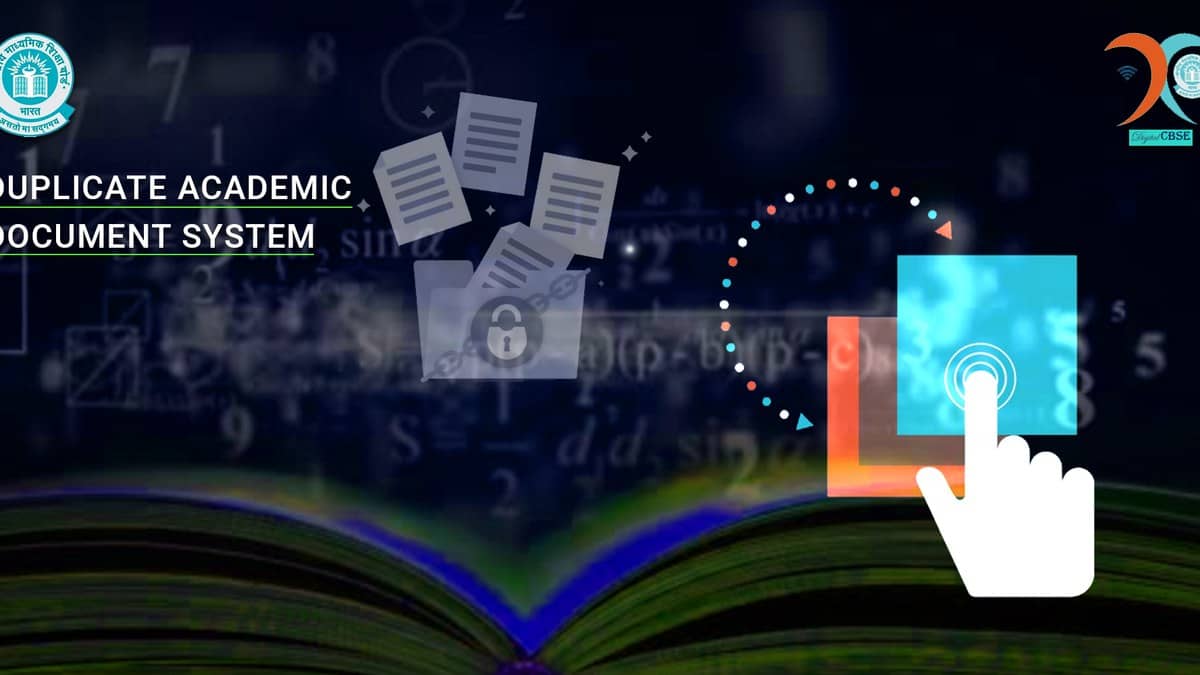
To apply online for a duplicate CBSE Class 10 or Class 12 marksheet, open the board’s Duplicate Academic Document System, known as DADS, and choose Printed Document. The current service is at dads.cbseit.in, linked from CBSE’s own website. Students who need a digital academic document can instead follow the portal’s Digital Document option to CBSE’s academic repository and DigiLocker.
Choose the route according to the document you need. DADS covers marksheets, migration certificates and pass certificates. A request for a printed replacement and access to an existing digital certificate are different services, even though the same landing page directs students to both.
| What you need | Official option |
|---|---|
| Printed duplicate academic document | Printed Document |
| Digital certificate | Digital Document |
| Progress of an existing request | Track Application |
| Lost application number | Forget Application Id |
How to apply for a CBSE duplicate marksheet online
Start at the official CBSE homepage and select Duplicate Academic Document System. Its current link opens the DADS welcome page. Select Continue to reach the document-service menu, then select Printed Document for a Class 10 or Class 12 certificate.
The public application form asks you to select Class 10th or 12th, enter the candidate’s roll number and choose the passing year. It also asks for the candidate’s name and father’s name as recorded on the document, an email address and the displayed captcha. Keep these details ready before beginning, especially if you passed several years ago.
Copy names from the academic record carefully. The form specifically asks for names as they appear on the document. Ordering a duplicate should not be treated as a way to enter a new spelling and obtain a corrected certificate. CBSE lists correction of particulars separately on its website.
The steps above describe the public form that was checked. Any subsequent verification or payment instructions should be followed on the official portal. Keep the application reference and payment acknowledgement once issued, because the tracking service requires an application number.
What fee does the DADS page show?
The printed-document tile displays three fee bands: Rs 250 for up to five years, Rs 500 for more than five and up to ten years, and Rs 1,000 for more than ten and up to twenty years. These are the published bands on the service menu, not a promise of the final amount for every document or request.
The same page has a separate printed-document option for CTET. Use the Class 10 or Class 12 route for a school marksheet. For an older record or a charge not covered by the displayed bands, check the amount shown for your actual application instead of assuming that the nearest listed fee applies.
How to track the application or recover its number
Choose Track Application on the DADS menu. The public tracking form asks for the application number, registered email ID and captcha. This means the email used for the application matters after submission too.
If the application number is missing, the Forget Application Id form asks for the roll number, passing year, candidate name, mobile number and captcha. Use this recovery route before starting another request simply because you cannot locate the reference.
Can you get a digital CBSE marksheet instead?
CBSE’s academic repository says students can obtain digital marksheets, pass certificates and migration certificates through DigiLocker. Check which document the receiving institution requires before ordering a printed replacement. The repository also provides a separate verification service for employers and educational institutions.
For related academic-document questions, read our guides to CTET certificate validity and older documents, CBSE private-candidate forms and checking student details in the CBSE LOC.
Portal fields and displayed fee bands checked on 27 October 2026, 22:10 IST.