NEW DELHI: Google lists automatic ChromeOS updates until June 2032 for the ASUS Chromebook Plus CX34 models CX3402CBA and CX3402CVA. Owners can also read the last-update schedule on the laptop itself. The date belongs to the device platform's support timetable, so it should not be calculated by adding a fresh decade to the purchase date.
| Item | Official detail |
|---|---|
| CX3402CBA | Automatic updates until June 2032 |
| CX3402CVA | Automatic updates until June 2032 |
| Read the device schedule | Settings, About ChromeOS, Additional details, Update schedule |
| Check for a new version | Settings, About ChromeOS, Check for updates |
| Finish installation | Restart when prompted |
Match the model code before using the date
The CX34 name is a starting point, but Google's policy table identifies separate hardware codes. Match the complete code in the equipment paperwork with the relevant Google entry. The company lists both codes above under Chromebook Plus CX34, giving a precise reference for this support check.
Google describes a platform as the set of components selected for a device. Its policy provides updates for ten years from the platform release date. That distinction matters when a laptop has spent time in inventory or has moved between family members: the timetable is attached to the platform, rather than the latest handover.
For an Indian school considering continued use of an existing group of CX34 machines, the useful inventory entry is therefore the full hardware code beside the update date. Keep the invoice separately for purchase and warranty records. These records answer different administrative questions and should not be substituted for one another.
Read the support date on your own Chromebook
Select the time at the bottom right of the screen and open Settings. Choose About ChromeOS, then Additional details. Google's instructions place the final scheduled update information under Update schedule. Record what that screen says for the device in front of you.
This check is especially useful when family members refer to every laptop by its colour or brand. A support date copied from another Chromebook may belong to different hardware. Keep a screenshot or written record with the exact device identity so a later maintenance check starts from the correct machine.
Google also distinguishes a manufacturer's end-of-sale date from eligibility for updates. A product page disappearing from a shop does not, by itself, establish the end of its software support. Equally, continued sale does not reset the platform's published update timetable.
Install the update and complete the restart
For a manual check, connect to Wi-Fi and open About ChromeOS in Settings. Select Check for updates. If an update is available, the Chromebook downloads it. When the update notification appears, choose Restart to complete installation. Google's guide recommends connecting power to help prevent interruptions.
A household using a phone hotspot should pay attention to the download prompt. Google says a Chromebook using mobile data can show the amount needed for an update and let the user continue or stop. Plan that download around the available connection, rather than discovering it immediately before an online class.
Managed school and work devices can follow an administrator's update arrangements. Google's guidance directs users who cannot update such devices to their administrator. Record the message displayed and the current version when raising the issue through the institution's normal process.
Put the CX34 hardware in context
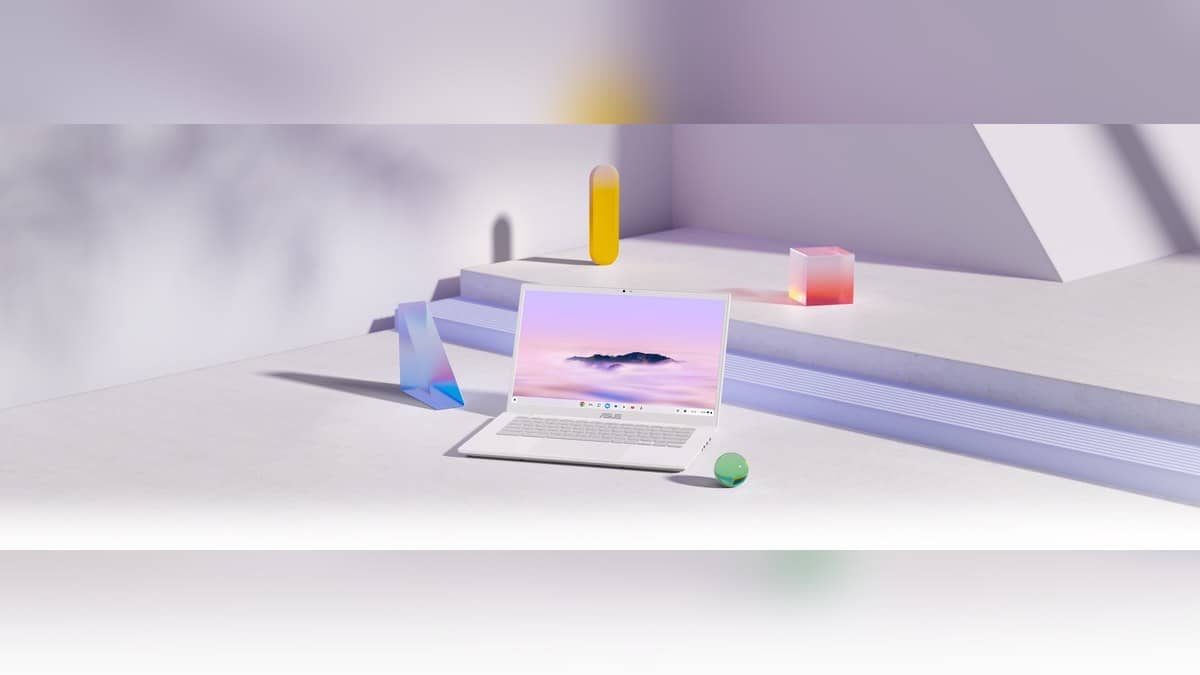
ASUS describes the CX34 with a lay-flat 180-degree hinge, a Full HD webcam with a retractable privacy cover and full-function USB-C connections. Its global range page lists configurations up to 16GB memory, with up to 512GB SSD or up to 256GB UFS storage. Exact specifications vary by configuration and market.
Those details suit a shared-document and video-call workflow, but they do not replace the update check. A classroom might still find the hinge and camera useful while needing to plan its software maintenance separately. Treat the product specification and support schedule as complementary parts of the same equipment record.
After the final software update, Google says ChromeOS and browser updates stop, including security improvements and bug fixes, and some app support or existing features may be affected. The published date gives an institution a point for planning, rather than a promise about every future app.
For related upkeep, read the desk's Laptop and tablet price guide. Hardware and service context is available in the CERT-In flags Windows and Chrome flaws: the updates to check and ASUS faulty laptop returns: 7 working days and the DOA process.
Official sources: Google model support table, device update schedule, ChromeOS update steps and ASUS CX34 specifications.