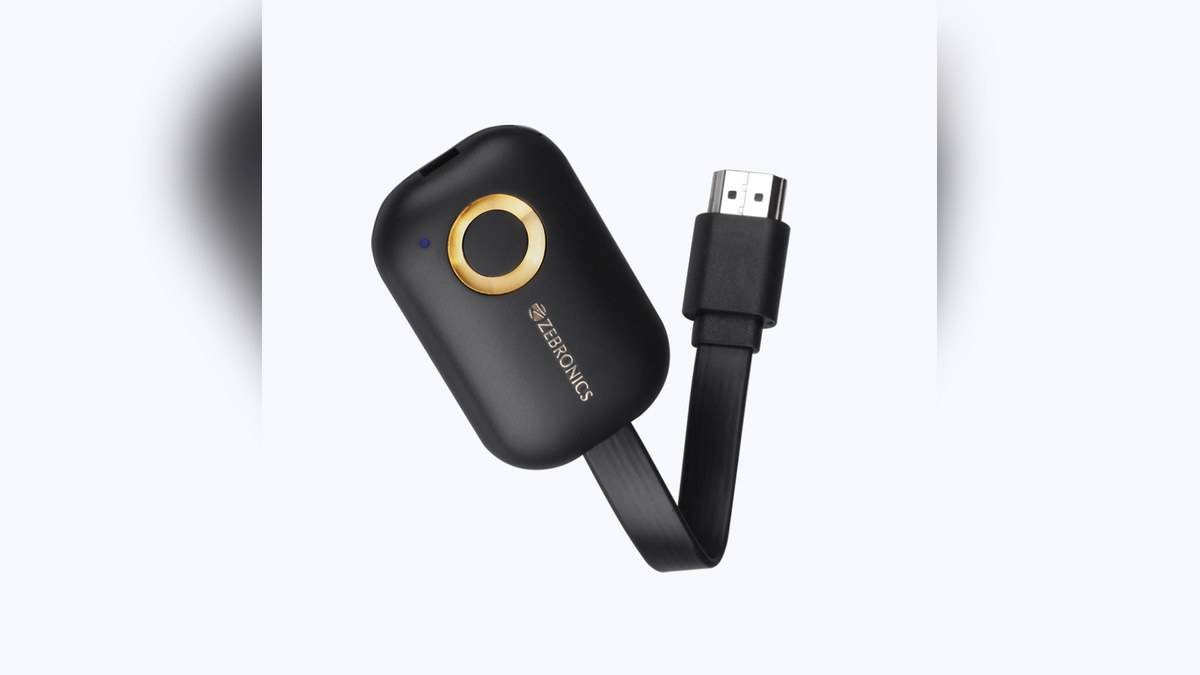

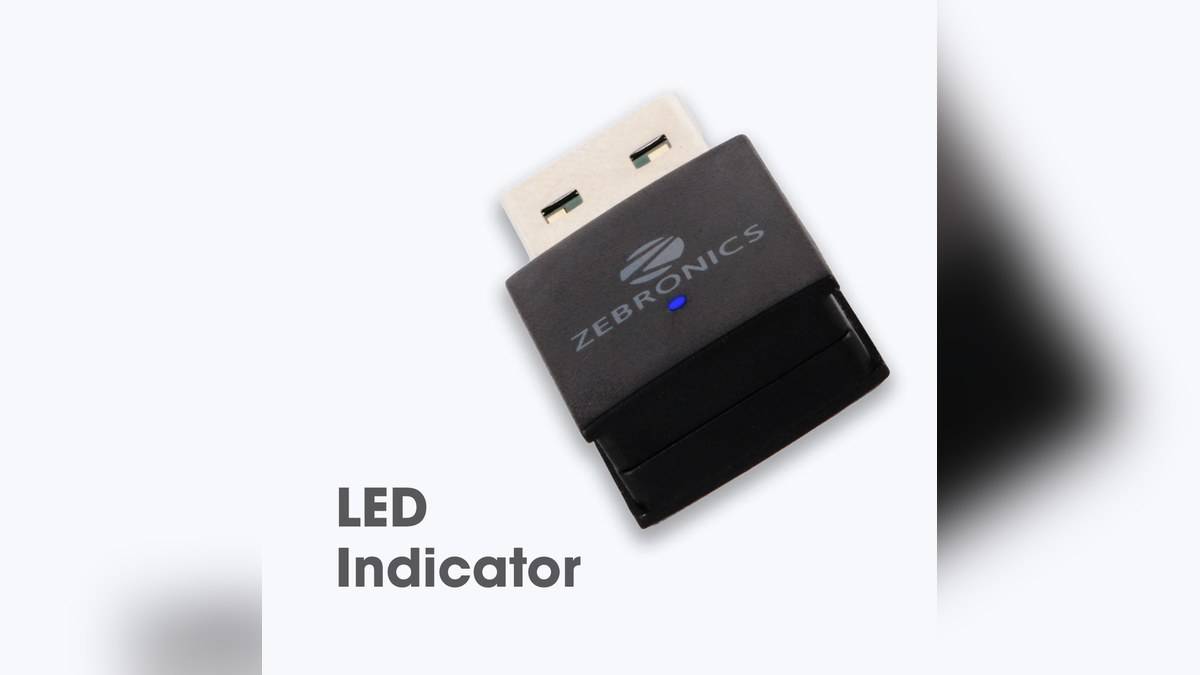
NEW DELHI: Zebronics lists the USB150WFBT at Rs 999, including tax, as a USB adapter combining 150Mbps Wi-Fi with Bluetooth 4.0. Its specification table lists 2.4GHz Wi-Fi and Windows 7 and above or Linux support. The useful home setup starts by checking the computer and router, then testing networking and Bluetooth separately.
| Item | Official listing |
|---|---|
| Model | Zeb USB150WFBT |
| Price | Rs 999, tax included |
| Wi-Fi rating | 150Mbps |
| Wi-Fi frequency | 2.4GHz |
| Bluetooth | Version 4.0, rated 3Mbps |
| Listed operating systems | Windows 7 and above, Linux |
| Size and weight | 16 x 32.5 x 8 mm; 3g |
Price as of 27 November 2026, 23:54 IST. According to Zebronics' official product page, this is a combined Wi-Fi and Bluetooth dongle, supplied with a driver CD. The page presents a single model listing. No separate memory, storage or speed variant is offered in the readable product information.
Check the computer before changing the network
The model's appeal is the combination of two wireless functions in a small adapter. For a desktop that needs both network access and a wireless audio connection, that deserves a different assessment from a Wi-Fi-only replacement. Write down which function is missing or faulty before installing anything, so a successful Bluetooth pairing is not mistaken for a repaired internet connection.
The specification table's operating-system entry does not include macOS. Do not infer compatibility from a USB connector or from another Zebronics dongle's page. For Windows or Linux, confirm the exact system version and available driver support first. A broad catalogue description is less useful than a working demonstration on the computer that will use the adapter.
Zebronics' public support site provides a searchable drivers and downloads section. Use the full USB150WFBT model name when checking that route. If the result is for a similarly named Wi-Fi-only dongle, do not treat it as proof that the same package applies to this combined adapter. Keep a note of the installer version used for the successful setup.
Join Wi-Fi, then check ordinary use
The published frequency entry is 2.4GHz. Check that the home router provides a network on that band. A router's newer branding alone does not tell the user which network name to choose. If the household has separate network names, ask whoever manages the router to identify the appropriate one before changing its settings.
Microsoft's official Windows 11 instructions say to open quick settings from the Network, Sound or Battery area, select Manage Wi-Fi connections, choose the network and select Connect. Enter the network password when prompted. These are Windows connection steps after a usable adapter is available; they are not a guarantee that every USB dongle will install automatically.
Our suggested acceptance check is deliberately practical: open the services normally used at that desk, try a sustained session and reconnect after restarting the computer. Record any failure by task and location. The adapter's advertised wireless rate should not be treated as a promised broadband speed or a substitute for testing the home connection.
Pair Bluetooth as a separate task
Zebronics lists A2DP, AVRCP, HFP and HSP Bluetooth profiles and a range claim of 10 metres without obstacles. That last condition matters in a furnished home. Test the intended headset, speaker or other compatible accessory from its ordinary position, rather than accepting a nearby pairing demonstration as evidence of performance throughout the room.
For Windows 11, Microsoft's pairing guide says to switch Bluetooth on, make the accessory discoverable, open the Bluetooth control in quick settings and select the accessory under New devices. Follow any further prompts and finish with Done. The accessory's own instructions determine how to make it discoverable.
Try the actual use case after pairing. Someone who wants meeting audio should test a call, while someone connecting speakers should check playback. If Wi-Fi works but Bluetooth does not, retain that distinction in the fault report. It is more informative than saying that the adapter is entirely broken.
Compare functions and preserve the setup record
Zebronics also lists the USB300WF as a Wi-Fi adapter and USB100BT as a Bluetooth adapter. They are alternative approaches when only one function is required, rather than variants of USB150WFBT. Our Zeb USB300WF price: Rs 999 for USB Wi-Fi connectivity, Zeb NETWIZ300A guide: Rs 3,199, 300Mbps and three network modes and Zeb 24PG2UG2UF 300 vs 16PG2UG1UF 300 price: 16PG starts lower at Rs 14,999 offer related home-network reading.
Zebronics' warranty table lists one year for USB Wi-Fi dongles. Retain the invoice and exact product identity. For this combined model, the most useful record is a brief account of the computer, driver and accessories that worked together. That makes a later support request specific without promising compatibility beyond the official listing.
Official sources: USB150WFBT, Zebronics downloads, Microsoft Wi-Fi instructions, Microsoft Bluetooth instructions and warranty policy.