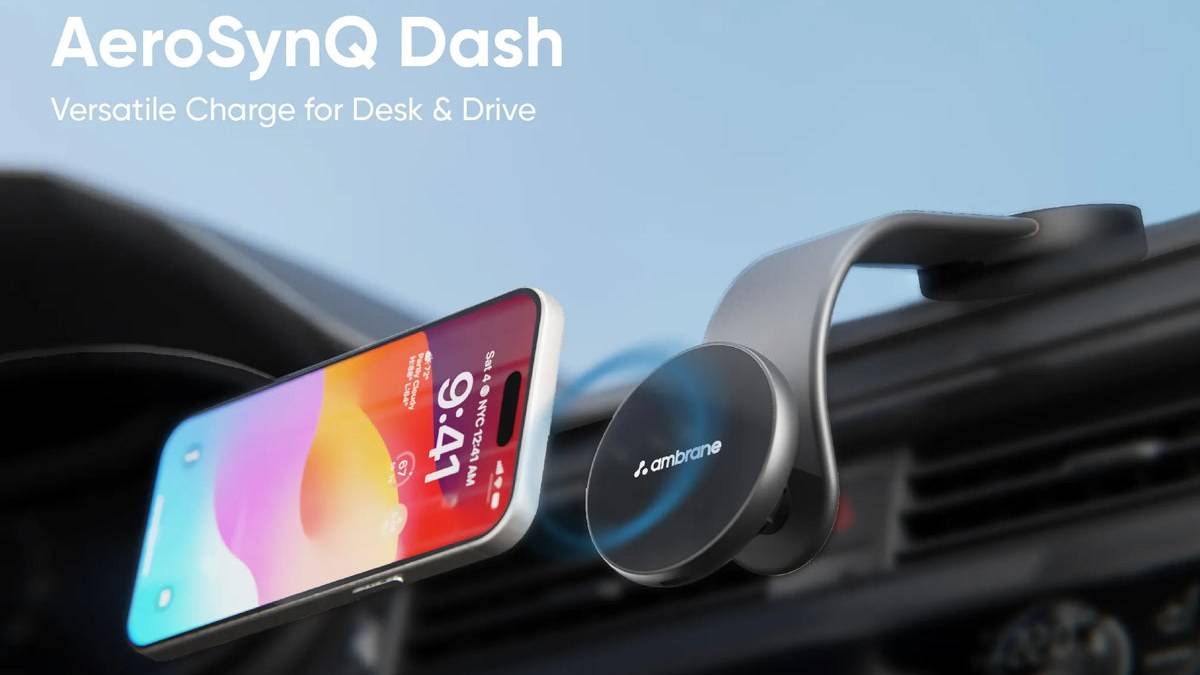

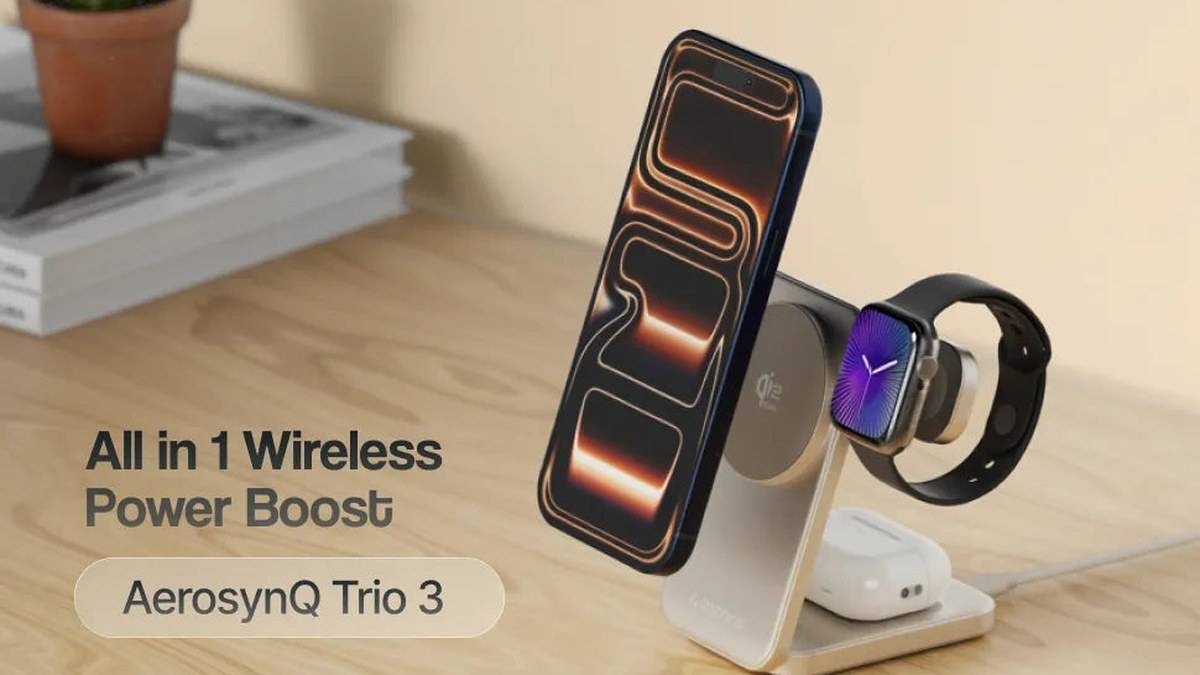
NEW DELHI: Ambrane's AerosynQ Trio 3 page lists Rs 3,099 including taxes with Blue selected. The foldable wireless station has separate places for a phone, earbuds and an Apple Watch, making device compatibility the first check before spending on its tidier charging arrangement. Price as of 27 November 2026, 23:58 IST.
| Item | Verified listing detail |
|---|---|
| Blue selected | Rs 3,099 |
| Other colour option | Titanium; separate price not established |
| Phone output | 25W maximum |
| Earbuds output | 5W maximum |
| Watch output | 2.5W maximum |
| Total output | 32.5W maximum |
| Input | 45W Type-C |
Read the colour selector without inventing a price range
Ambrane's official product page exposes Blue and Titanium options. The fetched page, including the opened variant link, continues to identify Blue as the selected colour. That establishes the displayed price for the selected listing, but it does not establish an independently verified Titanium price. There is no basis here for a price range across finishes.
Before placing an order, check that the basket names the intended finish and model. Trio 3 is the name to match. A photograph of another Trio generation is not enough to establish that the charging specification is identical. The generation suffix matters when a charger stays on a desk for several phone replacements.
Check the three devices separately
For an Apple household, the relevant question is whether each device can use its assigned charging surface. A phone that works on the magnetic pad does not establish that every watch or earbuds case will work elsewhere on the station. Check the precise phone, watch and charging-case models against their own charging requirements.
The phone surface's ceiling is not a promise for every compatible handset. Ambrane describes Qi2.2 support, while its compatibility text also refers to earlier iPhones and Qi-enabled devices. Treat broad compatibility and maximum power as separate claims. A device may work on the pad without taking the fastest advertised charging rate.
The watch provision deserves particular attention. This is useful as a complete arrangement only if the devices you own can use the different surfaces. Someone with a phone and a watch from another ecosystem should establish watch support first, rather than paying for an Apple Watch position they cannot use.
Plan the power connection and desk position
The input specification is the requirement on the supply side. Check the wall adapter's documented output, along with the cable arrangement, before expecting the station to run as advertised. The opened page does not clearly establish an included wall adapter, so its presence should be confirmed in the order contents.
Ambrane describes a braided cable of 1.2 metres. Use that length when deciding where the station could sit relative to a socket. A neat-looking charging stand is less helpful if its cable has to cross a walkway or stretches tightly behind the desk. Positioning should be settled before devices become part of the arrangement.
The foldable body and portrait or landscape phone positioning give this model a different role from a flat charging puck. It can become the place where a phone is visible during a desk session, then fold away when the desk is cleared. That is the clearest reason to consider its design beyond the headline charging rating.
The output table also explains why the phone rating should not be applied to every position on the station. The watch and earbuds surfaces have their own limits. For a mixed-device household, keeping those roles clear avoids interpreting the station's combined maximum as the charging rate of an individual accessory.
Compare charging formats, then consider the cost
For someone charging only a phone, the extra device positions may remain unused. Our existing AerosynQ 4 guide covers a simpler wireless format. Readers who mainly need power away from a socket can instead examine our AerosynQ Snap 2 guide. A station and a battery pack solve different daily problems.
A wired multiport charger is another competing arrangement if the household already owns suitable cables. It may accommodate a different mix of devices, but it will not automatically provide the same physical resting places. Our RAAP HUB 75 desk guide explains that format. Compare the whole desk arrangement rather than a wattage label alone.
Preserve the delivery record
The product page shows a six-month warranty and directs buyers to Ambrane's replacement policy. Keep the invoice, packaging details and an unboxing video together. If a charging surface appears faulty, record which device and power source were used so that support can distinguish a compatibility problem from a product defect.
Ambrane's policy requests supporting documentation for warranty repair. Its wording makes clear why a brief demonstration of the problem is more useful than a general complaint that wireless charging feels slow. Establish the correct input and supported device first, then describe any failure accurately when following the company's claim instructions.
Official sources: AerosynQ Trio 3 specifications and price and Ambrane cancellation and replacement terms.