
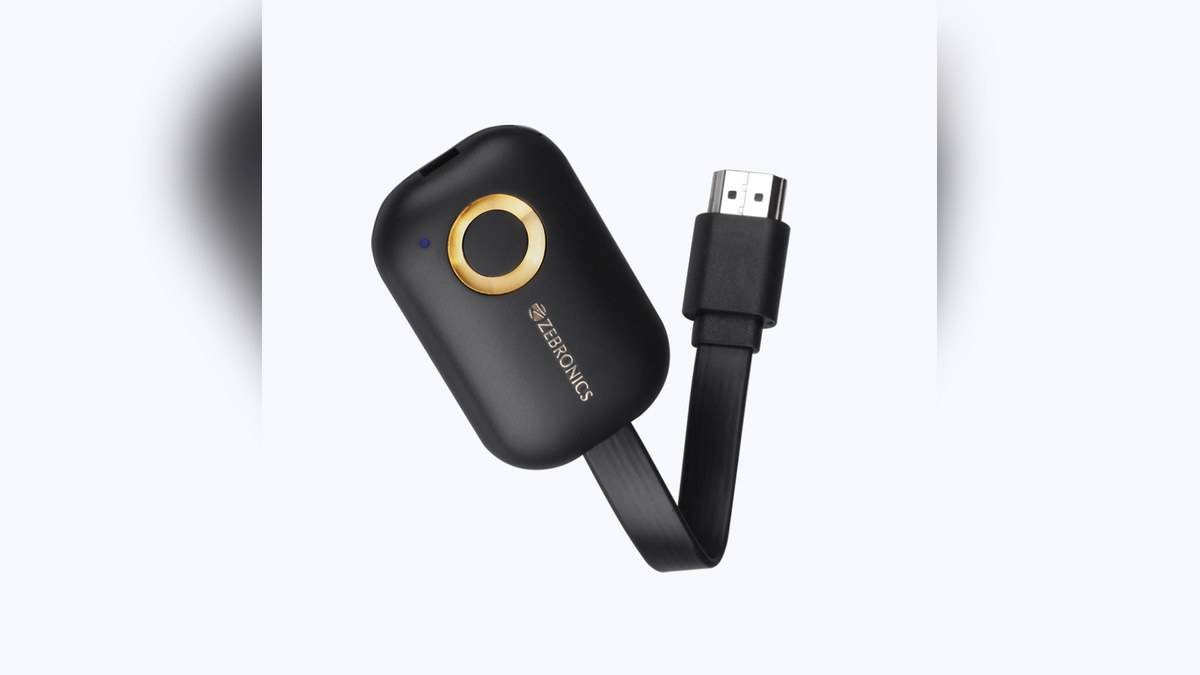
NEW DELHI: Zebronics lists the CAST4K500 wireless HDMI dongle at Rs 3,999, including tax, with video output up to 4K and support for Miracast, AirPlay and DLNA mirroring. It is a way to send compatible content from a phone, tablet or computer to a television or projector. Check the sending device and the intended app before treating the output specification as a complete entertainment upgrade.
| Item | Official specification |
|---|---|
| Model and price | Zeb CAST4K500, Rs 3,999 |
| HDMI output | Up to 4K; HDMI 1.4 |
| Listed resolutions | 1280 x 720p, 1920 x 1080p, 3840 x 2160p |
| Wireless standards | IEEE 802.11 b/g/n |
| Power input | DC 5V 1A |
| Sharing methods | Miracast, AirPlay and DLNA |
| Package | Dongle, USB cable with Wi-Fi module, user manual |
Price as of 27 November 2026, 23:54 IST. Zebronics' official page supplies these figures and lists HEVC decoding. It presents a single CAST4K500 model, not a choice of storage variants. The setup guidance below combines those specifications with Microsoft's and Apple's public instructions for their respective sharing methods.
First identify what the household wants to share
The practical starting point is a specific task: showing holiday photos, putting a presentation on a larger screen or playing a video from a compatible device. A household that begins with that task can test success directly. Merely seeing a phone's home screen on the TV does not establish that every intended video service will work.
Apple explicitly notes that some video apps may not support AirPlay. That is a reason to try the actual app and content before relying on a general mirroring claim. Similarly, the Zebronics page does not establish a native television app store or certify every subscription service. Ask for the function required, rather than assuming all HDMI dongles offer the same experience.
Connect the display and check the power requirement
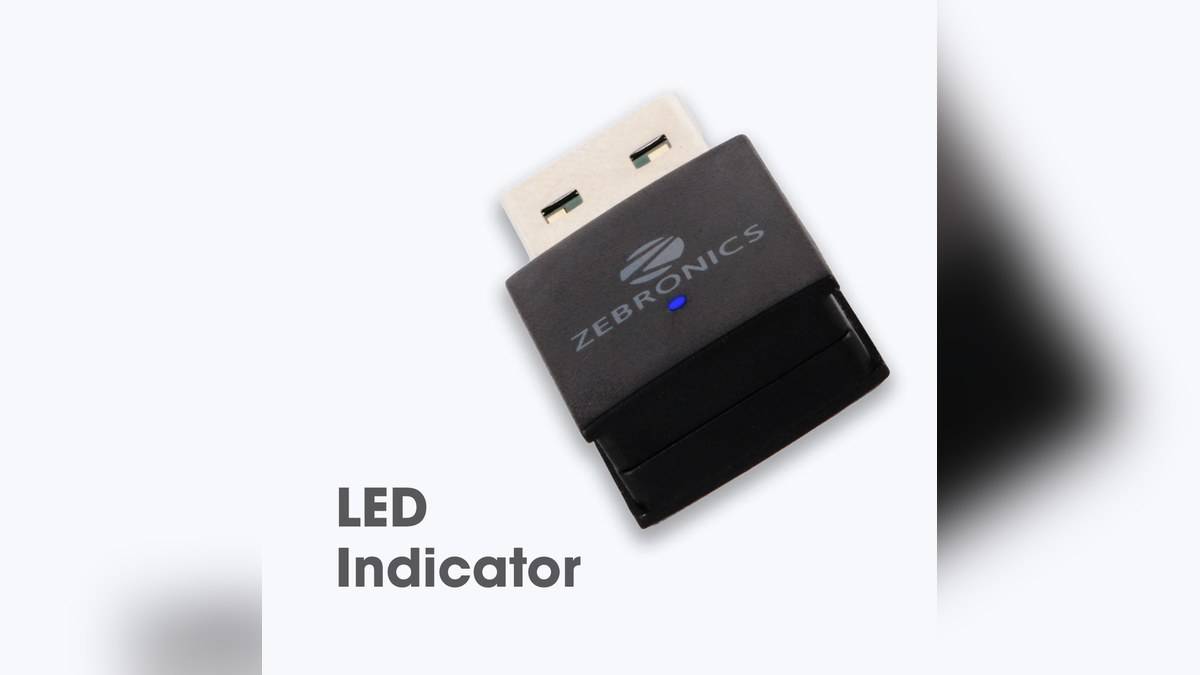
The product's published power requirement is DC 5V 1A. Check the proposed power source against that requirement, especially when the plan is to use a television's USB socket. The package lists a USB cable with Wi-Fi module; it does not list a separate wall power adapter. Confirm the complete arrangement before fixing the dongle behind a wall-mounted screen.
Our suggested handover check is to select the intended HDMI input and establish a stable basic picture before testing wireless sharing. Keep the cable and Wi-Fi module positioned according to the supplied instructions. If the setup fails, record whether there was no display at all or whether the display worked but the sending device could not find it.
The up-to-4K output entry also needs careful reading. Zebronics lists resolutions, but does not publish a frame-rate figure on the product page. Do not turn that into an unsupported promise about high-frame-rate playback. A display's resolution setting and the quality of the content being sent are separate things to check.
Use the sharing controls for the sending device
For a compatible Windows 11 computer and Miracast display, Microsoft says to turn on the television or projector, ensure the dongle is connected, press the Windows key plus K and choose the display. Follow any additional prompts. Those are the Windows discovery steps; they do not replace the receiver's own initial configuration instructions.
Microsoft also describes Windows key plus P for choosing the display mode. Duplicate shows the same content on the screens, while Extend spreads the desktop across them. For a family photo session, a mirrored view may be easier to operate. For a presentation, choose the mode deliberately and check what the audience can actually see.
Apple's general AirPlay guidance starts with compatible receiving equipment on the same Wi-Fi network. To mirror an iPhone or iPad, open Control Centre, choose Screen Mirroring and select the receiver; enter an onscreen passcode if requested. Follow the CAST4K500 instructions to configure its receiving mode first. Apple's general guide is not a model-specific compatibility endorsement.
Compare the alternative before deciding on resolution
Zebronics' CAST101 page lists an alternative wireless HDMI dongle at Rs 2,199, with output up to 1080p and the same named mirroring methods. It is a separate model. The comparison is useful when the home display or the intended task does not require the CAST4K500's higher listed output resolution.
For other television connection workflows, readers can consult our Zeb NETWIZ300A guide: Rs 3,199, 300Mbps and three network modes, Zeb 24PG2UG2UF 300 vs 16PG2UG1UF 300 price: 16PG starts lower at Rs 14,999 and Zeb 36CHV2S8TA8M price: Rs 26,999 for a larger IP CCTV system. Use them to identify the right kind of setup, rather than assuming that a streaming stick and a mirroring receiver have identical functions.
Zebronics' policy lists one year for ZEBCAST products. Keep the invoice and note the sending device, app and sharing mode used in a successful test. The useful outcome at Rs 3,999 is a repeatable connection for the household's own content, with picture and sound checked together.
Official sources: CAST4K500, CAST101, Microsoft projection guide, Apple AirPlay guide and Zebronics warranty policy.