
Primebook 3 Max is rated for up to 12 hours of battery life in the company's 1080p video playback test at 80% brightness, CEO and co-founder Chitranshu Mahant says. He estimates that hardware contributes about 80% of Primebook's battery performance and software optimisation about 20%. These are the company's assessments, rather than findings from an independent test.
In written answers supplied to Dalimss News on October 13, 2026, Mahant discusses the move to MediaTek Genio 720, Linux support and plans for educational institutions. Primebook's official store also lists up to 12 hours for the 3 Max. The separate 14-hour claim applies to select other models, according to a company clarification.
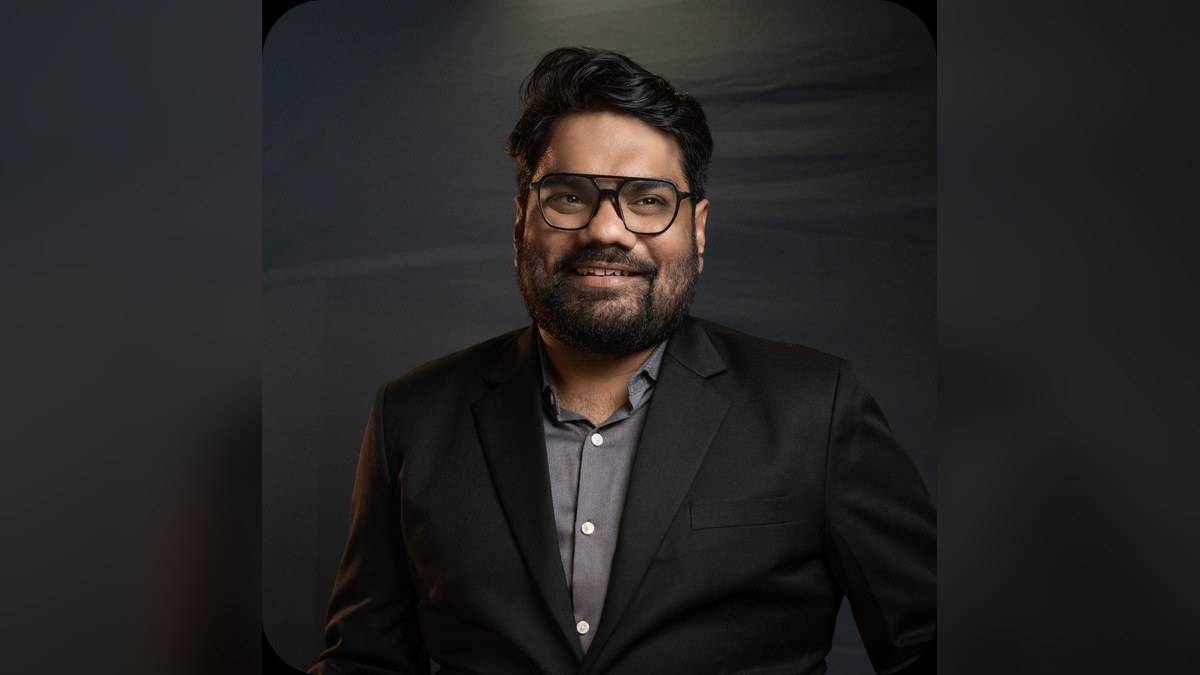
The following answers are by Chitranshu Mahant, CEO and co-founder of Primebook. Paragraphing has been retained and typographic punctuation standardised.
Who is the Primebook 3 Max built for, and how does it differ from the earlier Primebook models?
Primebook 3 Max is built for users who want one computer that can adapt to different parts of their day, rather than being limited to a single use case. That includes students and self-learners, coders and developers, creators, freelancers and early professionals, as well as educators and institutional users.
With Primebook 3 Max, we are building on the foundation of Primebook 2 rather than starting over. The biggest evolution is in the hardware platform. Primebook 3 Max moves from the Helio G99 to the MediaTek Genio 720, upgrades from LPDDR4X to LPDDR5 memory, and adds an integrated 8th-generation NPU for on-device AI workloads. It also brings improvements such as Wi-Fi 6, Bluetooth 5.3, a 5MP webcam, USB 3.2 connectivity and a metallic body.
At the same time, the PrimeOS ecosystem remains a common foundation across generations and continues to evolve. So the difference is less about moving from one software ecosystem to another, and more about what the newer hardware platform enables. Primebook 3 Max gives users more headroom for heavier multitasking, newer AI-enabled workflows and more demanding setups, while retaining the broader PrimeOS experience that brings web, Android, Linux, AI and cloud computing together.
What does value for money mean for Primebook when it comes to pricing and features?
For us, the question was never, “How do we make a laptop that costs under ₹30,000 or ₹40,000?” The more important question was, “What computing value does a user actually need when they are looking for a laptop in this price range, and how do we deliver as much of that value as possible?”
We believe the sub-₹30,000-40,000 laptop segment has traditionally had a fundamental problem. Many of the laptops offered in this range are built around a legacy computing model that was not designed with cost-effective hardware in mind. The result can be compromises that users feel every day: poor battery life, lag, longer boot and setup times, and limited multitasking.
That is why we approached the problem differently. We built the operating system first, and then the hardware around it. PrimeOS was designed specifically to make desktop-style computing work efficiently on the hardware we use, rather than simply putting a conventional, power-hungry operating system on lower-cost hardware.
Our vertically integrated ecosystem, spanning the OS, in-built applications, value-added services and purpose-built hardware, gives us control over the full stack. That allows us to optimise the experience at each layer and keep innovating for greater computing value without pushing the product out of its cost-effective price segment.
So, for us, value for money is ultimately about how much useful computing a user gets for every rupee they spend, rather than how many specifications we can put on a box at a particular price.
How much of the battery life comes from PrimeOS optimisation, and how does that work in practice?
Battery life is a combination of efficient hardware and software optimisation. We estimate that hardware accounts for approximately 80% of Primebook’s battery life performance, while software optimisation contributes around 20%. This is our assessment of how the two work together, with hardware establishing the foundation and PrimeOS helping make more efficient use of the energy available.
On the software side, PrimeOS, our Android-based operating system, is designed to minimise unnecessary background activity. It uses PrimeOS Services instead of Google Play Services, reducing reliance on Google’s background service stack. Features such as startup app control and the Task Manager also give users greater control over applications and system resource consumption, helping reduce unnecessary resource usage. This is particularly relevant when the device is idle, where optimised power management and minimal background activity also contribute to sleep efficiency. Under suitable usage and system conditions, Primebook can achieve over 300 hours of standby time in sleep mode.
The hardware provides the foundation for these optimisations to translate into longer battery life. Primebook 3 Max combines a 60.3Wh battery with the MediaTek Genio 720 processor and a 250-nit Full HD IPS display. Its battery capacity is a particular advantage in the sub-₹50,000 laptop segment, where most devices offer batteries of around 45Wh or less.
Primebook 3 Max delivers up to 12 hours of battery life in our stated test scenario of 1080p video playback at 80% brightness. We believe it is important to specify these conditions because display brightness directly affects power consumption. Ultimately, the role of PrimeOS is to help reduce unnecessary energy consumption, allowing the device to make more efficient use of its hardware and battery capacity.
How are students using the Linux apps and the Terminal so far, and what's coming next for PrimeLinux?
The idea for bringing Linux support to Primebook came in part from our users themselves. We had many Primebook users asking for capabilities that could support their coding and development workflows, and that feedback was an important reason for us to bring PrimeLinux to Primebook, with support for select Linux applications and the Linux Terminal.
It is still a very new feature, so we think it is too early to draw conclusions about how users will ultimately use it. The first Linux experience is arriving with the newly launched Primebook 3 Max, and will then reach Primebook 2 users as well. We would like to give users some time to actually access these capabilities, experiment with them and incorporate them into their real workflows before we start talking about adoption or specific use cases at scale.
For students and learners in particular, we are interested in seeing how they embrace Linux for learning, coding and experimentation in their everyday computing. That real-world usage will be important in helping us understand what needs to be improved, expanded or made more seamless.
That learning will shape what comes next for PrimeLinux. Our focus is on continuous iteration, expanding compatibility and making the experience more useful over time based on the applications and workflows users are actually asking for. We see PrimeLinux as something that should evolve with the community using it, rather than something we want to define entirely in advance.
How big are schools and institutions for Primebook today, and what are your plans for the next year?
Schools and educational institutions are an important audience for Primebook because our larger ambition is to build an Indian sovereign computing stack for the country’s youth. For us, this opportunity goes beyond supplying laptops. We want to help institutions build the digital infrastructure that supports learning, teaching and practical technology education.
We are already working towards this through capabilities such as digital libraries, enabled by our document management system (DMS) feature integrated into PrimeOS. Our existing ecosystem also aligns with several needs across the school-to-undergraduate education journey. PrimeOffice provides a free, offline productivity suite, PrimeLinux supports coding and development workflows, and Android applications such as IndiaBix, Coursera and Khan Academy give learners access to a range of educational resources.
Over the next year, we want to explore a broader institutional offering. This includes helping establish ICT labs and AI computer labs equipped with local servers and mini PCs, as well as robotics labs that connect Primebook devices with relevant robotics toolkits and platforms such as Raspberry Pi. We also see an opportunity to provide devices for teachers, supporting everyday tasks such as preparing presentations and lesson materials, and for examination centres. Another area we are exploring is bundling laptops with academic courses, making computing an integral part of the learning package rather than a separate purchase.
Ultimately, our ambition is to move beyond providing individual devices and help institutions create more integrated digital learning environments. We see this as a long-term opportunity to make computing, coding and AI-related learning more accessible to students across India.