Perplexity Research gives free users limited access and Pro subscribers extended access. Its official help page says Research limits reset on a rolling basis, with access returning as earlier queries leave the usage window. The page does not give a universal numerical allowance, so a fixed daily quota should not be assumed. To use the feature, choose Research from the mode selector before submitting your question.
| Question | What the official help page says |
|---|---|
| Is there free access? | Yes, with limits |
| Does Pro offer more access? | Yes, extended access |
| Does renewal reset Research usage? | No |
| Can I choose the Research model? | No, selection is automatic |
How Perplexity Deep Research limits reset
The current Research mode help page, read on 30 October 2026, describes a rolling reset rather than a fixed calendar reset. Older queries move out separately, so access may return gradually. Reaching the billing date or renewing the subscription does not itself clear the Research limit.
That distinction changes how you should interpret a limit message. Waiting for midnight or the next payment date is not a reliable calculation of when the next query will become available. Read the message in your account and plan the remaining work around the access actually shown. An allowance quoted in an older online guide may describe a different version of the service.
Research also chooses its own combination of models. The help page says users cannot manually select a specific model within this mode. A question about the model selector in another part of Perplexity therefore should not be used to infer a control inside Research. This guide concerns the consumer Research workflow, rather than an API subscription or a separate developer product.
How to use Perplexity Research with a clear brief
Open Perplexity, locate the mode selector in the search box and select Research. Then provide the question, geographical scope, relevant period and the kind of evidence you need. These access steps were checked against the official help instructions. The prompts below are editorial examples; they were not run through a signed-in account, and no example result is presented as a verified finding.
For an Indian student or project team, a narrow brief is easier to assess than a request to research an entire subject. Decide what you need to produce before submitting the query: a reading list, an evidence table, a biography timeline or an account of conflicting findings. If the assignment requires Indian evidence, say so directly instead of leaving the geographic scope implicit.
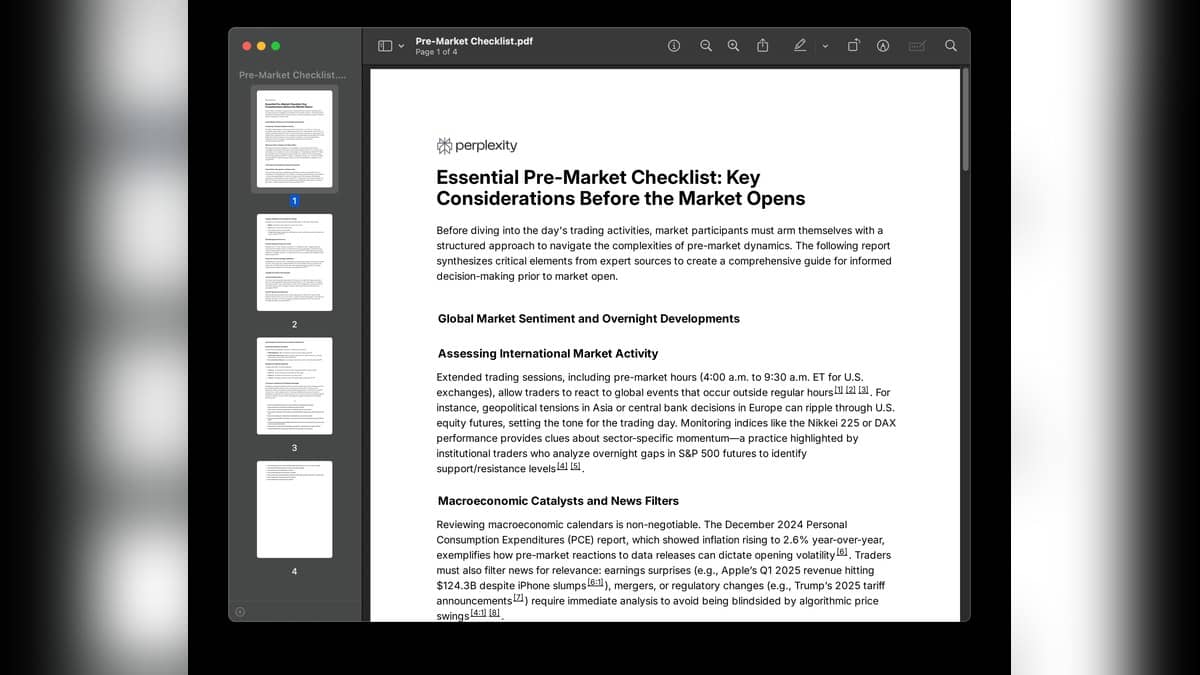
Perplexity's official Deep Research introduction describes a process of searching, reading, reasoning and assembling a report. It also describes exporting the final report to a PDF or document. That is a useful description of the intended workflow, but a completed report still needs a reader to check whether its sources answer the original question.
Five original Perplexity Research prompts
1. Build a focused reading list. Try: "Find primary research and official Indian reports on urban rainwater harvesting published from 2021 to 2026. Give the title, issuer, publication date, direct source link and one sentence explaining relevance. Separate field studies from policy documents." This asks for a reading map you can inspect before drafting.
2. Keep definitions separate. Try: "Explain the difference between literacy rate and school enrolment in Indian official statistics. Use the issuing agencies' definitions. Make a table of what each measure counts, its reference period and its limitations." This is intended to prevent two unlike indicators from being combined in one chart.
3. Investigate a disagreement. Try: "Review primary studies on whether urban tree cover changes local summer temperatures in Indian cities. Separate observed measurements from modelling. Identify where methods differ and leave unsupported conclusions unresolved." Use this when a project needs to discuss uncertainty rather than produce a single confident answer.
4. Prepare a biography timeline. Try: "Create a timeline of an Indian scientist's work using institutional biographies, original papers and official archives. Put a source beside every date. Label any event you cannot verify and keep it out of the final timeline." Replace the subject with the person assigned to you.
5. Audit the draft report. Try: "Review the report above against the original question. List claims lacking a direct primary source, figures with unclear years and conclusions stronger than the evidence. Produce a correction checklist before rewriting." Treat the checklist as another draft to examine, not independent verification of the earlier answer.
What to check before using the report
Open the cited documents yourself. For each important claim, record the issuer, date, relevant passage and whether the report represents it accurately. Keep research notes apart from the prose you intend to submit. A source can be authentic yet still refer to a different year, population or definition from the one your assignment needs.
For related workflows, read our guide to writing clear AI prompts, source-based flashcards and quizzes explainer and Claude skills workflow guide. Each addresses a different stage of working with AI output; your final research claims still need their own evidence.