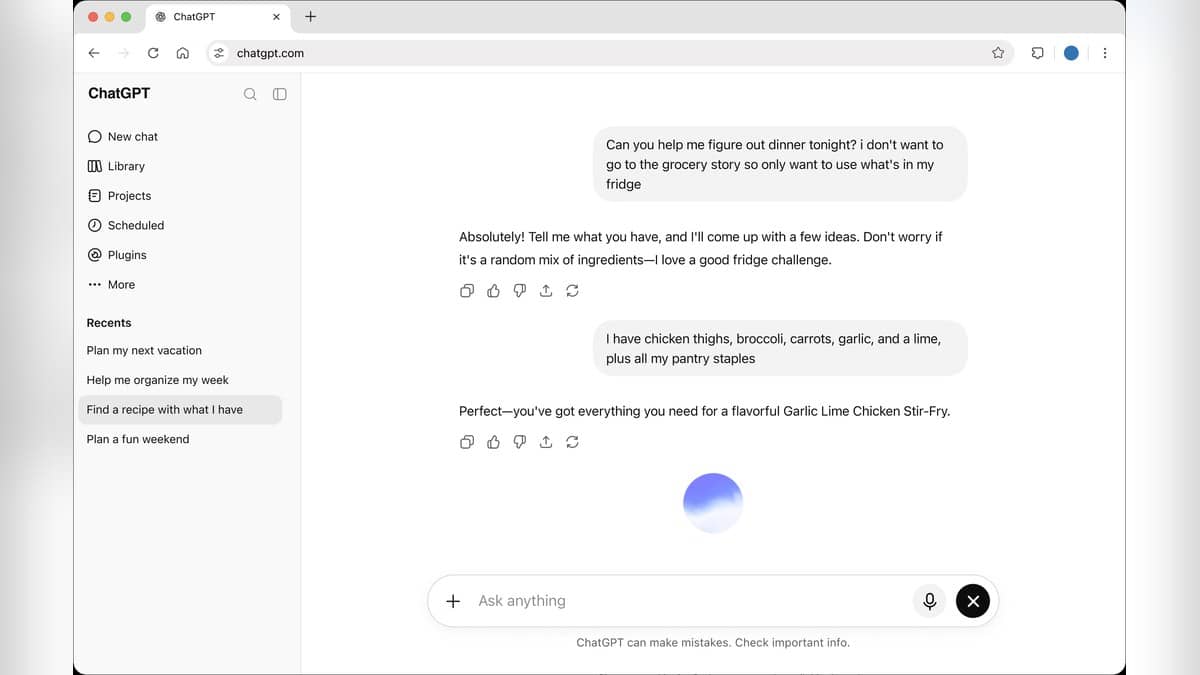
To write a useful prompt for ChatGPT, state the task, supply the information it should use, describe the intended reader and specify the form of the answer. Then read the response and refine the instruction. A clear request gives you something concrete to check: whether the answer used the right facts, followed the requested structure and addressed the actual question.
OpenAI's prompting guidance recommends clarity, relevant context and revision after reviewing the result. The framework and sample prompts below are original editorial examples that apply those principles. They are not official templates or records of a test conversation.
| Prompt ingredient | What to include |
|---|---|
| Task | The action you want, such as draft, compare or explain |
| Context | The material and circumstances needed for that action |
| Reader | Who needs the answer and what they already know |
| Output | Length, language, tone and format |
| Boundary | What to leave out or ask you to clarify |
How to write a prompt for ChatGPT
Start with the work itself. "Draft a notice" is a clearer starting point than "act like a world-class expert" because it identifies an output. Add the facts the notice must contain before asking for style. For a school event, that means the event name, audience, date, location and any action parents must take.
Next, decide what a successful answer would look like. A short message for a parents' group needs different instructions from a formal circular. Specify the language you want, whether the reader needs background and whether names should remain as placeholders. These choices belong in the request, even when they seem obvious to you.
A reusable starting structure is: "Please [task] for [reader]. Use [material]. Return [format and length] in [language and tone]. Keep [required details]. If [essential information] is missing, ask me before drafting." Replace the brackets with real instructions. Leaving a bracket unresolved simply passes the uncertainty into the next step.
ChatGPT prompt examples: before and after
Example 1, a school notice. A vague prompt is: "Write a good message for parents." A more useful original prompt is: "Draft an English notice for parents about our school reading session. Use these supplied details: [date], [time], [venue] and [classes invited]. Keep it under 100 words, use a warm but formal tone, and put the action parents need to take in the final sentence. Ask for any missing event detail before writing."
This version defines the audience, limits the output and identifies information that must come from the organiser. The bracketed details should be filled with approved information. After receiving the draft, compare every date, time and class name with that information before sharing it.
Example 2, preparing for a job interview. Instead of "Help me with my interview," try: "I am preparing for an entry-level customer support interview. Ask me one practice question at a time. After I answer, point out one specific strength and one improvement in my response. Do not invent experience for me. Start with a question about handling a dissatisfied customer." This prompt is for practice, with a clear sequence for the conversation.
Example 3, understanding a document. Instead of "Explain this PDF," try: "Use only the text pasted below to explain the application process to a first-time applicant. Make a table with the required action, the stated deadline and the supporting sentence from the text. If a deadline is absent, write 'not stated'. Finish with questions I should resolve from the issuing organisation's official notice." Paste the relevant text after the instruction.
The third example sets up a document-checking task. Its table is an aid to inspection, so read the supporting sentences yourself. The phrase "not stated" gives the model an explicit way to handle a gap, while the final questions help you identify what still needs checking outside the answer.
How to improve a prompt after the first answer
OpenAI's guide to creating a good prompt recommends splitting complex work into smaller requests. For the document example, you might first ask for the deadlines, then request the checklist and finally ask for a short explanation. This makes each stage easier to inspect.
Give precise revision instructions. "Make this better" leaves the next decision unclear. "Keep the dates unchanged, shorten the introduction to two sentences and replace the technical terms with plain English" identifies both the protected information and the requested edits. If the response addresses the wrong audience, correct that before spending time on polishing individual sentences.
For preferences that recur across tasks, OpenAI's Custom Instructions help page describes a separate settings option. On the web, go to Settings, open Personalization, enable customization and enter the instructions. The documented route was checked on 27 October 2026 at 22:58 IST. Keep one-off event facts in the relevant prompt so your reusable preferences remain understandable.
For related reading, see our guide to NotebookLM study prompts and source checks, the explainer on repeatable workflows with Claude skills, and our introduction to how AI agents work.