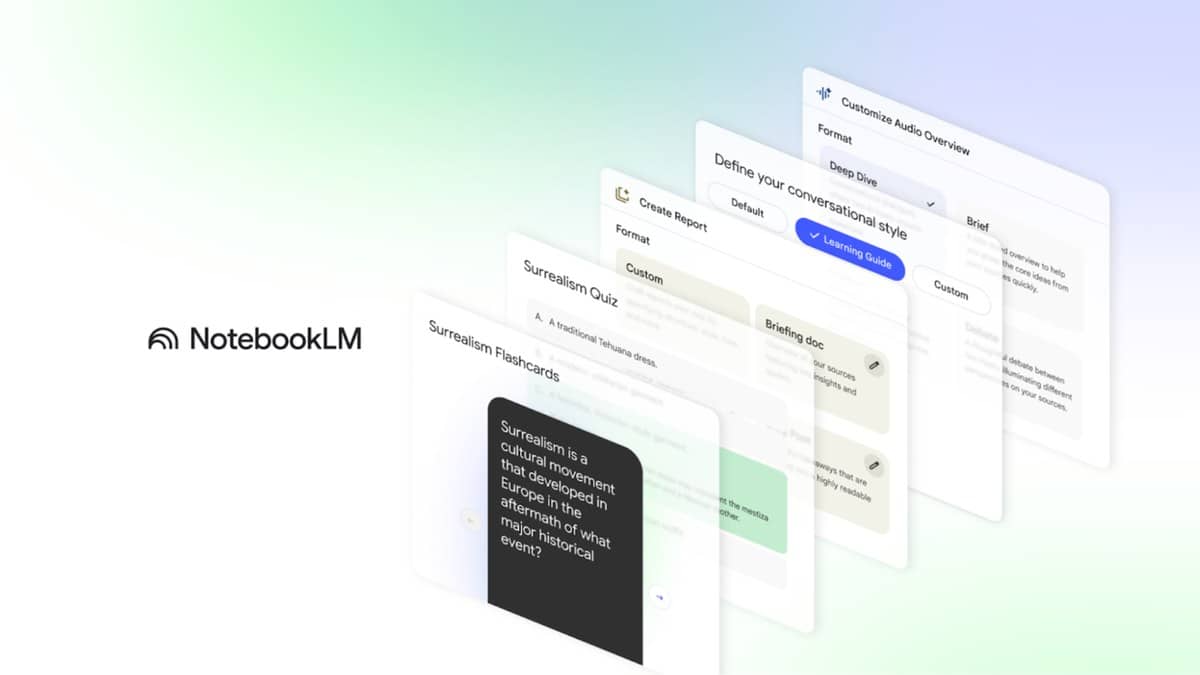
To use NotebookLM for studying, create a notebook for a defined topic, add the material you are allowed to use, select the relevant sources and ask questions that require citations. Google's current product page calls the service Gemini Notebook, formerly NotebookLM. The practical study task remains straightforward: turn your reading into questions, check the answers against the original material and identify what you still need to learn.
The name and instructions in this guide were checked against Google's public pages on 26 October 2026 at 02:57 IST. The steps below were cross-checked with the official help instructions; this was a documentation check, not a signed-in product test. The five prompts are original templates, not measured claims about learning outcomes.
| Study need | Suggested approach |
|---|---|
| Understand a chapter | Ask for an outline tied to source passages |
| Test recall | Request questions before seeing answers |
| Resolve confusion | Compare two named concepts |
| Check notes | Separate supported points from missing evidence |
How to set up NotebookLM for studying
Google's notebook creation guide says to open Gemini Notebook, choose Create new notebook, then Upload a source and select the material. Its Chat panel is where you ask questions. The Studio panel contains outputs such as notes and reports. Each notebook is separate, so the service does not consult several notebooks together.
For a first session, an editorially useful starting point is one chapter and your own notes on that chapter. Give each source a recognisable title, such as the subject, chapter and edition. If an assignment refers to a particular syllabus, keep that document available too. This makes it easier to notice when an answer belongs to a different topic or version.
The official source guide lists PDFs, Google Docs, pasted text and web URLs among supported inputs. It tells users to avoid uploading documents they do not have rights to use. You can select individual sources for a question, and mentioning the source name in a prompt helps focus the request.
To adjust the style, Google's chat instructions say to open Configure Chat in the Chat panel, choose a conversational style and response length, then save. Learning Guide is one of the listed styles. Select it if its educational framing suits your task; it does not remove the need to verify the answer.
Five NotebookLM prompts for students
1. Build a chapter map. Use this to decide what to read first: Using only the selected chapter, list its main ideas in the order they appear. For each idea, give a short explanation and a supporting citation. Flag any heading that is present but not explained in the text. Do not add topics from outside the chapter.
2. Practise recall. Use this after reading a section: Ask me five short questions from the selected source, one at a time. Wait for my answer before showing feedback. Explain any correction with a citation. At the end, list the concepts I should revisit. Do not predict what will appear in my examination.
3. Compare confusing concepts. Replace the bracketed terms: Compare [concept A] and [concept B] using only these sources. Create a table with meaning, distinguishing feature and the example used in the text. Cite each row. If a source does not contain an example, say so instead of inventing one.
4. Audit your notes. Use this with a clearly named notes source: Compare my source called My Revision Notes with the selected textbook chapter. Sort the notes into supported, contradicted and not established by the chapter. Give a citation for each judgement and explain uncertain cases. Do not treat missing evidence as proof that a statement is false.
5. Prepare an explanation in your own words. Use this for oral revision: Choose one important concept from the selected chapter and ask me to explain it as if teaching a classmate. After I respond, identify one accurate point, one gap and one follow-up question. Keep feedback tied to cited source material.
How to check NotebookLM answers before revising from them
Google's chat guide says citations can be selected to open the quoted passage in context. Do that for definitions, dates, formula explanations and any answer you initially found surprising. A citation is a route back to the evidence; the checking still belongs to the reader. Confirm that the cited passage supports the specific claim rather than merely discussing the same subject.
The official product page confirms the current name. For broader education context, see our reports on CHRIST University's AI innovation centre, AI in legal education and AI in Uttar Pradesh's draft school framework. For your own study session, keep a short list of unresolved questions to take back to the textbook or teacher.