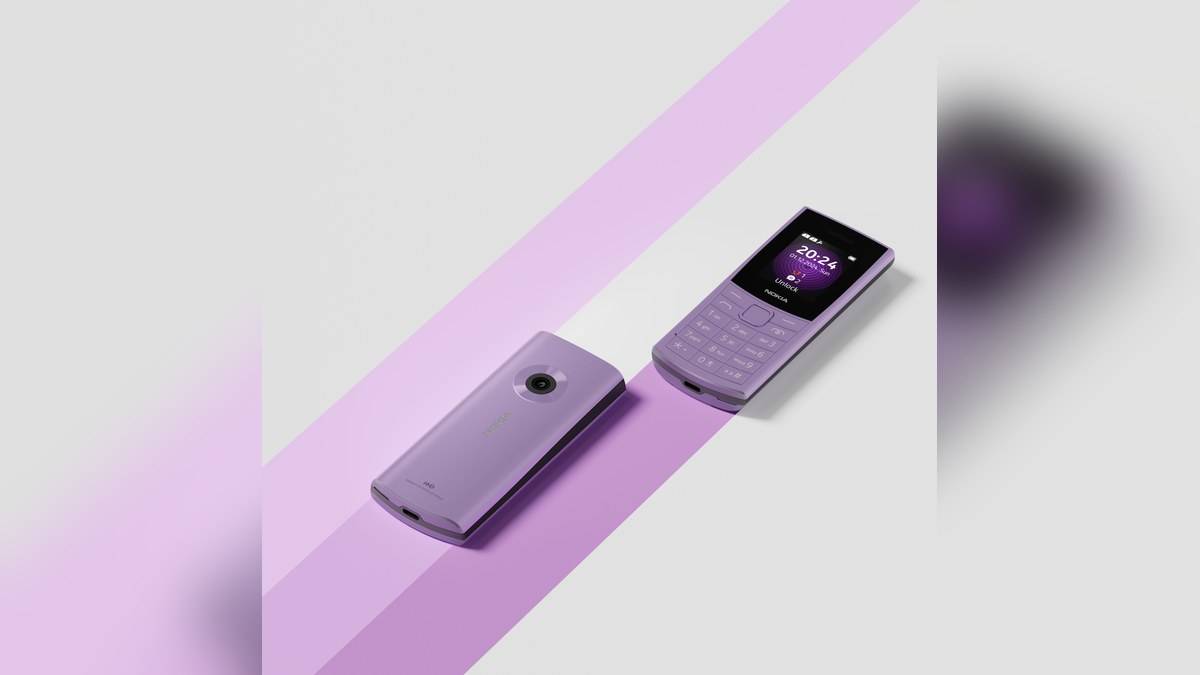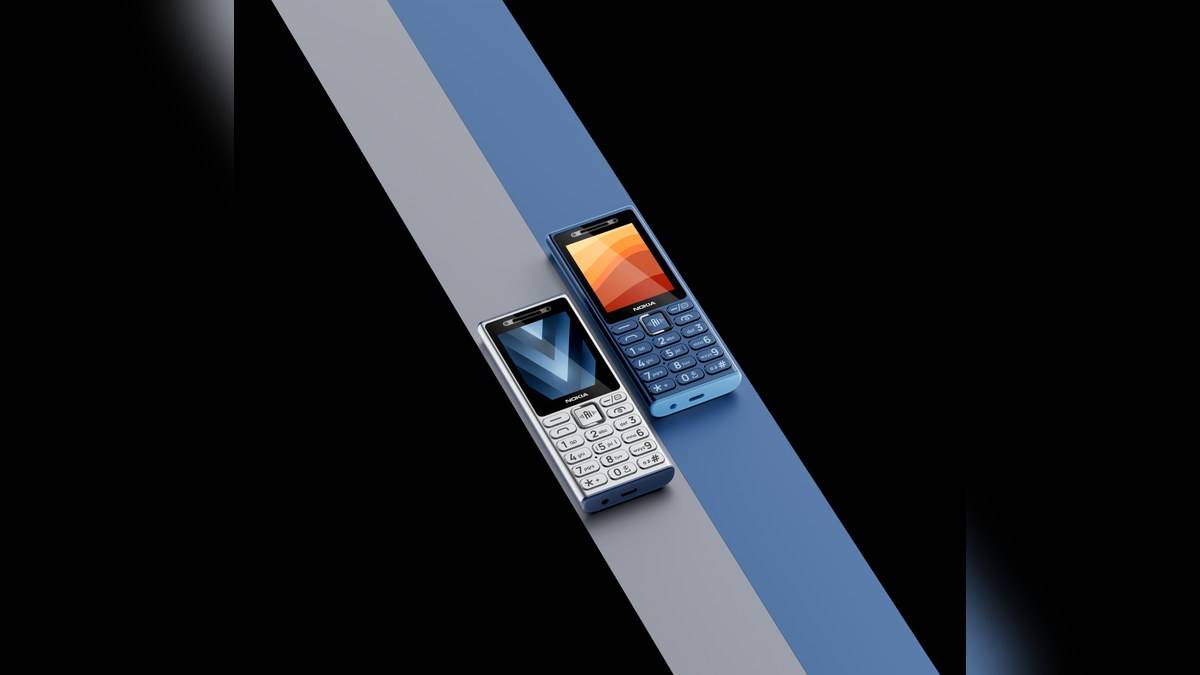
NEW DELHI: Nokia 210 4G brings video calling to a keypad handset with a 2.4-inch QVGA display, but the person being called must also use Xpress Chat. HMD says the app connects compatible feature phones and smartphones. A contact's ordinary ability to receive a voice call is therefore not enough to establish that this video feature will work.
| Video-call requirement or hardware | Official detail |
|---|---|
| Service | Xpress Chat, with the app on both devices |
| Smartphone app sources named by HMD | Google Play and App Store |
| Display | 2.4-inch QVGA |
| Front camera | VGA |
| Rear camera | VGA, with LED flash |
| Operating system | S30+ |
| Battery | 1450mAh, removable |
| USB connection | USB Type-C, USB 2.0 |
The app at the other end matters
HMD's product page says a smartphone user can participate through the Xpress Chat app available from the named app stores. Its broader feature-phone announcement also makes the shared-app requirement explicit. The useful preparation is to check that the relative or friend you expect to call can use that service on their own device.
For a household with a smartphone at one end and a keypad phone at the other, that is the central difference from merely adding a selfie camera. Both people need a common way to connect. Installing an unrelated video-calling app on the smartphone would not fulfil the compatibility requirement described by HMD for this feature.
Arrange the first test while somebody is available to help at each end. Establish that the participants are using the intended app and can recognise each other there. Avoid making the first attempt at a moment when the family urgently needs a conversation. A successful ordinary voice call and a successful app video session answer different questions.
A small display and a basic camera set the scale
The specification lists VGA cameras at the front and rear. The front-facing module is the relevant hardware for seeing the person holding the phone during a video conversation. HMD's manual separately identifies both camera positions, which helps distinguish the selfie camera from the rear camera used for photographing something in front of the handset.
This remains a compact keypad experience. The display is suited to framing a face within a small viewing area, rather than being evidence of a large-screen meeting device. Nothing in the pages read for this report establishes a high-resolution video-call mode, a guaranteed call frame rate or the same experience as a particular smartphone conferencing service.
That is a useful boundary when explaining the feature to an older relative. The immediate goal can be recognising a familiar person on screen while talking. It need not be framed as replacing every activity previously done on a smartphone, particularly tasks that depend on reading small details within shared visual material.
Free download does not establish free mobile data
HMD describes the smartphone application as free to download. Its Nokia 210 4G footnote separately warns that video use can consume significant mobile data and that charges depend on the operator subscription. Check the actual connection and plan before treating a long conversation as cost-free. The app description does not override the network's billing terms.
The same footnote qualifies availability by local rules and network capabilities. Consequently, the presence of the feature on an India product page should be read alongside the service working on the devices and connections involved. If a session fails, record the app and network conditions rather than assuming that the front camera alone determines compatibility.
Voice messages offer another way to keep in touch
Alongside video, HMD advertises voice messaging, photo sharing and private or group text conversations through Xpress Chat. These features give a family different ways to communicate when both people are not ready for a live conversation. Decide which action the owner needs first, then help them find it consistently instead of presenting the whole service at once.
HMD's feature-phone announcement frames the chat service as a way for smartphone and feature-phone users to communicate across device types. That is relevant to Indian families whose members use different kinds of handset. The benefit depends on participation at both ends, so the setup responsibility is shared rather than resting entirely with the person using the simpler phone.
When helping somebody learn the feature, separate the physical task from the service setup. First identify the front camera and a comfortable way to hold the handset, then check the chat connection with the intended contact. This avoids changing unrelated phone settings when the real issue is that the other participant is using a different service.
Keep separate features separate
The Nokia 210 4G also advertises an AI assistant and Cloud Phone Service, but those labels do not establish video-call compatibility. This article concerns the Xpress Chat connection requirement. Our Nokia 210 4G assistant report addresses the separate trial terms.
For other keypad-phone tasks, read the Nokia 110 4G model report and Nokia 5310 music and memory-card explainer. Their features should not be assumed to include this model's chat capability.
Official sources: Nokia 210 4G product page, specifications and HMD's feature-phone service announcement.