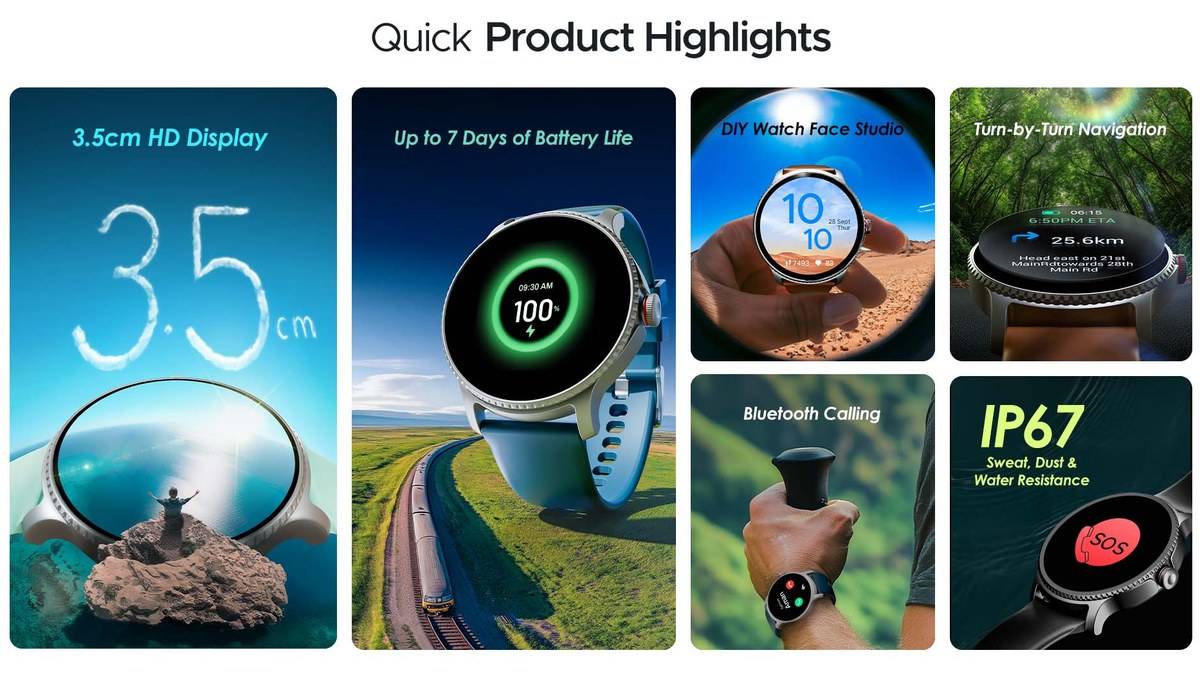
NEW DELHI: boAt Lunar Discovery shows turn-by-turn directions on its 1.39-inch screen, but it needs a nearby phone for GPS. Start the route in the boAt Crest app and send it to the watch. The watch presents direction arrows rather than a full map, a distinction that matters when planning how to use it on unfamiliar streets.
| Question | Answer |
|---|---|
| Screen | 1.39-inch TFT HD display |
| Phone required? | Yes, phone GPS provides positioning |
| Companion app | boAt Crest |
| Directions shown as | Arrows, not maps |
| Phone compatibility | Android 7.0 or later, iOS 14.0 or later |
| Bluetooth version | 5.3 |
Prepare the route on the phone
boAt's support instructions say to open the watch's main menu with the side button, enter Apps and select navigation. Search the destination in Crest, select Get Directions, choose the transport mode and then select Navigate on Watch. The listed transport choices include walking, two-wheeler and four-wheeler.
Do the destination check while stationary. On an unfamiliar trip, confirm the exact place on the phone before sending the route. A direction arrow can tell you which way to turn, but it cannot replace the wider view used to distinguish similarly named destinations or entrances on opposite sides of a large complex.
This is particularly relevant for a journey that ends inside a market, hospital campus or office park. The useful task for the watch is relaying the next instruction. Keep the phone available for the fuller route view whenever the entrance, street layout or intended destination needs another look.
The phone connection remains part of the route
The product FAQ explicitly says navigation cannot work without the phone nearby. Lunar Discovery displays directions while using the handset's GPS. Leaving the phone at home therefore changes the setup fundamentally; the presence of a navigation icon on the watch does not establish standalone positioning.
Before the first unfamiliar journey, try the feature on a familiar walk. Put the phone where you normally carry it and check that the next instruction appears as expected. This simple rehearsal tests your actual carrying arrangement and permissions without also asking you to learn an unfamiliar route.
boAt's support page advises keeping Bluetooth and phone GPS enabled, allowing Crest to operate in the background and disabling battery optimisation for the app. It identifies location and notification access as relevant to the connected features. If directions stop updating, check that connection chain before repeatedly restarting the route.
A useful troubleshooting order is to establish whether Crest is still connected, whether the phone itself has the correct route and whether a fresh instruction reaches the wrist. Those checks distinguish a phone-side problem from a watch-display problem. Repeating the destination search alone does not tell you which part stopped working.
Arrows require a different reading habit
A small arrow display is most useful when you already understand the general direction of travel. At a complicated junction, pause and consult the phone rather than trying to infer a complete road layout from a short wrist prompt. Set the route before moving, especially when the selected transport mode involves a vehicle.
The important model-specific limitation is the combination of a compact screen and phone-supplied positioning. Lunar Discovery is acting as a companion display for navigation. Treat that as the intended workflow and the feature becomes easier to assess: can it relay the relevant instruction clearly during your usual kind of journey?
It is also sensible to separate a navigation check from a calling check. Hearing a call on a connected watch does not demonstrate that the correct destination was selected or that the route is progressing. Test the function you intend to rely on, rather than using another connected feature as a substitute.
Keep the model and price reference clear
The opened boAt product page shows Brown selected at Rs 1,599, inclusive of taxes. Price as of 9 November 2026, 00:46 IST. The page also displays a restocking message. This is a reference for that selection, not a verified price list for every colour or strap configuration.
This guide concerns Lunar Discovery. Similar names elsewhere in a range should not be treated as confirmation that the same menu path or phone requirement applies. Use the exact model's support page when checking instructions, particularly if the watch or its packaging includes an additional model suffix.
Related coverage includes our boAt smartwatch price guide, Amazfit Active 2 guide and Bip 6 and Bip Max comparison.
Official sources: Lunar Discovery setup and navigation instructions and boAt product page and phone-GPS FAQ.