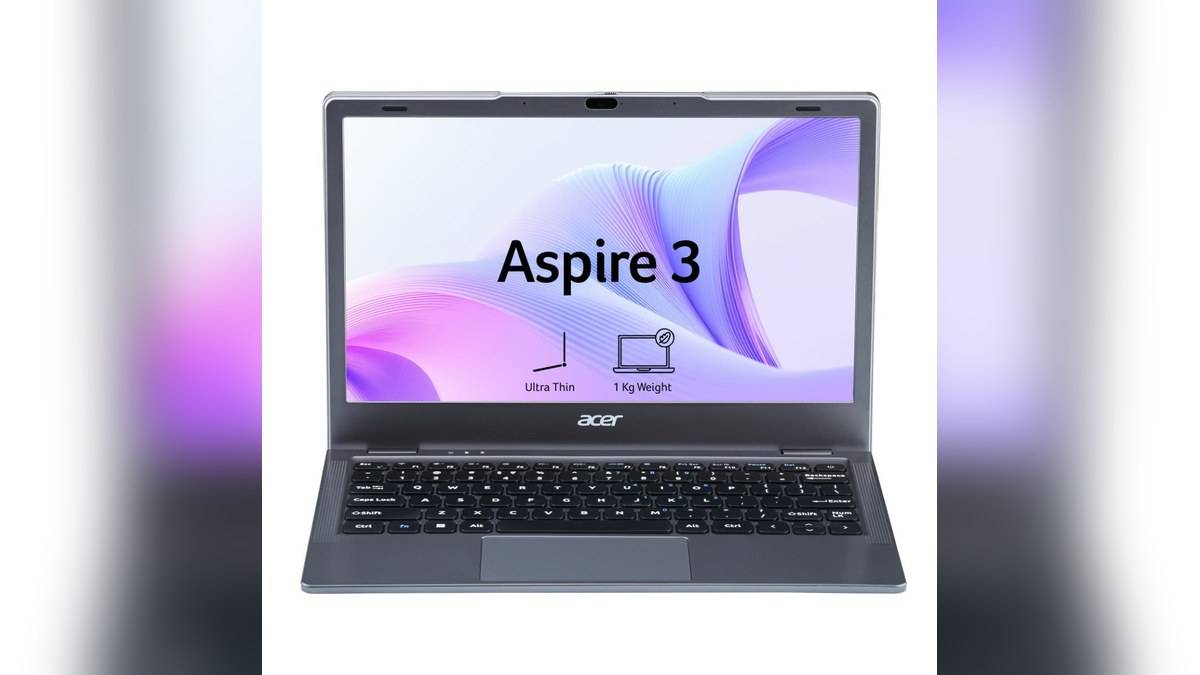
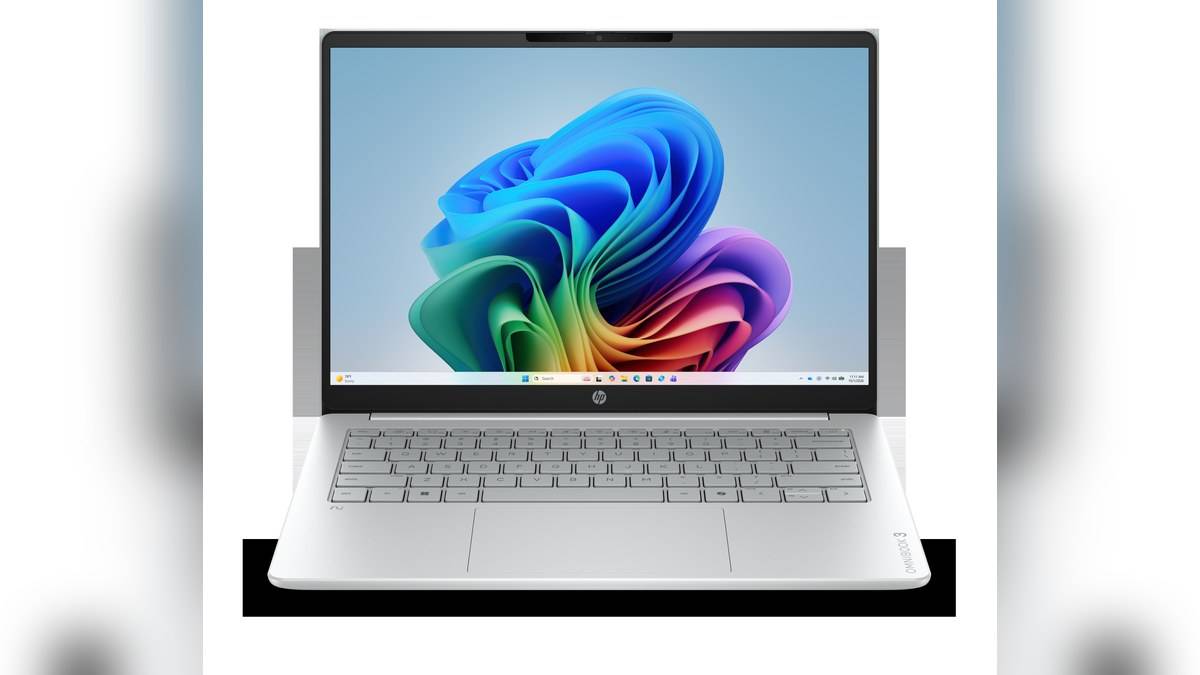
NEW DELHI: HP lists the OmniBook 3 14-hu0062TU at Rs 89,999 and the OmniBook 5 14-kf0021TU at Rs 1,14,999, both with 16GB RAM and a 512GB SSD. The Rs 25,000 step adds an OLED touchscreen and a different processor platform, rather than increasing the headline memory or storage allocation.
| Matched India models | OmniBook 3 14-hu0062TU | OmniBook 5 14-kf0021TU |
|---|---|---|
| Product code | DW0R1PA#ACJ | DJ6M8PA#ACJ |
| Selling price, taxes included | Rs 89,999 | Rs 1,14,999 |
| Processor | Intel Core 5 120U | Intel Core 5 320 |
| Display | 14-inch IPS, non-touch | 14-inch OLED, touch |
| Resolution | 1920 x 1200 | 1920 x 1200 |
| Memory / storage | 16GB / 512GB | 16GB / 512GB |
Price as of 16 November 2026, 00:13 IST. The comparison uses the selling price visible on each official India product page. Conditional bank benefits, exchange valuations and financing have been excluded. These references are specific configurations within larger families, so their prices should not be read as the entry point for every OmniBook 3 or OmniBook 5.
The screen is the clearest difference
HP specifies a 300-nit IPS anti-glare panel with 62.5% sRGB coverage for the OmniBook 3. The OmniBook 5 has a 300-nit OLED touch panel with 100% DCI-P3 coverage and protective glass. The colour standards are different, so the percentages should not be subtracted as if they use the same scale. The technologies and surface treatments also create different viewing considerations.
For a document-heavy user, the shared resolution means the more expensive machine is not buying a larger pixel workspace. Its appeal is the OLED presentation and direct touch interaction. Someone who mostly reads long reports should assess text and reflections in the intended room. Someone presenting photographs may place more weight on the panel specification. A showroom comparison under similar lighting can be more informative than a family-level marketing label.
Matching capacity does not mean matching memory design
The OmniBook 3 specification lists DDR5 in a single module, while the OmniBook 5 lists onboard LPDDR5x. The installed capacity matches, but the physical arrangement is different. This guide does not promise an unlisted RAM upgrade for either model. Any future expansion plan should be checked against the exact service documentation and supported configuration before it becomes part of the budget.
Both SSDs are listed as PCIe Gen4 NVMe storage. That is enough to establish the type of installed drive, but not a comparative speed result. The practical storage question is how much room remains after the operating system, applications and working files are installed. A buyer keeping large local media collections may need a different capacity plan from someone working mainly with small documents and shared online files.
Processor names need the full suffix
The two machines both carry Core 5 branding, but the full processor identifiers differ. Treat them as separate platforms when checking application requirements. A higher-looking model number is not a measured performance result. These official pages provide specifications rather than a common benchmark run, so there is no verified basis here for a percentage claim about which machine finishes a task faster.
The same caution applies to the AI wording. A shopper should identify the specific feature needed, then check its hardware and software requirements. Buying a laptop because it carries an AI label does not establish that a particular application runs locally, that a paid service is included or that every feature works without internet access. The ordinary requirements of the job remain the better starting point.
Ports and portability change the desk setup
Both product sheets list USB-A, USB-C and HDMI connections. The OmniBook 3 names HDMI 1.4b, while the OmniBook 5 names HDMI 2.1. Their USB-C entries explicitly include display and power functions. Match the actual monitor and cable combination to those entries rather than assuming every connector of the same shape has identical capabilities.
HP lists the OmniBook 3 at 1.4kg and the OmniBook 5 at 1.33kg. Their battery capacities are 41Wh and 59Wh respectively. Capacity alone does not establish a proportional runtime advantage, because the systems and screens differ. For travel planning, consider the complete working kit, including the charger and accessories, rather than treating the computer's listed weight as the total load.
Who each configuration is aimed at
The less expensive reference makes the most sense as a conventional document and study configuration, where a non-touch screen is acceptable. The higher-priced one adds a more display-led experience without raising the installed capacity. That distinction is more useful than describing the two as a simple good-and-better ladder. It also gives a rival-brand shortlist a clear basis for matching specifications.
Both India listings advertise Office Home 2024, while separate trial software also appears in the specifications. Confirm the paid entitlement and activation instructions on the invoice. For cross-brand ownership context, our HP 430 Multi-Device Wireless Mouse price: Rs 2,229, HP OMEN 24 price list: Rs 14,000 to Rs 18,290 and HP Smart Tank 580 vs 585 price: 585 starts lower at Rs 14,999 cover their respective rules. They do not replace HP's terms for these purchases.
Official sources: OmniBook 3 India specifications and price and OmniBook 5 India specifications and price.