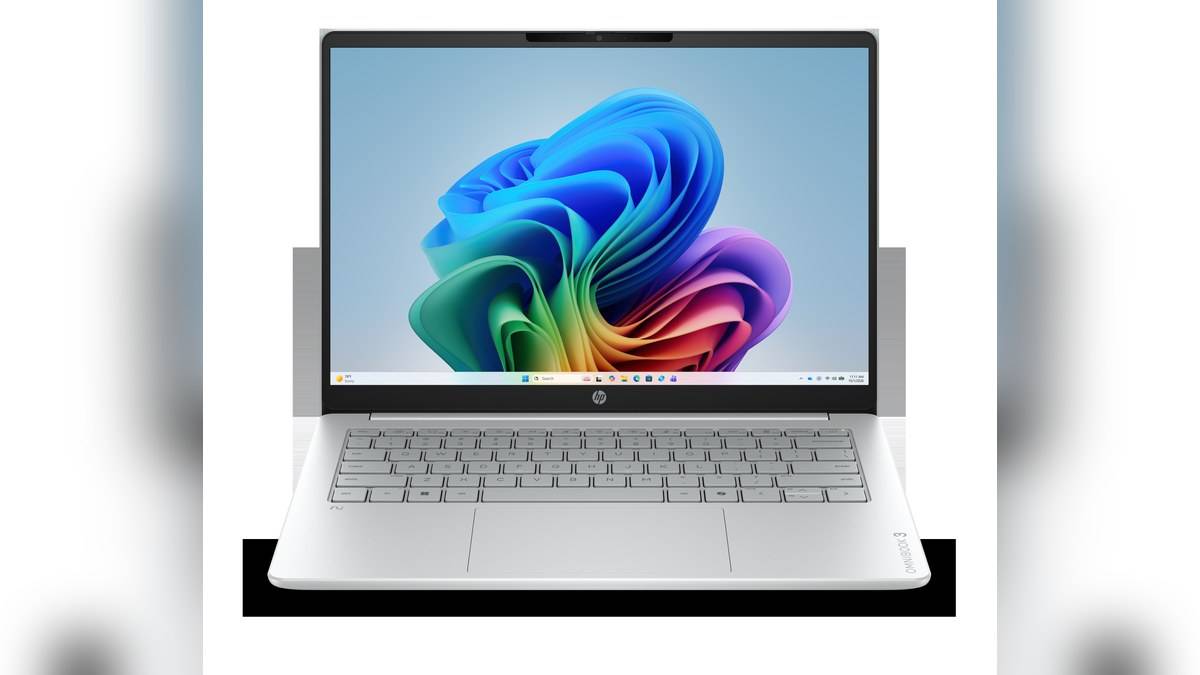
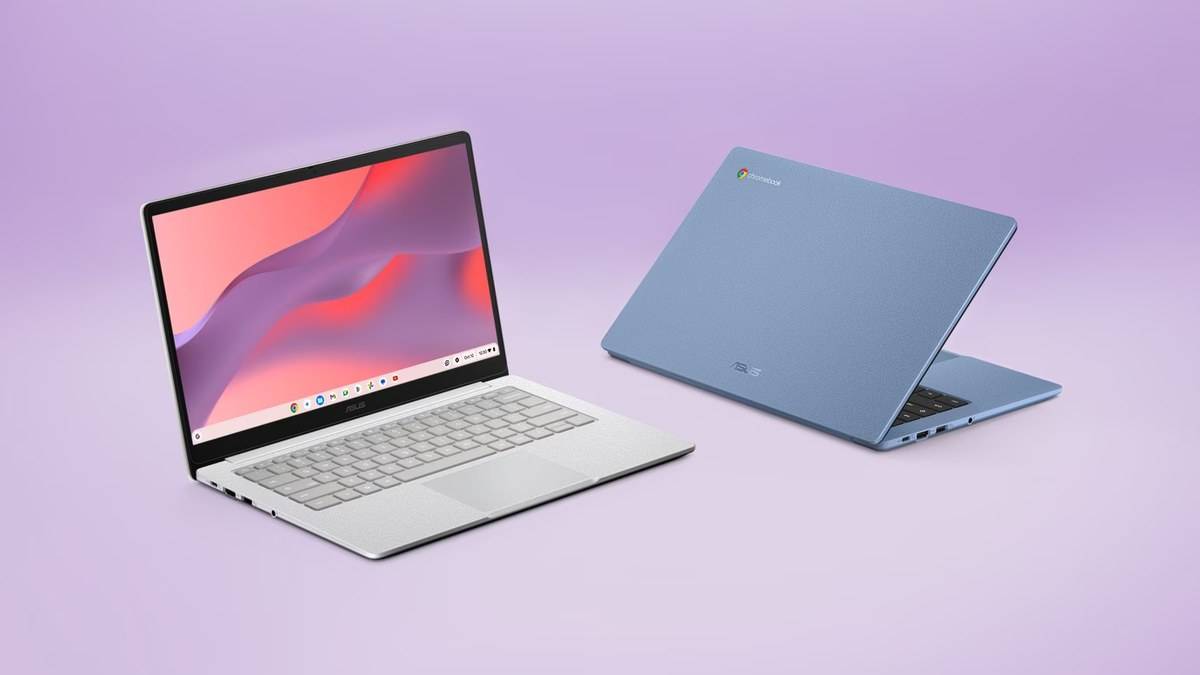
NEW DELHI: The ASUS Chromebook CM14 (CM1405) starts at Rs 28,990 on the India store linked from ASUS's official product page. This is a family starting price, rather than a verified quotation for every configuration. The model combines a 14-inch Full HD display, a MediaTek Kompanio 540 processor and an HDMI connection in a laptop with a listed starting weight of 1.37kg.
| Item | Officially listed detail |
|---|---|
| India starting price | Rs 28,990, inclusive of taxes |
| Processor | MediaTek Kompanio 540 |
| Screen | 14-inch anti-glare Full HD, 16:9 |
| Family memory options | 4GB and 8GB, up to 8GB LPDDR5X onboard |
| Family storage options | 64GB and 128GB eMMC |
| Battery and adapter | 42Wh, 45W USB-C adapter |
| Starting weight | 1.37kg |
Price as of 16 November 2026, 00:00 IST. The linked store identifies AYR Technologies as its authorised reseller and merchant. Its displayed amount is a product listing, without requiring a bank cashback calculation. The specification page describes the wider family, so its highest memory option should not automatically be attached to the lowest price.
Three model codes, one published entry figure
ASUS's India buying page names three CM1405CM4A configurations. All appear in Pure Grey with the same processor family and non-touch Full HD display description. However, the readable page does not assign an individual numerical price to each code. The table preserves that distinction rather than presenting an invented complete price ladder.
| India model code | Part number | Individual price |
|---|---|---|
| CM1405CM4A-S60033 | 90CB0AG2-M00130 | Not separately published in readable listing |
| CM1405CM4A-S60034 | 90CB0AG2-M00140 | Not separately published in readable listing |
| CM1405CM4A-S60101 | 90CB0AG2-M003V0 | Not separately published in readable listing |
That matters when comparing quotations. A short description saying CM14 is insufficient to identify the memory, storage and camera combination. The family specification sheet lists both HD and Full HD camera options, while the buying table does not resolve every configuration difference. The full model code on a quotation is therefore more useful than a photograph of the lid.
A small laptop designed around everyday connections
The Kompanio 540 is listed with an eight-core CPU and ARM Mali-G57 MC2 graphics. ChromeOS is the operating system. These are specifications, not evidence of a particular benchmark result: ASUS's description of everyday productivity does not establish how a demanding application or a large collection of browser tabs will perform.
For a student whose timetable, assignments and correspondence already live in browser services, the practical question is whether the required workflow fits ChromeOS. A course that specifies a particular desktop program needs a separate compatibility check. Familiar application names on a product page should not be read as a promise that every desktop feature or plugin is included.
The display's anti-glare finish and the 180-degree hinge serve different purposes. The former is intended to reduce reflections; the latter makes it easier to share a view across a desk. This remains a non-touch clamshell in the listed India configurations. Laying the screen flat does not turn it into a pen tablet or a detachable classroom slate.
HDMI is part of the desk setup
ASUS lists two USB-C connections supporting display output and power delivery, a USB-A connection, HDMI and a combined audio socket. A classroom projector or a home monitor can therefore be part of the setup without assuming that the charging socket is the only display route. Cable and display requirements still depend on the equipment being connected.
The memory is onboard, and storage is described as eMMC. Those labels deserve attention before comparing this machine with a laptop advertised around replaceable memory or an SSD. The official page establishes the factory options; it does not give a basis for promising a later internal upgrade. A household sharing the computer should also decide where downloads and school files will be kept.
Wi-Fi 6 and Bluetooth 5.4 appear in the specification sheet. The 42Wh battery and supplied 45W adapter are useful reference points, but battery capacity alone cannot establish a full day of video lessons. This guide makes no measured endurance claim. Webcam use, brightness and the actual workload remain relevant to any portable-computing routine.
Where the CM14 sits among its alternatives
The closest verified alternative here is ASUS's CM15, whose linked India store starts at Rs 30,990. Its larger screen changes the carrying and desk-space calculation. That comparison should begin with screen preference and the exact configuration, rather than treating a bigger model number as proof of better performance.
Related reading includes our ASUS Vivobook 14 X1404VA price list: Rs 50,990 to Rs 51,990 MRPs, the Vijay Sales HSBC offer starts today: Nord 6 and Asus prices and the ASUS Chromebook CX15 vs CX14 price: CX14 starts lower at Rs 31,990. Each addresses a different model; specifications and support dates should not be transferred to the CM14.
Official sources: ASUS CM14 overview, specifications, India model list and linked India store.