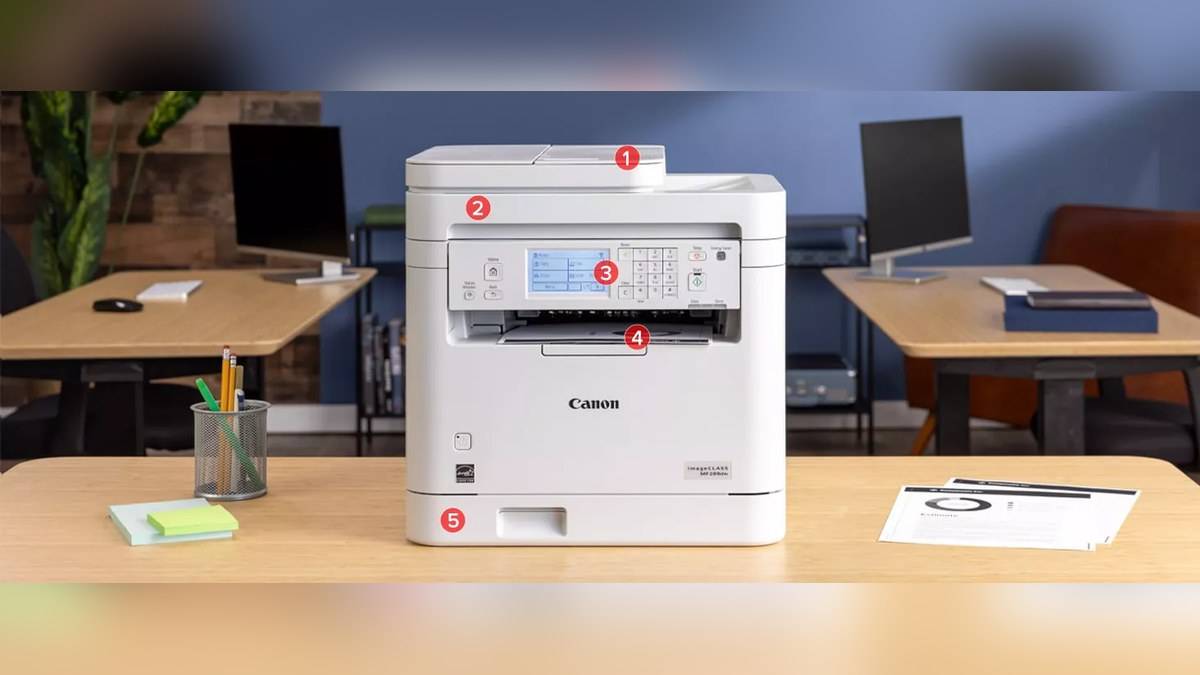
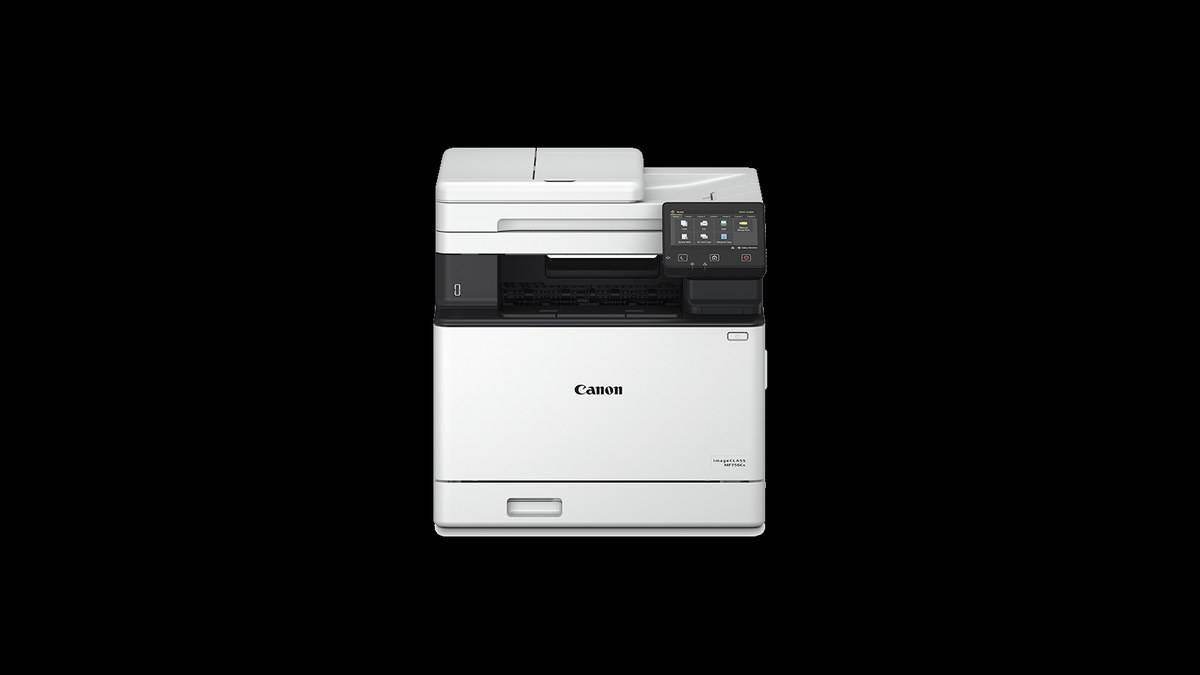
NEW DELHI: Canon's India catalogue lists the colour laser imageCLASS MF756Cx at Rs 1,08,265 and the print-only LBP674Cx II at Rs 1,12,070, including all taxes. The multifunction model is Rs 3,805 lower on these published MRPs, despite adding scanning, copying and fax. That is a catalogue comparison, not a claim that either is a discounted replacement for the other. Price as of 16 November 2026, 00:14 IST.
| Official India specification | MF756Cx | LBP674Cx II |
|---|---|---|
| MRP including taxes | Rs 1,08,265 | Rs 1,12,070 |
| Role | Print, scan, copy, fax | |
| A4 mono/colour print speed | Up to 33/33 ppm | Up to 33/33 ppm |
| Panel | 12.7 cm colour touchscreen | 12.7 cm touchscreen |
| Recommended monthly print volume | 750 to 4,000 pages | 750 to 4,000 pages |
Different jobs behind similar print figures
The useful comparison is between workflows, rather than an assumption that a larger model number or a higher price automatically means more functions. An office preparing colour proposals from digital files has a different need from one receiving signed originals that must be scanned, copied and returned. These two machines place those activities in different hardware arrangements.
The MF756Cx includes a 50-sheet single-pass duplex automatic document feeder. Canon rates two-sided A4 scanning at up to 100 images per minute in monochrome and 80 in colour. Those are scanning figures, not printing speeds, and an image is a scanned side. Keeping that distinction clear prevents an impressive scanner number from being mistaken for paper output.
For a document-heavy professional office, the question is how an original becomes an organised electronic record. Test the scan destination, naming routine, page order and legibility using an ordinary document bundle. A fast scan that has to be repeated or manually sorted may not improve the overall process.
When a dedicated colour printer has a role
The LBP674Cx II is explicitly a print device. It can serve a workflow where scanning already happens elsewhere, or where the printing position should remain separate from document intake. This is a reason to examine the setup, rather than an instruction to pay more for fewer functions. The official MRPs alone cannot explain every procurement decision.
Canon specifies a 250-sheet cassette and 50-sheet multipurpose tray on the LBP674Cx II, expandable to 850 sheets with an optional feeder. Its automatic two-sided A4 output is rated at 29 images per minute for both mono and colour. The optional feeder is an additional component, not something to assume is supplied because the maximum appears in a specification.
For an office producing branded stationery, consider how plain stock, letterheads and presentation paper will be managed. A quotation should identify the exact paper-handling configuration. Demonstrate a representative colour document on the paper intended for use, then check both the visual result and whether the selected tray behaves as expected.
Controls and connectivity need a local plan
Both pages describe touchscreen controls and support for Gigabit Ethernet, wireless and direct connections. The MF756Cx offers a customisable home screen and document workflows through Canon's Application Library. The LBP674Cx II page also describes Application Library access to frequently used forms. These are configuration capabilities rather than proof of time saved in every office.
Someone has to decide who maintains shortcuts, which versions of forms are stored and what happens when staff change. Without that ownership, a shared printer can accumulate confusing commands. Set up a small set of clearly named tasks and test them from the perspective of an occasional user as well as the administrator.
Both product pages list TLS 1.3 communication encryption and startup verification among their security features. Those features do not remove the need for appropriate access settings or careful handling of printed documents. A shared output tray remains a physical place where staff should collect sensitive material promptly.
Compare the complete configuration
Canon lists Cartridge 069 and higher-yield 069H supplies for these models. A colour laser purchase therefore needs a replenishment plan for the full set of colours, not just black. Ask for the exact cartridge names on the supply quotation and keep service arrangements separate from consumables so that the scope of each expense is clear.
For another laser document-handling reference, see our MF469x II scanning explainer. The MAXIFY GX5170, GX6170 and GX7170 guide covers ink tank alternatives, while the G1730, G2730 and G3730 guide addresses other home ink tank formats.
The two catalogue entries establish a useful reminder: published price and function count do not form a simple ladder. Preserve the II suffix on the LBP model, specify the intended office task and compare written configurations. This comparison does not establish a launch date, successor relationship or measured advantage in colour quality.
Official sources: Canon MF756Cx and Canon LBP674Cx II.