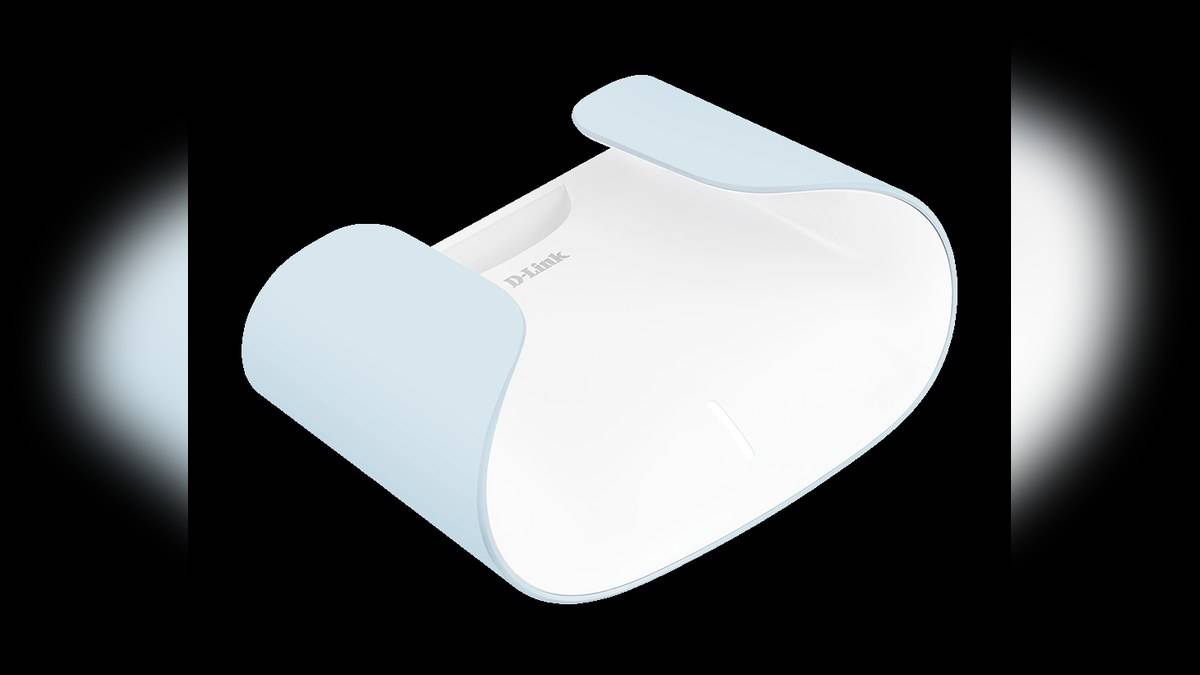
NEW DELHI: D-Link M30 has a dedicated Gigabit WAN port and four Gigabit LAN ports, according to its official India specifications. Plan the broadband input separately from the connections for your television, computer and other wired devices. The AX3000 wireless label does not turn those Ethernet sockets into faster multi-gigabit ports.
| Item | Official detail |
|---|---|
| Broadband input | 1 Gigabit Ethernet WAN port |
| Local wired devices | 4 Gigabit Ethernet LAN ports |
| Mesh link | Gigabit Ethernet backhaul supported |
| Management | AQUILA PRO AI app and web interface |
| Published operating modes | Router, extender and bridge in the India datasheet |
Begin with a port map beside the television
A television cabinet is a useful place to discover whether a router's connector layout suits the home. Make a written list of devices that will use cables, then mark the connection arriving from the broadband equipment separately. Count the physical sockets you need rather than assuming that every opening on the back serves the same purpose.
In a hypothetical installation, a television, console, desktop and network storage device would account for the M30's four local ports. That is arithmetic from the published connector count, not a performance claim or a suggested shopping list. If your actual list differs, draw that list instead and leave space for any planned mesh connection.
The distinction matters because D-Link's India page uses a multi-gigabit heading in its introductory bullets, while the same page's detailed wired section specifies 1 Gbps for WAN and LAN. The India datasheet repeats the Gigabit interface count. Read the explicit port specification when working out what a wired connection can support.
Keep wireless class separate from the broadband path
The M30 is an AX3000 dual-band Wi-Fi 6 router. Its official datasheet qualifies wireless signal rates and says actual throughput depends on network conditions and environmental factors. That qualification is relevant even if the router is installed close to the television and its wireless connection appears strong.
A useful way to assess an installation is to draw the complete route from the broadband equipment to the device with the problem. Identify which part uses a cable and which part uses Wi-Fi. This prevents a wireless headline from becoming the assumed speed of every link in the chain.
Our Tenda MW3 port and wireless-class explainer examines another model where labels need careful reading. The M30 has a different wired specification, so carry over the method of checking interfaces rather than the other product's limits.
Reserve a connection for a wired mesh route
D-Link explicitly lists Gigabit Ethernet backhaul on the M30 India page. It also describes expansion with AQUILA PRO AI routers and extenders. For a household planning another unit in a study or upstairs room, that makes the cable route part of the network design rather than an afterthought once every nearby socket has been allocated.
Before committing to positions, mark where the cable will start, where it will end and which local devices still require a wired connection. Ask the installation plan to answer those questions clearly. The diagram should distinguish a link between network units from a cable running directly to a television or computer.
For another backhaul example, read our Deco X20 Ethernet guide. Its instructions belong to the Deco system. D-Link names AQUILA PRO AI for the M30, so a shared word such as mesh is not sufficient evidence that unrelated systems can be combined.
Configure the intended role and test the actual devices
The official India datasheet lists router, extender and bridge modes, with management through the AQUILA PRO AI app or web interface. D-Link's product page directs owners to connect the router to their modem and power source, then follow the app's setup instructions. Choose the role appropriate to the existing network before changing the household wiring.
For a home that already has broadband provider equipment, record how that equipment is connected before moving cables. Label the connection that supplied internet access and keep the original arrangement understandable. This practical precaution makes it easier to describe the installation accurately if the new layout does not work as expected.
Then test each wired endpoint in its intended place, rather than declaring the installation complete after a phone connects. If the television works but the study does not, you now have a specific route to examine. Our Tenda MW6 mesh planning guide examines how connector counts shape another system's installation. For the M30, finish by checking its own operating role, port map and AQUILA PRO AI setup together.
Official sources: Product information, Official supporting information, Official supporting information.