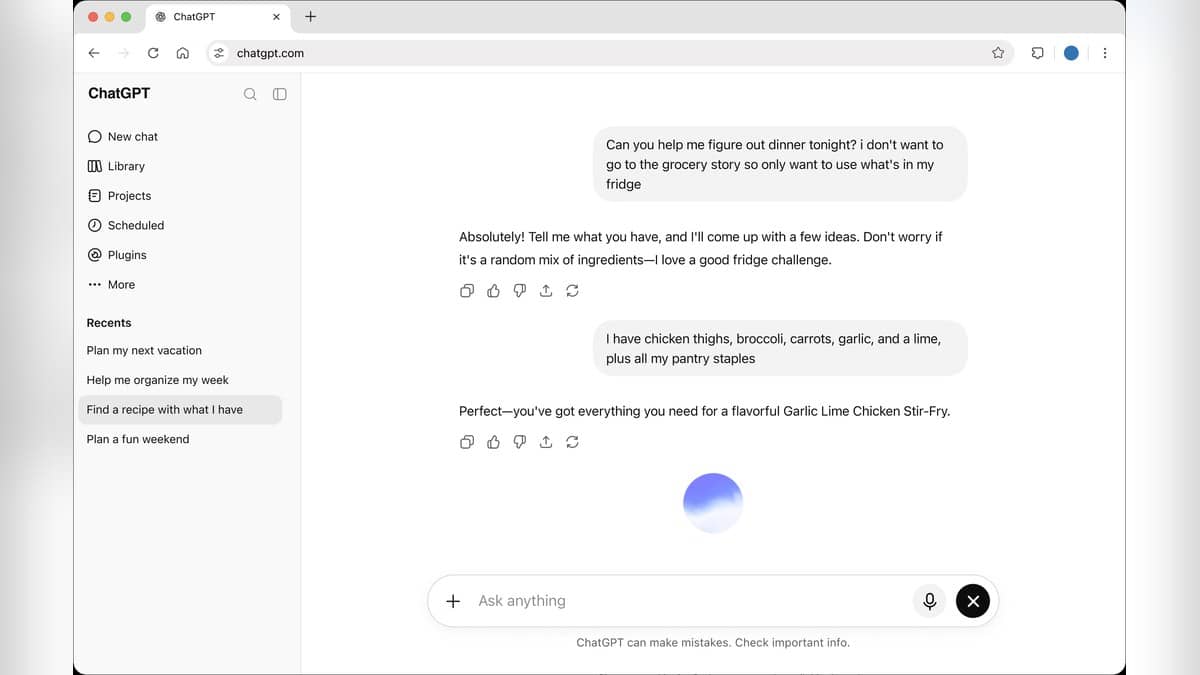
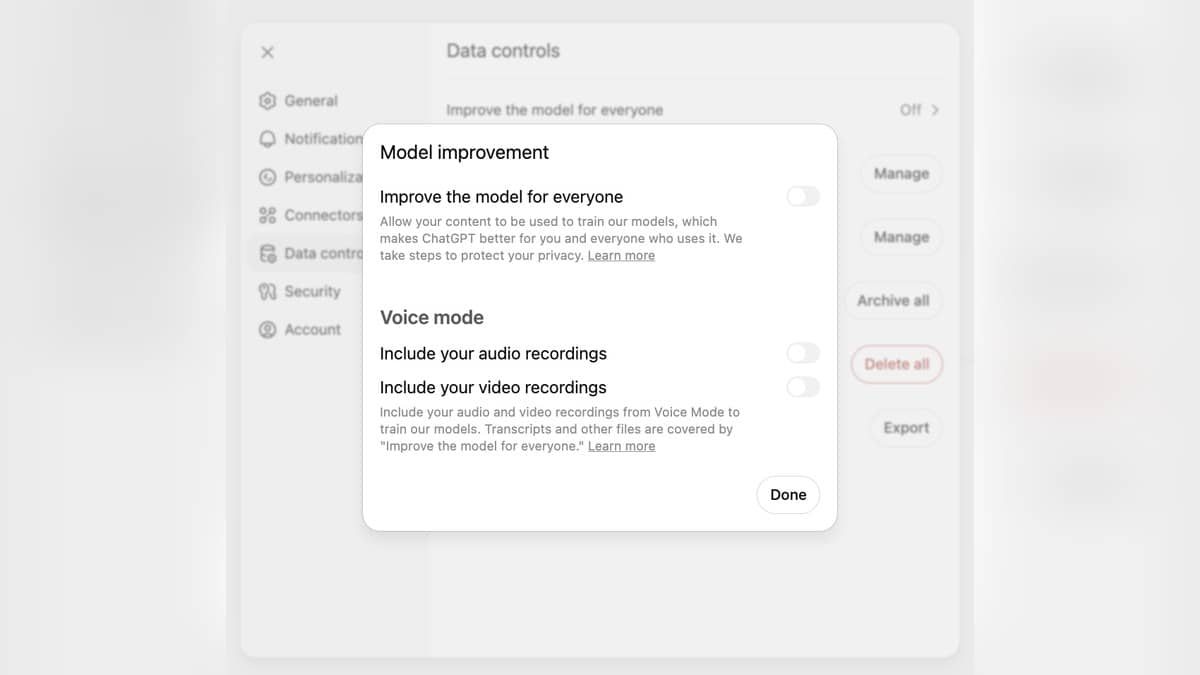
To turn off ChatGPT model training, open your account menu, choose Settings, then Data controls, and switch off "Improve the model for everyone". Confirm with Done where shown. Your new conversations will not be used for training under that setting, while ordinary chats can remain in your history. This does not delete conversations or turn off every form of personalization.
These steps follow OpenAI's Data controls documentation, checked on 27 October 2026 at 22:58 IST. Availability depends on the account and workspace. Before changing a control, decide whether you want to limit training, avoid saving a particular conversation, or remove existing material.
| Your aim | Control to examine |
|---|---|
| Limit training on new conversations | The model improvement switch in Data controls |
| Start a conversation outside normal history | Temporary chat |
| Remove an existing saved conversation | Delete that chat |
| Change how replies use personal context | Personalization and memory settings |
How to turn off ChatGPT data sharing
In the mobile app, open the sidebar, select your profile icon, then Data controls and the training switch. Signed-in choices apply across the account; signed-out preferences stay in that browser. Voice has a separate sharing control.
After making the change, reopen the setting to check its state. This is especially useful when you switch between a personal account and a workplace account. A menu that looks familiar is not enough to establish which account's settings you have changed.
Does turning off training delete ChatGPT history?
No. OpenAI's explanation of model improvement describes the opt-out in terms of new conversations. Do not treat it as a promise that an earlier conversation has been removed from previous processing. If your aim is deletion, use the deletion control for the material you want removed.
There is also a feedback exception for consumer use. If you choose to send feedback on a response, the associated conversation may be used to improve models even after you have opted out. Consider that before submitting feedback on a chat containing information you wanted excluded.
Business, Enterprise and Edu content is not used for model improvement by default, according to the same official explanation. Organisational rules still matter. An employee should check which workspace is open and follow the organisation's policy before entering work material. A personal privacy preference cannot establish that a document is authorised for use in a workplace tool.
How Temporary chat works
The current Temporary chat instructions say to open a new chat, select Temporary, choose Personalized or Unpersonalized before the first message, and then begin. The choice cannot be changed after the conversation starts. Personalized temporary chats can draw on existing memories, custom instructions and plugins; the unpersonalized option does not use those features.
Neither option creates or updates memories while the conversation remains temporary. The conversation stays out of normal history and is not used for model improvement in that state. OpenAI says it may keep a copy for up to 30 days for safety purposes, so temporary does not mean instant erasure.
Saving the temporary conversation converts it into a regular chat, with the account's usual personalization and training settings. If a GPT action sends data to a third party, that recipient's privacy rules apply and its retention may exceed 30 days. The temporary label therefore describes a specific ChatGPT mode, not a universal rule for every service involved.
Deleting chats, archiving and saved files
OpenAI's retention guidance says regular and archived chats remain saved until deletion or an applicable workspace retention policy removes them. Archiving is useful for organising the sidebar, but it does not shorten the retention period.
When a saved chat is deleted, it disappears from the account view immediately and is scheduled for permanent deletion within 30 days. Exceptions include material already de-identified and disassociated from the account, or retention required for security or legal reasons. Deleted chats cannot be restored through ChatGPT or its support service.
Files need a separate check. Where Library is available, a file can remain there after the conversation using it has been deleted. Remove the Library copy as well if that is your intention. This is why checking the chat list alone cannot confirm that every saved copy has gone.
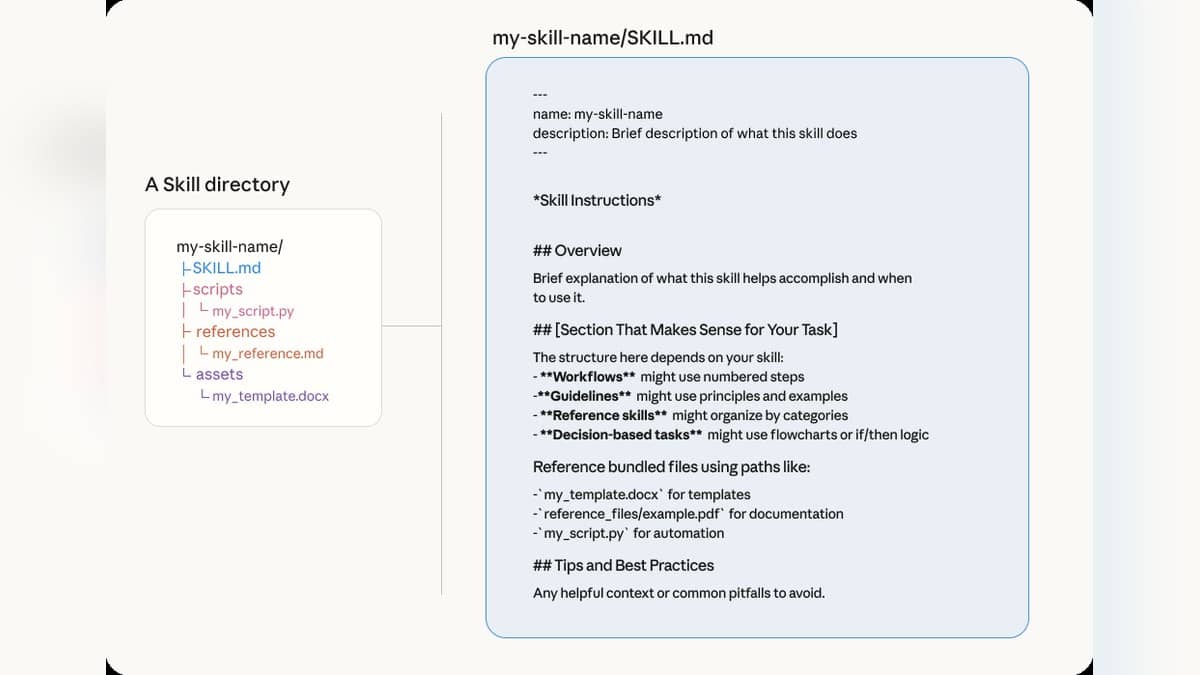
For practical context on other AI workflows, read our guides to working with source material in NotebookLM, using Claude skills, and understanding AI agents. Check each service's own privacy controls before applying a workflow there.