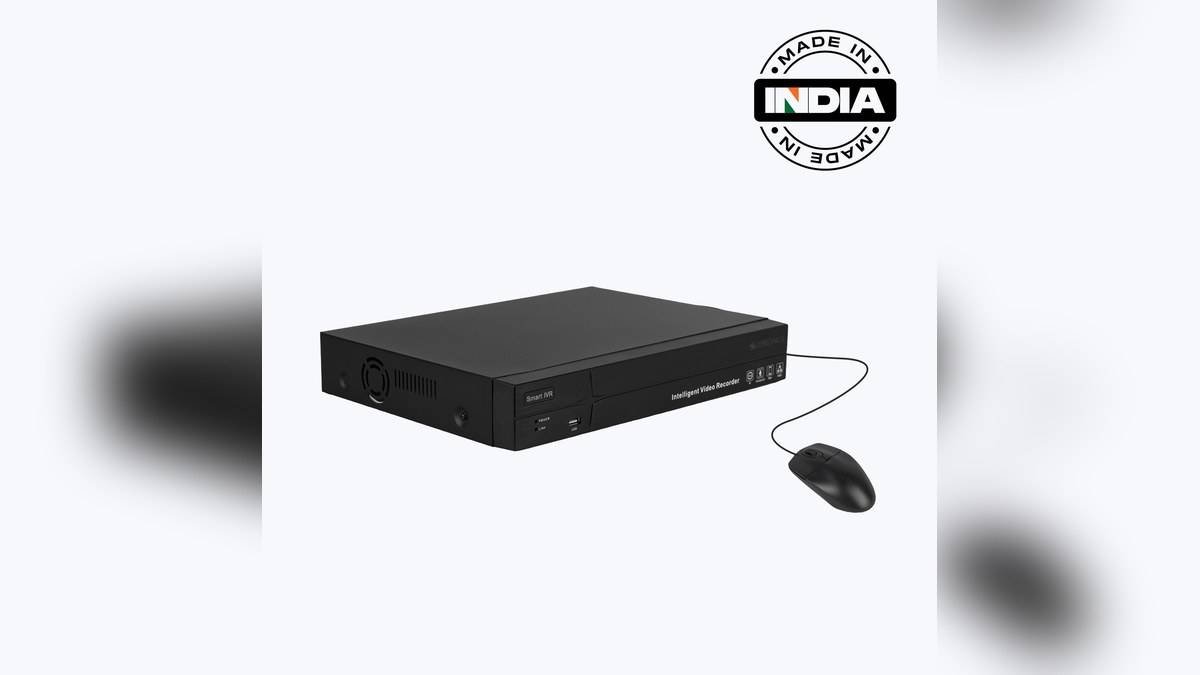

NEW DELHI: The Zeb HDXVR 208 is listed at Rs 12,499 on Zebronics' official website. Its hybrid input options make it relevant to households retaining analogue CCTV while considering network cameras. Before replacing an existing recorder, check the camera format, required recording quality and input mode together, because the preview layout alone does not establish compatibility.
| Model and official listed price | Zeb HDXVR 208: Rs 12,499, tax included |
|---|---|
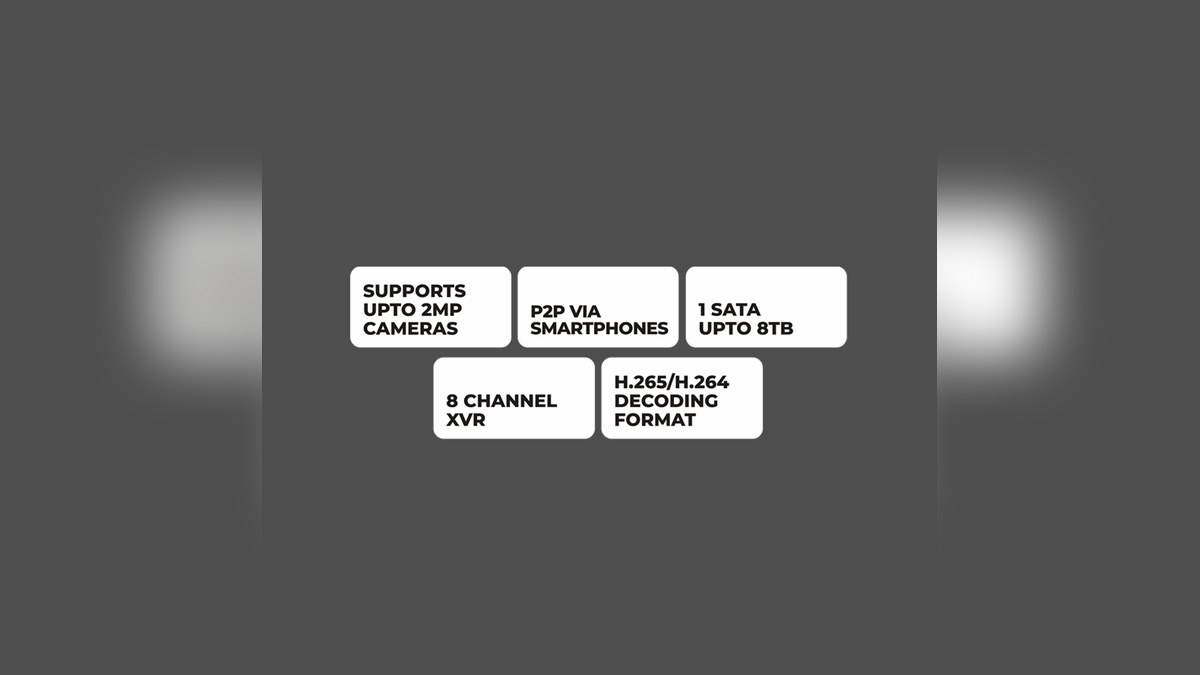
| Published input arrangements | 8 analogue channels plus 2 IP channels; up to 10 IP channels |
| Camera support claim | Up to 2MP |
| Total bandwidth | 56Mbps maximum |
| Recording resolutions listed | 1080P Lite, 720P, 720P Lite and WD1 |
| Local display outputs | 1 HDMI and 1 VGA, output up to 1080P |
| Storage support | 1 SATA, compatible with up to 8TB |
| Network connection | 1 RJ45 10/100 port |
Price as of 19 November 2026, 02:37 IST. The official page gives a single price for this model. The package list names the recorder, adapter, mouse, hard-disk mounting kit and QR code user guide. It does not name a supplied hard disk. Budget the recorder separately from storage, cameras, cable work and installation unless a written package quotation expressly includes them.
Inventory the existing system
A recorder replacement should begin with photographs of the old unit's label, rear connections and the camera labels that can safely be reached. Keep any existing configuration record. Ask the installer which cameras can be retained with the HDXVR 208 and what needs replacing. The answer should identify models and connection formats, rather than simply describing the old system as CCTV.
The hybrid input arrangements are useful for a staged installation, but the household should decide which arrangement it intends to use. Put that choice in the quotation and have it demonstrated with the proposed cameras. Do not assume that the highest number appearing anywhere in the feature list describes the number of camera inputs available in every operating mode.
Understand viewing and recording separately
Zebronics advertises real-time viewing on a screen split into as many as 16 views. Its input specification gives a different set of channel arrangements. A preview layout and a physical or supported camera-input count describe different things. The practical question is whether the intended cameras appear and record correctly in the selected configuration, including any network cameras being added.
There is a similar distinction between camera support, recorded detail and monitor output. The technical recording list expressly includes Lite modes, while the video-output section describes the monitor signal. This guide therefore does not describe the unit as recording every supported camera at unrestricted Full HD quality. Ask for a saved sample at the proposed settings, then examine that file rather than relying on the menu display.
For an entrance camera, use a normal arrival as the sample event. Check whether the recorded view contains the detail the household wants to review, and whether playback controls make the relevant moment easy to find. An installer can demonstrate the entire sequence while adjustments are still straightforward. It is harder to resolve those expectations after cable routes have been sealed and the installation has been signed off.
Choose storage around the intended routine
The official datasheet confirms a compatible SATA capacity ceiling and H.264/H.265 decoding. It also lists scheduled, manual, motion-detection and AI recording modes. Those labels do not establish a particular retention period or a guaranteed detection outcome. Ask which mode will actually run, what triggers a recording and how the owner can confirm that the expected event has been stored.
If an existing hard disk is being reused, have its suitability and condition checked before relying on it. Confirm whether any recordings must be copied before work starts. Keep that decision explicit in the work order so that an equipment upgrade does not become an accidental loss of footage the owner wanted to retain. The supplied mounting kit alone does not resolve drive compatibility or data preservation.
Test access before accepting the installation
P2P smartphone connectivity, motion notifications, privacy masking and CMS compatibility are listed. These deserve individual checks at handover. Have the installer show the intended owner how to reach saved footage, identify the right camera and review a notification. Keep account control with the owner and record the installed model and configuration where they can be found during later service work.
The page and datasheet agree on a DC 12V, 1.5A external supply requirement. Use the supplied adapter and the applicable guide rather than substituting a familiar-looking supply during troubleshooting. For a system that must keep recording through power interruptions, ask for a backup plan covering the recorder, cameras and network equipment as a complete installation, with its own documented operating expectations.
An IP-only alternative in the official collection is the 10CHVS6TA8M NVR at Rs 5,999, but its different input design means price alone cannot settle the choice. For related reading, our HDTVI camera comparison, Zeb camera model guide and Zebronics returns explainer cover other parts of the ownership decision.
Official sources: HDXVR 208 product page, official datasheet and recorder collection.