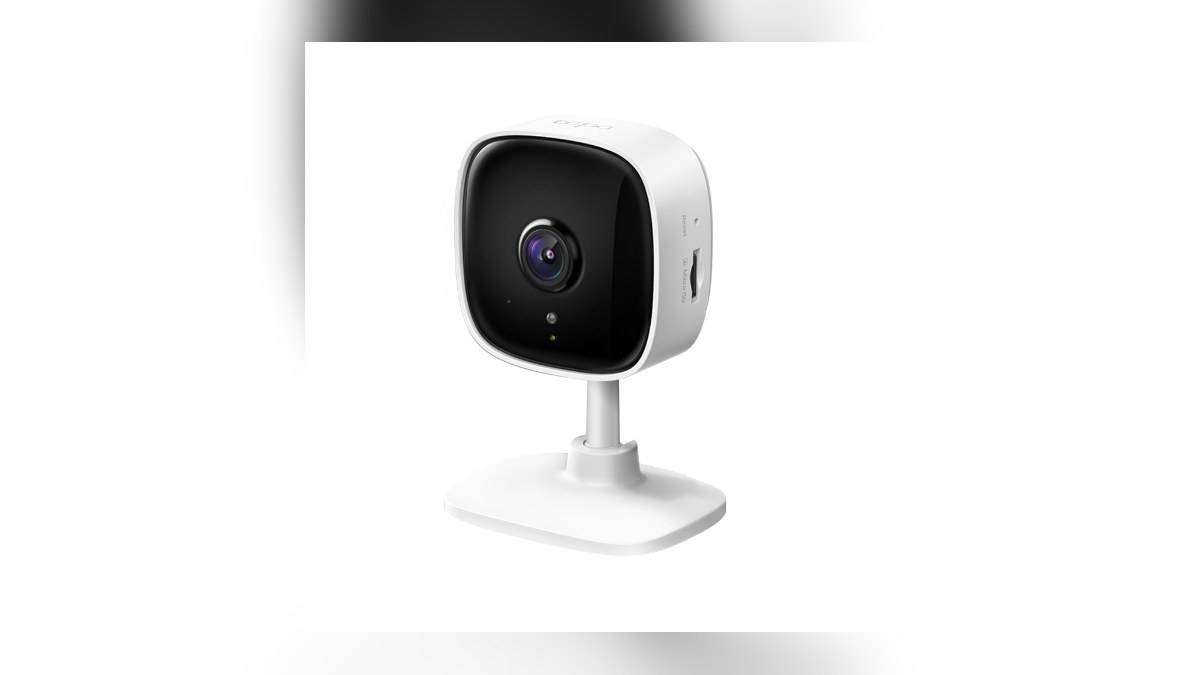
NEW DELHI: TP-Link lists the Tapo C110's video resolution as 3MP, or 2304 x 1296 pixels, on its India specification page. The camera connects over 2.4 GHz Wi-Fi and includes a microphone and speaker for two-way audio. Those specifications describe the image and connection hardware, but a useful home installation still needs a check of the actual scene.
| Tapo C110 detail | Official specification |
|---|---|
| Video resolution | 3MP, 2304 x 1296 pixels |
| Video compression | H.264 |
| Wi-Fi band | 2.4 GHz |
| Audio | Two-way, with microphone and speaker |
| Activity alerts | Motion detection and push notifications |
| Management | Tapo app |
The pixel count describes the frame
The resolution tells an owner the dimensions of the recorded picture. It does not establish that every object across a room will be identifiable in every recording. Before settling the camera's position, decide what detail matters: a person's arrival, movement near a particular cupboard or activity at the room entrance.
Make the first scene test with the subject at the location that matters. Checking a face immediately in front of the lens answers a different question from checking someone at the far side of the room. Keep the intended camera position, normal furniture and usual lighting in place during that assessment.
Where the task involves a doorway, walk through it naturally while another person reviews the image. Inspect the result at the point where recognition is needed. This turns the published picture specification into a concrete installation check without claiming that a laboratory number guarantees a particular outcome in an Indian home.
Check viewing and recording as separate tasks
TP-Link describes live viewing and playback through the Tapo app. After the view has been arranged, check a saved test event as well as the live picture. The household's future question may concern what happened while nobody was watching, so the relevant acceptance test is whether that event can be found and reviewed.
Note the date, approximate time and part of the room used for the test. That makes the playback check easier to repeat after a setting or camera position changes. A record of what was tested is more useful than a general assurance that the camera appeared to work during installation.
The India page lists H.264 compression, but it does not provide enough information to calculate a universal amount of storage consumed by every household. No fixed retention period is inferred here. Choose the recording arrangement against the instructions for the exact unit and verify a saved clip before relying on it.
Keep the network requirement in view
The C110's specified wireless band is distinct from its pixel count. Check that the intended home network supplies the required connection where the camera will be placed. A phone connected successfully to another band elsewhere in the house does not establish that the camera's own link is ready.
For a camera moved from the living room to a room farther from the router, repeat the live-view and playback checks. Record whether a problem appears only at the new position or also near the router. This provides a useful comparison before changing the broadband service or several network settings at once.
Our Gadget and accessory price guide provides related context for reading router specifications. The Archer AX10 Wi-Fi explained: 1201 Mbps and 300 Mbps bands covers a separate part of home network planning if coverage needs attention.
Match alerts to the part of the room that matters
TP-Link describes configurable motion detection zones for the C110. Decide which activity should prompt attention before setting the monitored area. A view intended to cover a doorway may also include a busy part of the room that is irrelevant to that particular purpose.
After selecting the area, repeat the same arrival test used for the picture check and confirm whether the notification reaches the intended phone. Review the associated event rather than treating the notification itself as proof that the required detail was captured. Keep visual coverage and notification behaviour in the handover record as separate results.
The camera's microphone and speaker also deserve a separate conversation test if the household intends to use them. Check whether speech can be understood from the normal standing or sitting position. The presence of two-way audio in the specification does not substitute for trying it in the room where it will be used.
For another model's alert controls, see our Set up Deco X20 Ethernet backhaul around its 2 Gigabit ports. Its controls should not be carried over automatically to the C110. The C110's useful setup record is its own: intended view, tested event playback, working network link and the alerts the household actually needs.
Official sources: TP-Link India C110 specifications and official C110 datasheet.