NEW DELHI: Mahindra says its NEMO app can manage multiple vehicles with one sign-in and asks owners to register using their registered mobile number. For a Treo Plus owner, the useful first check is that the app identifies the correct passenger auto before relying on its location, battery or service information.
| Item | Official information |
|---|---|
| Initial setup | Download the app and sign up with the registered mobile number |
| Vehicle management | Multiple vehicles with one sign-in |
| Languages | Hindi and English |
| Ownership tools | Vehicle location, SOC, DTE, service scheduling and service history |
| App charge | Free for customers; fleet solutions may need separate access |
| Treo Plus configuration | Driver + 3 passengers; 10.24 kWh battery |
Start from the official app page
Mahindra's NEMO page links the service to its last-mile electric vehicle owners and includes the Treo family among supported vehicles. Open that official page before finding the app in the relevant store. Check the product identity rather than selecting an unrelated application that happens to contain Nemo in its name.
The published onboarding instruction is to sign up with the registered mobile number. For an owner who has changed numbers or acquired a used auto, establish which number is recorded for the vehicle before expecting it to appear. The public instructions do not describe a self-service ownership-transfer procedure, so this guide does not invent one.
After registration, compare the vehicle shown with the registration and sale documents. If several vehicles are associated with the account, identify each clearly before opening a dashboard or arranging service. The convenience of a shared sign-in depends on keeping the records distinct; a familiar vehicle picture alone is not a reliable identification method.
Read battery and distance information together
NEMO's feature list includes state of charge, shown as SOC, and distance to empty, shown as DTE. These answer different operating questions: how much charge is indicated and how far the vehicle estimates it can travel. Record both before a shift rather than treating either display as a promise about a particular passenger round.
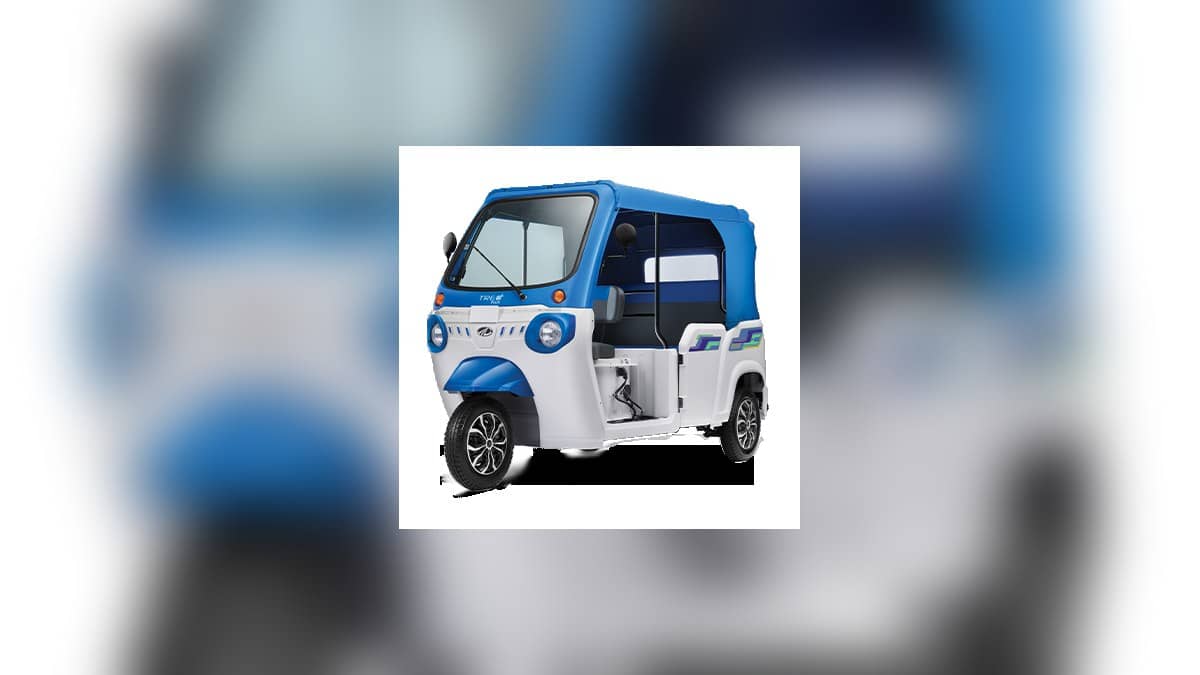
The Treo Plus product page identifies a passenger auto with a 10.24 kWh battery and seating for the driver and three passengers. Those details matter when matching the app record to the vehicle. A cargo Treo Zor in the same owner's account should not become the reference record for the Plus simply because both use the Treo name.
For a railway-station operator, the day's uncertainty may be the destination of the next passenger rather than a fixed delivery loop. Check the vehicle indication before accepting a longer trip, then consider the return to a suitable charging location. Keep a practical reserve based on observed use rather than planning to exhaust a displayed estimate.
If an app reading appears inconsistent with the vehicle's own display, record the discrepancy while parked. Check which vehicle record is open and whether the information is current. Mahindra's public page does not set a guaranteed refresh interval, so a reading should not be treated as newly updated merely because the dashboard is open.
Use service records to make a clearer request
The official app page advertises service reminders, scheduling, roadside assistance access and service history. For a recurring complaint, review the earlier work and prepare a concise description of what has returned. Keep the earlier job card available so the request concerns the same symptom rather than a fresh, vague report on each visit.
A service reminder is also a prompt to consult the maintenance schedule supplied with the auto. The NEMO page does not establish a universal servicing interval for every Treo version. Avoid copying a kilometre or time interval from another model's discussion into the Plus record merely because both vehicles appear under the same account.
When requesting service through an app, retain any acknowledgement shown and verify the arrangements before taking the vehicle out of work. A scheduling feature does not itself prove that a workshop has accepted a slot, reserved a part or agreed to a warranty repair. Keep those questions separate from the ability to open the request.
Check a charging location before depending on it
NEMO advertises visibility of charging-point locations and costs. Treat a listed point as a lead to check for the actual vehicle, including access, compatibility and current availability. A map pin alone does not establish that the Treo Plus can charge there at the time a driver arrives.
For a stand-based passenger business, compare that point with the normal place where the auto finishes its shift. A charger that looks nearby on a map can still require a detour from the final drop-off. The useful plan includes reaching it, completing the session and returning to the next working position.
Mahindra distinguishes the free customer app from fleet solutions that may need separate access. Owners expanding beyond an individual auto should establish what their account includes before designing a dispatch process around an assumed fleet dashboard. This article follows public instructions; it does not claim that an account was created or the app was tested.
Related reading: Treo Plus warranty terms, Treo Yaari HRT charging and Ape WavE versus Treo Yaari prices cover separate model and ownership questions.
Official sources: Mahindra NEMO instructions and FAQs and Treo Plus product details, rechecked on 6 November 2026.