Claude custom instructions let you keep general preferences at account level, so you do not have to repeat them in every conversation. Anthropic calls the setting Instructions for Claude. Its official guide places it under Settings, then Your Claude, with Account shown as an alternative in the older layout. The useful starting point is a short description of how you want answers written, rather than the details of one assignment.
| Need | Suitable scope |
|---|---|
| A recurring language or communication preference | Account instructions |
| Requirements for one body of work | Project instructions |
| A reusable specialized behavior | A skill |
| Details of the question you are asking now | The current message |
Where are Claude custom instructions in settings?
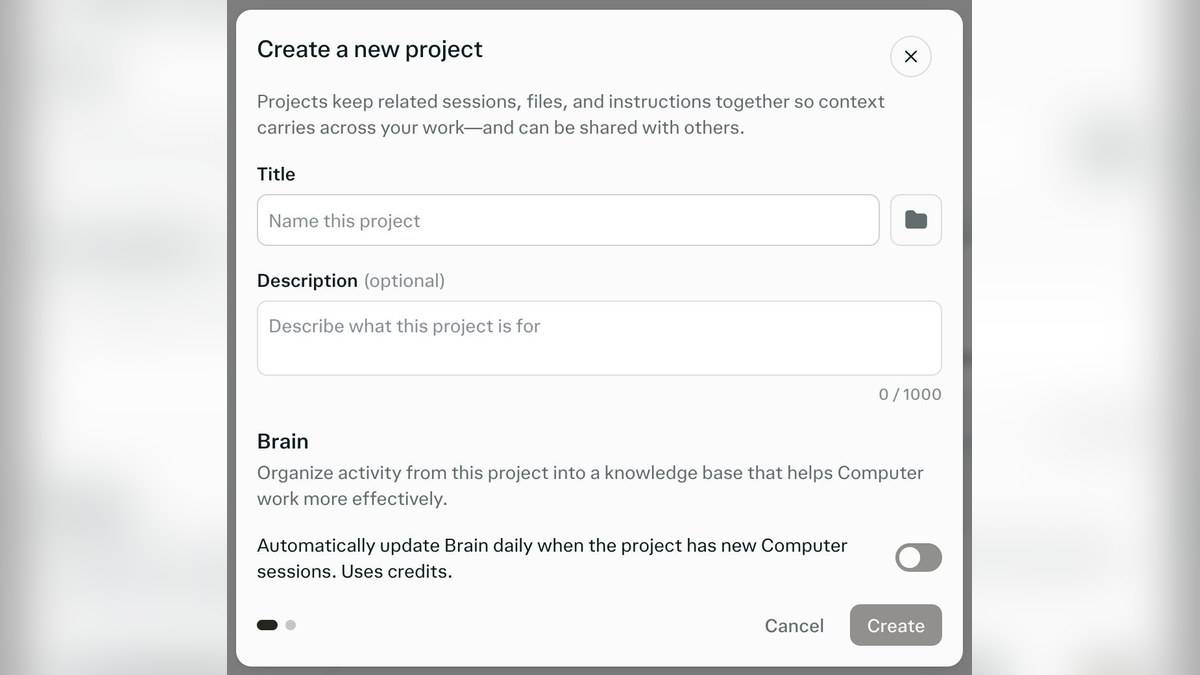
Follow the official personalization guide: click your initials in the lower left corner, open Settings, select Your Claude or Account, and find Instructions or Instructions for Claude. Enter general preferences there. Anthropic says these instructions apply across conversations, so read them as standing guidance before adding anything.
The guide also says former Cowork Global instructions become part of Instructions for Claude in the new experience. If you previously configured Cowork, review the existing text before adding another version. Repeated or conflicting rules make it harder to work out which instruction caused an unwanted response.
Claude custom instructions examples you can adapt
The following templates are original examples for this guide, not official presets. Choose the parts that suit your work. You do not need to paste all of them together: an account preference is most useful when it describes a habit you want across many unrelated tasks.
Example 1, language and Indian context: “Use Indian English unless I request another language. When I ask for Hindi, write in Devanagari. Preserve proper names and explain unfamiliar abbreviations once. When a local example would clarify an explanation, use an Indian context and label invented examples clearly.” This sets a language baseline without assuming every question concerns India.
Example 2, readable answers: “Begin with a direct answer in two or three sentences. Use short paragraphs. Add a table when I need to compare several options with the same attributes. If my question has a straightforward answer, stop after explaining it instead of adding a generic introduction and conclusion.” This replaces a vague request for better writing with observable choices.
Example 3, source boundaries: “Separate what my supplied document states from your interpretation. If the document does not contain a requested date, amount or eligibility condition, say which detail is missing. Do not complete a table with guessed values. When available, identify the passage that supports an answer.” Use this as a review preference, then still verify the response against the document.
Example 4, learning support: “When I ask to learn a concept, explain the central idea first, show one worked example and then offer one practice question. Wait for my attempt before giving the practice answer. Keep technical terms that I need to learn, but define them in plain language.” Apply this account-wide only if that pattern suits most of your learning conversations.
Example 5, editing boundaries: “When editing my draft, preserve its meaning and distinguish factual corrections from wording suggestions. Keep names, amounts and dates unchanged unless I provide a correction. If a sentence seems unsupported, flag it for review rather than supplying a fact that was not in my draft.” This is useful when the task is editing rather than generating a new article.
How to check whether your instructions help
Save a copy of your starting text before revising it. Then try the same small set of questions with one instruction changed at a time. For example, request a short explanation, an edit of a sample paragraph and a comparison table. Check whether the preferred behavior appears across those different tasks, rather than judging the setup from one agreeable answer.
Look for side effects as well. A rule demanding a table in every answer may make a simple definition awkward. A language preference may conflict with a translation request. Rewrite such rules to say when they apply. These are suggested evaluation exercises; they do not establish that Claude will always follow an instruction or make its answers factually correct.
Why might Claude respond differently on a work account?
Anthropic's organization instructions guide says Team and Enterprise owners can set organization-wide rules. These take precedence over contradictory individual instructions, while personal instructions still apply where the organization has not specified a rule. The guide acknowledges that behavior can vary in rare cases of direct conflict.
Only Owners and Primary Owners can manage those organization instructions. For an authorized owner, the documented route is Organization settings, then Organization and access. The limit there is 3,000 characters, and changes may take up to an hour to apply. Those figures concern the organization setting; they should not be presented as the personal instructions field's character limit.
If your aim is narrower than an account preference, read our Claude Projects guide or Claude skills guide. For reviewing sources in answers, see Claude web search and citations. Keep the account setting focused on preferences you would welcome in your next unrelated conversation.