To double check a Gemini response, open the sources attached to the answer and compare the relevant claim with the original page. Google's current computer help instructions say to look for a Sources button below the response or links within it. Older tutorials may describe a Google button and highlighted passages. That historical workflow should not be assumed to match the controls in every current conversation.
The distinction matters when you are checking an exam requirement, preparing an assignment or turning an answer into a workplace document. A confident paragraph and a list of links do different jobs. The paragraph offers an answer; the linked material gives you something you can inspect. This guide follows Google's public documentation, checked on 10 November 2026 at 22:05 IST, rather than an account based interface test.
| What you see | What to do |
|---|---|
| Sources button | Open the side panel and inspect the relevant links. |
| A link within the response | Check which statement the linked material actually supports. |
| No Sources button | Google says that response did not include links. |
| An older Google button tutorial | Distinguish the historical instructions from current help. |
How to find sources in a Gemini response
Google's View related sources from Gemini Apps page says sources and related content can appear within and below a response. When sources are available, selecting the Sources button opens a panel on the right with relevant links. Follow that documented route first, rather than searching for an icon shown in an old screenshot.
The links can refer to public websites, files you uploaded, or documents and emails from Google Workspace when Workspace is connected. Identify which kind of material you are looking at before using it as evidence. A personal note and a public circular can both contain a date, but only one may be the issuing authority's announcement.
A useful review starts with one claim. If Gemini states an application deadline, open the linked circular and find the section containing the closing date. Check the year, programme and applicant group. A page about last year's admissions may be relevant to the subject while failing to support this year's deadline. This is an editorial checking method, not a claim that Gemini performs those checks automatically.
Why is the Gemini Sources button missing?
Google gives a direct explanation: not every response includes related links or sources. If there is no Sources button below a particular response, Gemini did not provide links for that response. The help page does not promise a source list for every answer. Its absence therefore cannot, by itself, establish that your account is broken or that you need to pay for a different plan.
When a crucial statement has no link, verify it outside the conversation. Search for the issuing organisation and the exact document, then read the relevant passage yourself. For an examination rule, that means the examination body's notice. For a course certificate requirement, it means the course provider's current terms. Keep the source alongside your notes so you can revisit it later.
What happened to the old double check response instructions?
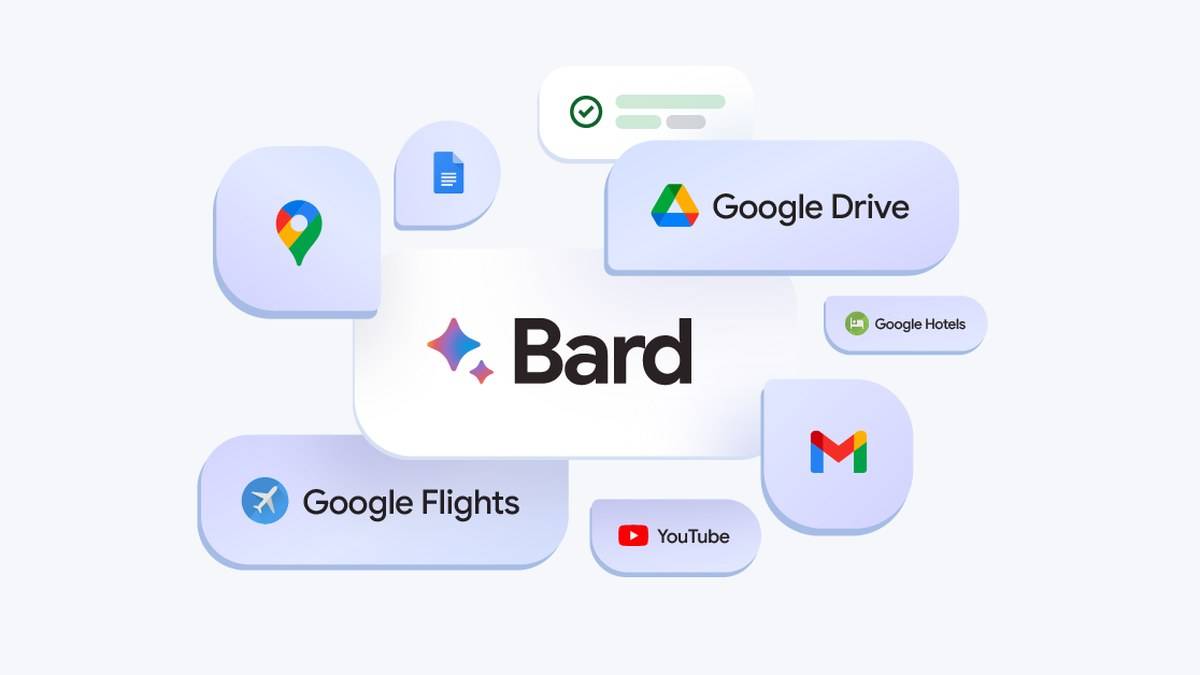
Google's 19 September 2023 Bard announcement described a Google it button. It said the system would evaluate whether web content substantiated an answer and allow readers to inspect highlighted phrases for supporting or contradicting information. That announcement explains why older demonstrations use a different visual workflow.
The help URL associated with response checking now opens a page titled View related sources from Gemini Apps. This does not establish a universal removal date for the historical control, or prove which interfaces still display it. It does establish the public instructions available when this article was checked. Use those instructions for the Sources workflow and treat older demonstrations as historical references.
Three original prompts for checking useful claims
For an assignment, try: "List the factual claims in your answer separately. For each one, identify the original document I should read and say if you have not provided a link." This prompt is intended to organise a review. It does not make an unsupported statement reliable, and any document named in the reply still needs to be found and opened.
For a notice you have already obtained, try: "Using only this notice, extract the eligibility conditions and deadlines. Keep each condition separate and identify the section supporting it. Say when the notice does not answer a question." For a comparison, try: "Separate the published facts from your interpretation, and flag any detail whose date I should check." These are suggested prompts, not tested performance guarantees.
Google's guidance about Gemini responses says the app can present inaccurate information as fact and can even misrepresent how it works. It also says not to rely on its responses as medical, legal, financial or other professional advice. Asking the model whether it is certain cannot replace reading the source.
For related reading, see our guides to Devialet brings Phantom Ultimate Pulse Blue to India at Rs 2.4 lakh, Pixel 10 India price: Rs 79,999 on Google Store, Rs 74,999 with offer and Pixel 10a now Rs 55,999 on Google Store India, Rs 6,000 above launch price. Keep a simple record of the claim, original document and relevant passage before using an answer in work that others will depend on.