NEW DELHI: Ather 450X traction control has three settings, Rain, Road and Rally, with different responses when the rear wheel starts to slip under acceleration. Ather's quick-start guide identifies Road as the default. The current official specification table lists the feature on the 450X and 450 Apex with AtherStack Pro, while the 450S does not get it.
| Setting or model | Official specification |
|---|---|
| Rain | Strongest power intervention, linear return of power |
| Road | Default setting, balanced intervention and recovery |
| Rally | Least intervention, immediate return of power |
| 450X and 450 Apex | Multi-Mode Traction Control listed with AtherStack Pro |
| 450S | Multi-Mode Traction Control unavailable |
The names describe how the system manages traction. They are separate from the scooter's riding modes. Ather's specification table lists SmartEco, Eco, Ride, Sport and Warp for the 450X, while Rain, Road and Rally belong to the traction-control menu. Selecting a traction setting should not be mistaken for selecting a new battery or performance variant.
What changes when the rear wheel slips
The quick-start guide explains that the system adjusts power delivered to the rear wheel when traction is lost, then restores delivery as grip returns. Its examples include wet, uneven and sandy surfaces. The practical point is the response to acceleration on an inconsistent surface, rather than a promise that every road will feel the same.
Rain applies the strongest intervention and brings power back progressively. Road balances the cut and recovery for ordinary commuting. Rally allows more performance through, with minimal intervention and a rapid return of power. These are descriptions of the manufacturer's calibration, not independent measurements of how much grip a tyre can generate.
Consider a commute that begins on a smooth apartment exit and joins a road with loose material near construction. The relevant question is how the scooter responds when the available grip changes during acceleration. An owner who understands that distinction can interpret an intervention without assuming the motor has developed a fault.
Change the setting while stopped
Ather directs riders to the Traction Control section in dashboard settings to change modes or turn the feature off. The guide says to stop somewhere that does not obstruct traffic before doing so. It also describes access through the Quick Access menu using the left-hand toggle.
For a handover demonstration, ask to see the default mode, the selection menu and the indication that the feature is active. Do this on the scooter being delivered, with its purchased software entitlement. A showroom explanation that covers the whole 450 family can otherwise conceal the important difference between a supported 450X and a 450S.
There is no need to stage a wheel-slip test in traffic to check a menu. Confirming the model, entitlement and dashboard display is an ownership check. An intentional loss of traction would introduce a completely different question about rider control and the road environment, which a specification table cannot answer.
Keep traction control separate from braking aids
Ather lists Magic Twist, AutoHold, reverse Park Assist and the Emergency Stop Signal separately. That separation is useful when learning the scooter: slowing down, holding a stopped vehicle, moving out of a parking space and controlling wheel slip are different jobs. A familiar feature name should not stand in for an explanation of what the control actually does.
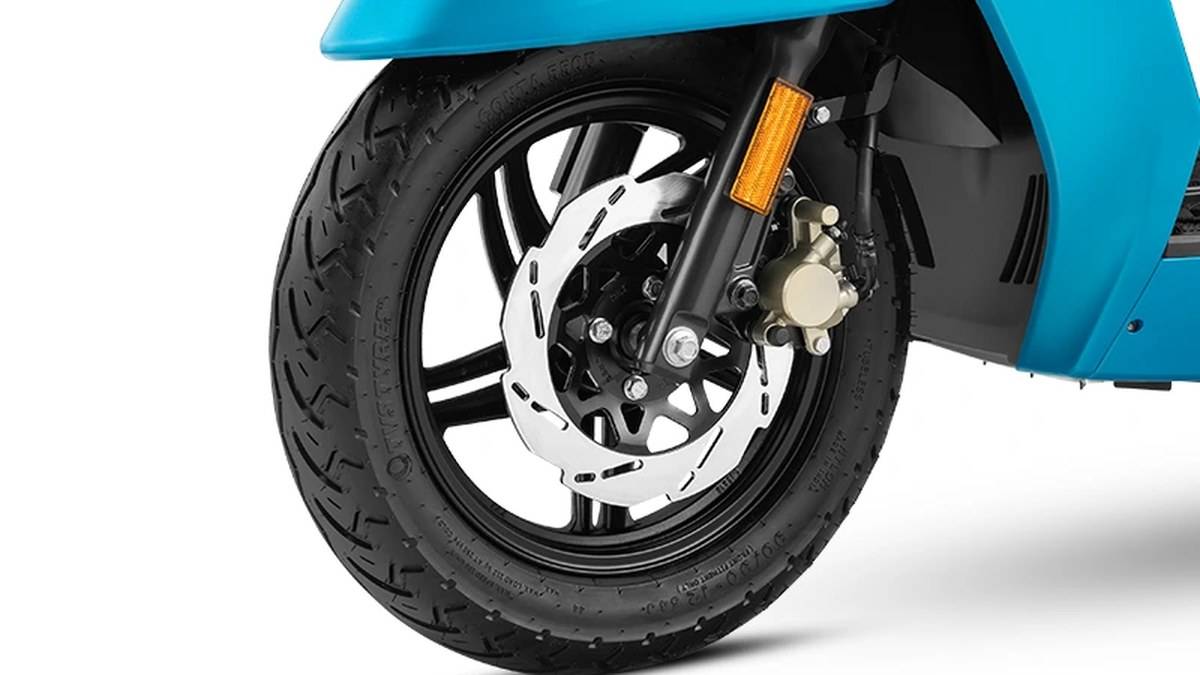
The official specification sheet identifies combined braking and regenerative braking, with discs at both ends. Traction control's management of acceleration does not alter those labels. Owners should use the terminology in the manual when discussing a concern with service staff, so a braking complaint is not confused with a power-delivery intervention.
The 450X also has a TFT touchscreen, which provides the interface for these settings. Treat the first few stationary sessions with that dashboard as part of learning the scooter. Knowing where a setting sits before leaving home is more useful than trying to find it after the road surface has already changed.
Who it is for
This explainer is for 450X owners learning the controls and shoppers checking whether a particular 450 includes the feature. It is especially relevant when different family members will share the vehicle. Each rider should understand the chosen setting rather than inherit somebody else's dashboard configuration without explanation.
For the 450S shopper, the key specification is the absence of this particular system, even though the scooters share a family name. For the 450X owner, the useful next step is a clear demonstration of the supported settings. Neither the Rain label nor the Rally label substitutes for matching speed and throttle inputs to the conditions.
Related reading: our 450S and 450X price comparison, Ather city-price guide and Rizta storage explainer address different parts of the range.
Official sources: 450X quick-start guide; current 450 specifications; 450 product page.