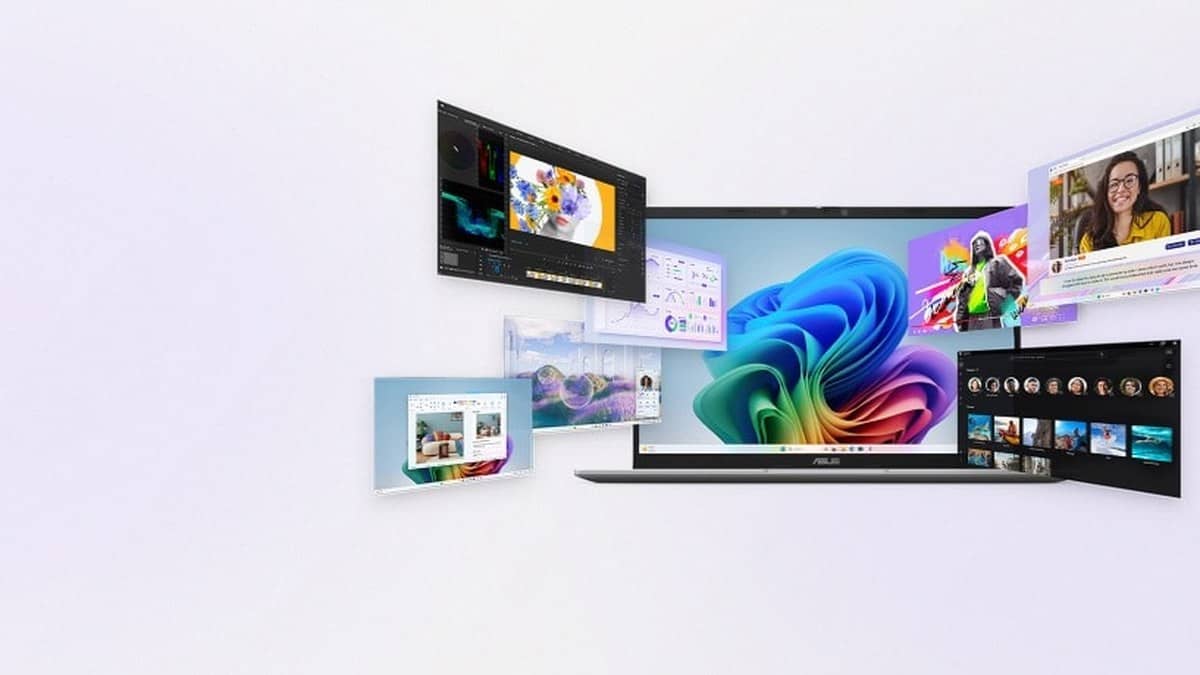
NEW DELHI: ASUS lists the Snapdragon X powered Vivobook 16 X1607QA-MB049WS at Rs 68,990, with a Qualcomm Hexagon NPU rated at up to 45 TOPS. This Copilot+ model is above the Rs 60,000 student laptop bracket. For users considering Windows on Arm, checking essential software and device drivers is a separate task from reading its AI specifications. Price as of 28 October 2026, 00:30 IST.
| Item | Official specification |
|---|---|
| Variant | X1607QA-MB049WS, Quiet Blue |
| Listed price | Rs 68,990, including taxes |
| Processor | Snapdragon X X1 26 100 |
| Memory and storage | 16GB LPDDR5X onboard; 512GB SSD |
| Display | 16-inch, 1920 x 1200, 60Hz |
| NPU | Qualcomm Hexagon, up to 45 TOPS |
| Operating system | Windows 11 Home |
What the Snapdragon specification means here
This particular Vivobook combines a large screen with an Arm processor. The model code matters: a general reference to a Vivobook 16 does not identify the underlying platform. The store specifies the X1 26 100 chip and onboard memory, so an evaluation of an Intel or AMD Vivobook cannot simply be applied to this configuration.
ASUS presents the NPU as a dedicated engine for AI workloads. Its product page also describes an infrared camera for face login, AI noise cancellation and a physical selection of USB and display connectors. These are distinct features. The NPU rating is not evidence that an employer's accounting package, a college examination client or a scanner driver supports this machine.
Separate native apps, emulated apps and drivers
Microsoft says most Windows apps can run on Windows 11 Arm computers. Applications built for Arm have the best performance according to its support guidance; other applications may run through emulation. That establishes broad platform capability, while leaving the requirements of an individual program to be checked.
Microsoft's technical documentation says Windows 11 on Arm can emulate both x86 and x64 applications. Prism is included with Windows 11 version 24H2, and emulation is built into Windows rather than supplied as a separate download. Its job is to translate application instructions for the Arm processor.
Drivers are a different category. Microsoft's developer guidance says emulation does not cover drivers and that kernel components must be compiled for Arm64. A program's main window opening successfully therefore does not prove that every attached device or background component will work.
A practical check for study and office work
Start with the exact names and versions of the applications used for assignments or paid work. Then check each software maker's Windows on Arm support information, including required extensions. Record whether support covers the complete workflow: opening a document, using a required plug-in and exporting the final file are different steps.
Next, list the equipment that needs its own software. Microsoft identifies Arm-compatible drivers as a requirement for peripherals and notes that some games using anti-cheat software can have problems. For an office, that makes the printer or scanner software part of the compatibility review, even when the USB connector fits.
This Vivobook provides USB4 Type-C connections with display and power delivery support, alongside Type-A connections and HDMI. The physical ports are useful when documenting a desk setup, but ASUS itself warns that compatibility with third-party accessories is not guaranteed. Readers can also consult our ASUS India faulty laptop process explainer for the separate service context.
Who it is for
On its published configuration, this is a large-screen Copilot+ option for students and office users whose required applications have confirmed Arm support or suitable emulation support. That is an assessment of fit from the specifications, not a tested performance verdict. Organisations with mandatory device software need to include that software in their evaluation.
The model-specific tradeoff is the combination of a roomy display and an unfamiliar software platform for anyone moving from a conventional Windows laptop. Memory capacity alone cannot answer the migration question. Our coverage of other Snapdragon Surface laptops provides related platform context.
After installation, keeping Windows current remains part of normal maintenance; see our Windows and Chrome update report. A compatibility check should be completed against the software actually needed, rather than inferred from an AI label.
Official sources: Microsoft Windows on Arm FAQ, Microsoft's emulation documentation, ASUS product overview and the ASUS India variant listing.