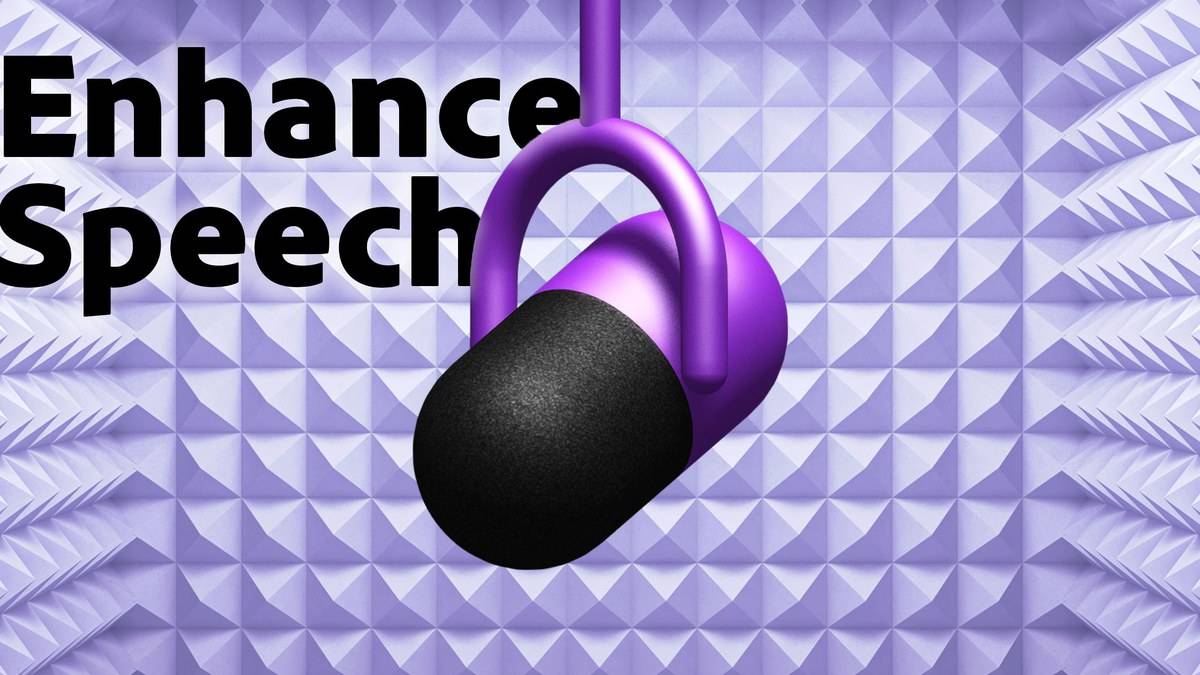
Adobe Podcast Enhance Speech has a free tier for audio files, with a maximum duration of 30 minutes per file, a maximum file size of 500 MB and a daily enhancement allowance of one hour. It accepts one upload at a time on that tier. Those are separate restrictions: a recording must fit the file rules even when you have enough daily allowance left.
The figures come from Adobe's official feature comparison, checked on 12 November 2026 at 22:12 IST. The service is useful to investigate when a recorded class explanation, interview or spoken assignment has distracting background sound. Adobe describes it as AI audio enhancement, but its feature claims are not a guarantee that every difficult recording will become clear.
| Enhance Speech limit | Free | Premium |
|---|---|---|
| Maximum file size | 500 MB | 1 GB |
| Maximum file duration | 30 minutes | 2 hours |
| Daily enhanced speech | 1 hour | 4 hours |
| Video and bulk uploads | Not included | Included |
| Strength adjustment | Not included | Included |
How to use Adobe Podcast Enhance Speech
Adobe's published Enhance Speech guide gives a short process: open the Enhance Speech page, select “Choose files”, and select the recording to enhance. Premium users can adjust the amount of enhancement. Processing time varies with the file, so a submission deadline is a poor moment to begin experimenting with an entire interview.
These instructions have been checked against the official guide rather than through an authenticated account. No account was created and no recording was uploaded for this article. The distinction matters because the public documentation establishes the advertised workflow and limits, while the controls an individual sees may depend on their access and the current interface.
Before uploading, keep an unchanged copy of your original recording. Give the working file a recognisable name and check its running time and size. For example, a 20 minute audio file below 500 MB meets the published free per-file ceilings. A 40 minute file fails the duration ceiling even if it is small. A short file larger than 500 MB fails the size ceiling.
That example is simply an application of Adobe's table, not a promise that an upload will succeed. File compatibility and the service's response still need checking when you use it. If a recording fails a stated limit, do not assume the daily allowance overrides the restriction. Start by identifying which rule the file does not meet.
What the free allowance does and does not cover
Adobe separates Enhance Speech, Studio and Mic Check on its comparison page. The one hour daily figure belongs to enhanced speech. The free Studio offering has a different download rule: projects up to 30 minutes, with two project downloads per day. Reading the Studio row as an Enhance Speech quota would mix two different functions.
The same separation explains why a video upload is not part of the free Enhance Speech offer, even though Adobe discusses video elsewhere. The comparison lists video support, including MP4 and MOV, under Premium. It also places bulk uploading and enhancement strength adjustment there. This guide does not quote a subscription price because the opened comparison establishes features and limits without a verified India checkout price.
For a student project, first decide what you actually need to deliver. A spoken audio explanation and a finished video presentation are different outputs. If your assignment only needs a short audio recording, the free file ceilings may be sufficient on paper. If the required input is video, check access to the relevant feature before building your submission process around it.
How to review enhanced speech before submitting it
Listen to the original and processed versions over the same passage. Pay particular attention to names, numbers, technical vocabulary and the start and end of sentences. This is an editorial check proposed here, not an Adobe accuracy claim. Cleaner background sound does not establish that every spoken word has been preserved exactly as the speaker intended.
For an interview, also check places where people overlap or speak softly. Keep a note of any passage that remains hard to understand and verify it with the original. Do not turn an uncertain word into a confident quotation just because the enhanced recording sounds smoother. If a passage is essential to an assessment, its meaning needs checking independently of the sound improvement.
Related tasks call for different tools. Our Watch and audio price guide explains generated study audio. For writing a short introduction, see the NotebookLM Audio Overview: formats, prompts and source checks. For the slides accompanying your recording, the Microsoft Copilot prompts: five examples with source checks offers a separate planning workflow. In every case, retain the source material needed to check the final submission.