
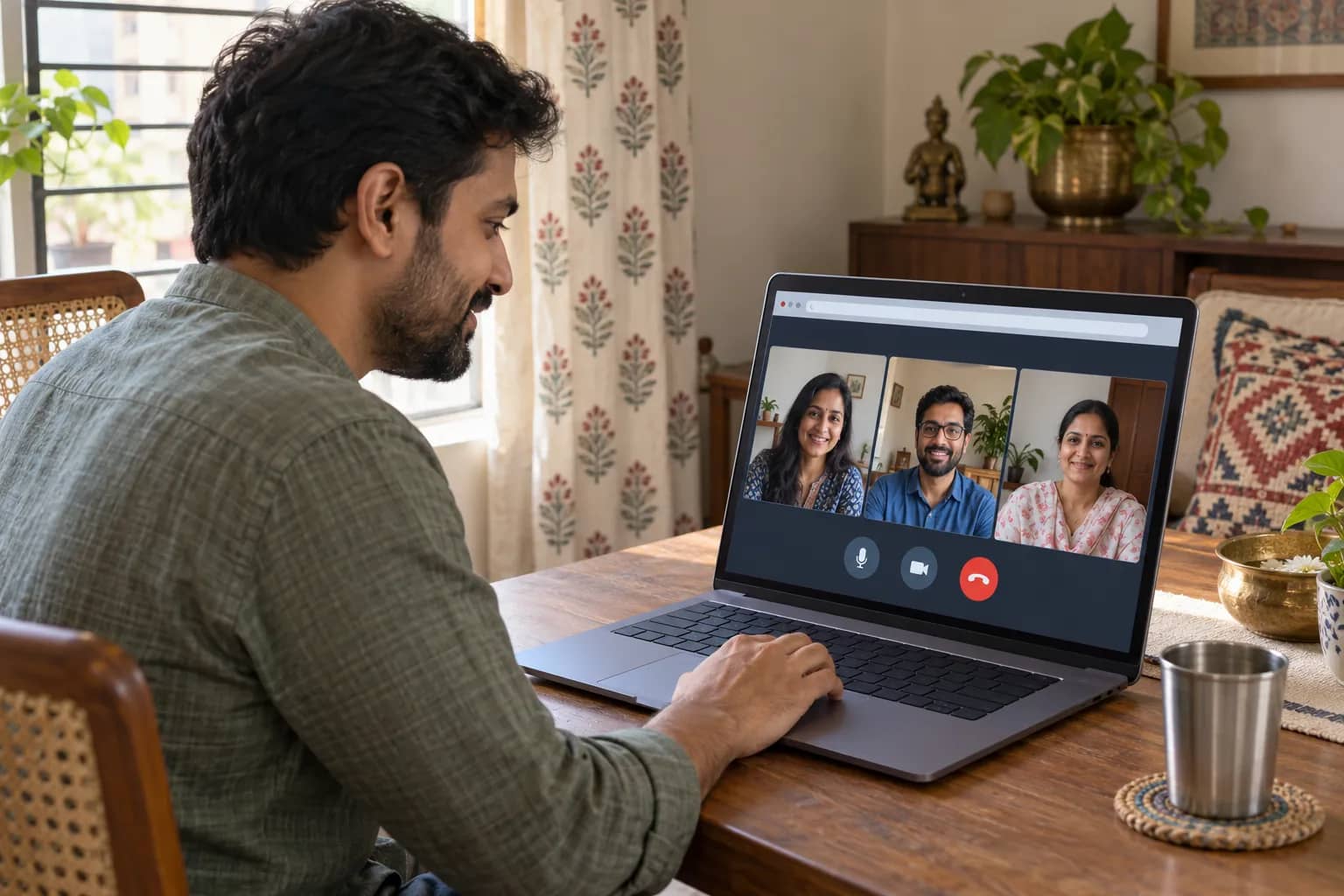
WhatsApp has opened calls to guests without accounts, letting invitees join through a computer browser. Meta announced the change on 14 October. Its planned Google and Outlook calendar integrations are due later this year. Calendar invites will require a WhatsApp plugin.
An account holder creates the link from the Calls tab. Guests enter their name and wait for host approval. Calls support up to 32 people, screen sharing and reactions, with no time limit. Meta says they are end-to-end encrypted.
Guests cannot see other participants’ phone numbers, send messages or add callers. Hosts can remove them. Those limits matter when choosing an invitation method: joining a conversation does not give a visitor the same controls as its organiser. Guests can also raise their hand.
Meta’s announcement does not specify an India rollout date. Indian readers should check availability in their own app. This guide compares guest entry, browser access and meeting controls across five services, using their current official instructions.
FaceTime guests have a screen-sharing limit
For an Android phone or Windows computer, Apple’s FaceTime instructions already provide a browser route. A recipient needs a link, a reliable internet connection and the latest Chrome or Edge. After opening the link, the guest enters a name, selects Continue and then Join, and waits for the host to allow entry. Camera and microphone permission may also be requested.
Browser access does not mean every FaceTime feature travels with the link. Apple excludes SharePlay and screen sharing from the web version. For a tutorial where the guest must show a document or demonstrate software, that is a deciding limitation, even when the basic video call works. Decide who needs to present before treating a successful join as proof that the session is ready.
The web version still provides microphone and camera controls, with full-screen and camera-switch options where shown. Participants can view callers in a grid. Creating the invitation is a separate device requirement: Apple says FaceTime links can be made on iPhones running iOS 15 or later and Macs running macOS Monterey or later. Apple also allows web participants to share the invitation link.
Meet access follows organiser settings
Google Meet also permits joining without a Google Account. On a computer, the recipient opens the invitation link or enters the meeting code at Meet, types a name and selects Ask to join. The organiser or a participant must admit that person. Sending a link is consequently only one part of arranging access; someone inside the meeting must be available to handle the request.
The organiser’s account can determine who is allowed in. Google’s guidance says Workspace administrators can restrict attendance to their organisation, signed-in Google users or everyone, including people without accounts. Education accounts have their own administrative controls. Someone organising a tuition session or work discussion through an institution should check those controls before promising an outside attendee a sign-in-free experience. Google shares meeting identifiers with hosts for troubleshooting and audits.
Google also distinguishes a browser invitation from telephone dial-in. Dial-in requires a meeting organised by a Workspace user and an administrator-enabled dial-in feature. Regular call charges apply. A meeting link alone should therefore not be treated as confirmation that an invitee can dial an ordinary telephone number instead of using an internet connection.
Teams can require email verification
Microsoft’s Teams guest instructions offer a browser option on Edge or Chrome, without installing the desktop app. An invitee opens the meeting link, chooses Continue on this browser and joins. An organisation may nevertheless block unverified participants. Depending on its settings, the recipient may need an email verification code or a Teams account, so a sign-in request does not necessarily mean the invitation is broken.
Teams makes those entry methods visible to other participants. Someone who joins without entering an email address is labelled Unverified; using an emailed one-time code produces an Email verified label. Microsoft says signed-in users have more meeting features. Guests who remain in the lobby without being admitted for 30 minutes are removed and can try joining again. Microsoft marks signed-in outside participants with an External label.
On mobile, Microsoft directs guests to the Teams app. Select Join as a guest, then enter a name. Organisational verification requirements can still apply. For someone joining with only a phone, check this before the appointment to avoid a last-minute download. Desktop guests may enter up to 15 minutes early; other participants are notified when they enter.
Zoom browser access has an encryption restriction
Zoom permits invited guests to join without accounts, provided the host’s authentication settings allow it. After opening the invitation, a recipient can cancel the prompt to launch or download the app and choose Join from your browser. The guest enters a display name, supplies the meeting passcode if requested, checks camera and microphone permissions, and joins. The same route can start with the meeting ID rather than the invitation link.
The browser option depends on the host enabling it, and mobile-browser meetings have fewer functions than desktop-browser meetings. Zoom is also phasing in an invisible CAPTCHA check for guests: anyone flagged is prompted to sign in. If the browser link is missing, ask the organiser about access requirements; creating an account does not itself override the host’s browser setting.
There is a separate encryption constraint. Zoom’s browser-setting guidance says the browser-joining link is unavailable when the host enables end-to-end encryption; participants are directed to its desktop or mobile app instead. That makes browser access and the meeting’s encryption setting a practical compatibility check. Confirm both before choosing how to attend.
Dalimss News has also covered Goa’s WhatsApp public-service chatbot and Camrio’s business inbox. Those separate uses show why the service’s calling, messaging and business features need to be evaluated individually.