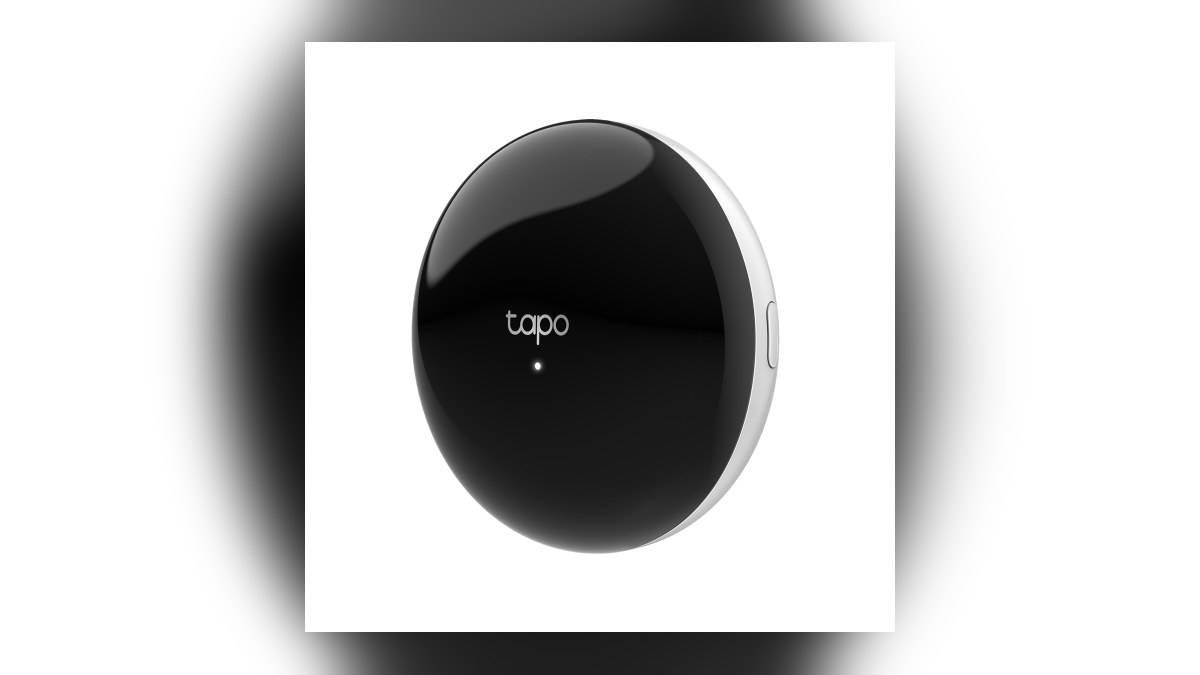
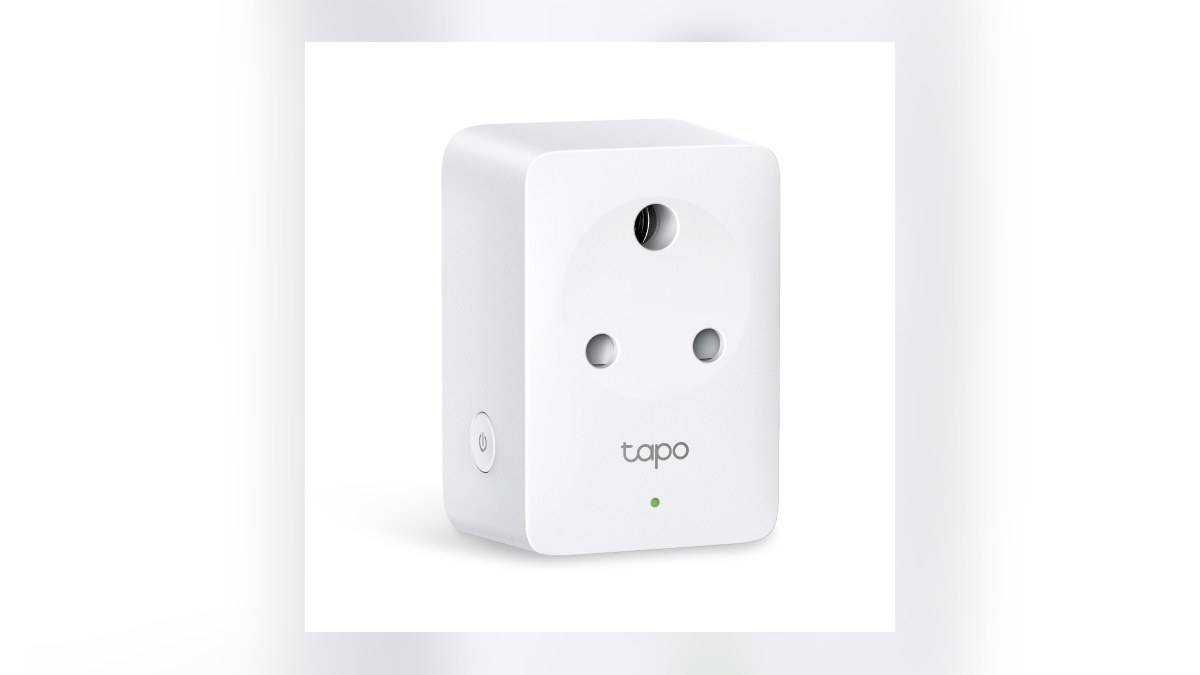
NEW DELHI: Tapo P116M V1's India specification sets a maximum 6A resistive load and supports Matter integration with Apple Home, Alexa, Google Home and SmartThings. TP-Link recommends configuring its Matter devices in Tapo first, then adding another platform. Removing a device from Tapo later is a factory-reset action, so it should not be used simply to tidy an app list.
| Item | Official detail |
|---|---|
| India model inspected | Tapo P116M V1 |
| Maximum load | 6A, resistive load |
| Electrical rating | 200V to 240V, 50Hz |
| Connectivity | 2.4 GHz Wi-Fi and Bluetooth |
| Matter platforms listed | Apple Home, Alexa, Google Home, SmartThings |
| Tapo removal | Factory resets the Matter device |
Check the appliance before opening the app
The P116M brings remote switching, timers and energy monitoring to the connected appliance. Its current rating remains the first check. Read the appliance label and instructions rather than assuming that a plug marketed for smart-home use is suitable for every socket or appliance. The stated resistive-load limit is not blanket approval for equipment with different electrical characteristics.
This matters in a room where a desk lamp, router and larger appliance all use similar-looking wall outlets. The control app does not decide whether the attached load is suitable. Identify the exact appliance that will stay connected, check its requirements and keep that decision separate from whether the phone can successfully discover the smart plug.
The India page also lists energy-use tracking and bill estimates based on an entered electricity rate. An estimate for the attached appliance is different from the household's final electricity bill. Use it to understand the load being measured, while remembering that the account may include other appliances and charges outside that plug.
Choose the setup route deliberately
TP-Link's Matter guide allows setup in Tapo or directly in a compatible third-party app. Its recommended route is Tapo first, to retain access to the full device feature set. For a household already using Tapo, that gives a clear sequence: finish the manufacturer setup, confirm switching works, then add the home platform.
The P116M product page advertises Bluetooth onboarding and scanning its Matter code in a compatible app. It also says third-party ecosystem use requires a hub for that platform. Check the controller requirements for the platform you intend to use before concluding that a missing device is a plug fault.
There is a platform-specific qualification in TP-Link's wider guide: Apple Home can add Matter accessories directly on iOS 18 or later, but without a hub it lacks remote access, shared control and automations. Basic discovery on a phone should therefore not be taken as proof that every planned household routine is ready.
Keep the pairing code and existing app entry
TP-Link says the Matter code is printed on the device casing, with an additional sticker in the packaging. Its guide also explains how to retrieve the code after Tapo setup through Device Settings, Device Info and Matter Setup Code. Keep the code with the product records so future setup does not depend on finding the original carton.
Matter supports multi-admin control, allowing the same device to be added to several compatible platforms. There is no need to treat the original Tapo entry as a duplicate that must disappear before another app can operate the plug. Think of the entries as different control routes to the same physical outlet.
The distinction becomes critical when cleaning up old app entries. TP-Link says removal from Tapo or Kasa triggers a factory reset and makes the device unresponsive in other connected Matter apps. If you merely want to change the platform used day to day, first establish what the removal command does; deleting an entry can affect more than the screen you are looking at.
Test the household routine, not just discovery
After setup, use a suitable connected load to confirm the physical button, app control and intended schedule behave as expected. Give the plug a name that identifies the appliance and room. In a shared home, a clear name makes it easier for another person to understand what a voice command or automation will switch.
If third-party setup fails, TP-Link's guide advises checking that the app and controller support Matter, that the phone and controller share the same Wi-Fi network, and that Bluetooth is enabled. Work through those checks before repeatedly deleting the device. A connection problem does not automatically require discarding a working manufacturer setup.
For this model, the practical benefit of Matter is another way to control an already suitable electrical load. The successful installation keeps the appliance within the India V1 rating, preserves access to its Tapo functions and verifies the chosen platform's controller. A working scan is only part of that result; the saved schedule and shared household controls need their own checks.
Related reading: AirPods price list India: Rs 14,900 to Rs 74,900 for AirPods 5, Pro 3 and Max 2; App Store Indie Games Week: India prices and device limits; Apple accessories price list India: Pencil Pro Rs 11,900, Magic Keyboard Rs 9,500, MagSafe Rs 5,290.
Official sources: India V1 product specifications; Official Matter setup, multi-admin and reset guide.