To check a train's running status through the official National Train Enquiry System, open NTES and choose Spot Your Train. Match the train number and the correct journey instance, then read the expected arrival or departure at your station. Also check Train Exception Info for cancellations, rescheduling and diversions. This guide was reviewed on 30 October 2026; it does not claim that any particular train is delayed today.
| Your question | NTES feature to check |
|---|---|
| Where is my train and when might it arrive? | Spot Your Train |
| What is the published timetable? | Train Schedule |
| Which trains are expected at this station? | Live Station |
| Has the route or departure changed? | Train Exception Info |
How to check train running status on NTES
Begin at the official Indian Railways NTES website. Its public interface includes Spot Your Train, Live Station, Train Schedule and Train Exception Info. These labels help separate a live operating enquiry from a timetable search. A train appearing in a schedule establishes its listed service pattern, but a traveller still needs the running enquiry for the relevant journey.
Use the train number from your ticket to reduce the chance of choosing a similarly named service. The Spot Your Train screen offers Train Instances and Journey Station Basis options. Select the entry that matches your journey rather than accepting the first result simply because its train name looks familiar. Keep your boarding station visible in your notes while checking the result.
Journey dates deserve particular attention on long routes. For example, a train that starts on one evening may reach a later boarding station after midnight. The date someone boards can therefore differ from the date that service began its run. Treat that as a reason to check the selected instance carefully, especially when helping a relative who sends only a train number in a message.
The CRIS guide to NTES says Spot Your Train provides the current running position and expected arrival and departure at a queried station. Read the station-specific information together with the update shown on screen. NTES also warns that entries marked with an asterisk are dynamic and may change, so a saved screenshot is only a record of an earlier enquiry.
Train running status versus PNR status
Keep two questions separate: what is happening to the train, and what accommodation is recorded for your ticket? NTES's menu lists PNR Status as a useful link alongside the operating enquiries. Opening a running-status result does not by itself answer whether your reservation is confirmed or where your berth is assigned. Check the ticket record through the appropriate official reservation enquiry as well.
This distinction matters when a family divides the travel preparations. One person may have checked the reservation while another has checked the timetable. Ask each person to identify what they actually looked up, the journey date and the station. A message saying only that everything is fine leaves the other traveller unable to tell which part of the journey has been verified.
How to check cancelled, diverted and rescheduled trains
Use Train Exception Info before leaving for the station. CRIS describes the exceptional-train information as covering full and partial cancellations, rescheduled trains with revised timings, and diverted trains with changed routes. A partial cancellation can matter even if a service continues to run elsewhere. Read the affected section and your boarding point rather than stopping at the train's name.
A diversion also needs a route check. Your main concern is whether the train serves the station where you plan to board or alight. If the entry is unclear, take the train number and journey details to an official station enquiry counter. CRIS identifies station enquiries and the 139 enquiry service among the channels through which passengers can obtain train information.
When to use Live Station and the station display
Live Station is useful when your question concerns a location rather than one train. The CRIS guide describes station views for expected arrivals or departures over the next two, four, six or eight hours. Train Schedule, by contrast, lists public stops, scheduled arrival and departure, distance and day count. Choose the view that matches the decision you are making.
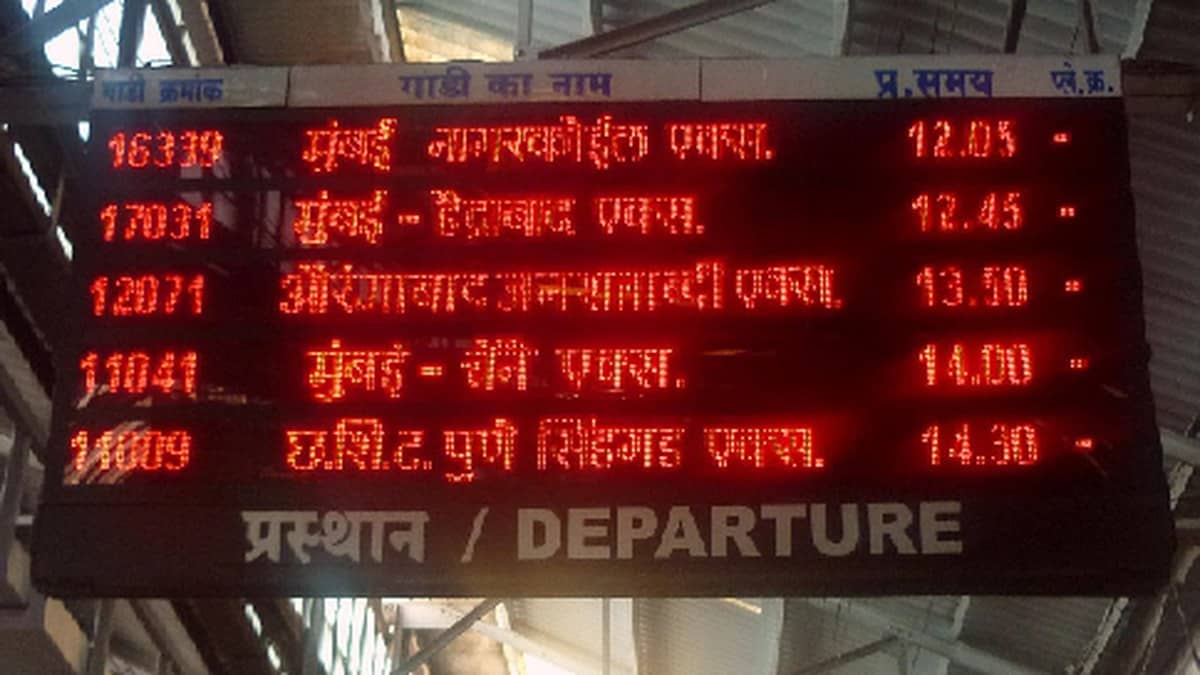
Once at the station, read the current passenger displays and listen for announcements. CRIS says NTES also supports station displays carrying arrival, departure, delay and platform information. Before walking to a platform, check the current local information instead of relying entirely on a screenshot forwarded earlier in the day.
For planning context, our report on Shakur Basti Chhath special trains covers particular routes. The Chhath holiday guide and family travel discussion address other parts of trip preparation. For the operating position of your train, return to a fresh official enquiry with the correct date and station.