
NEW DELHI: Lenovo's Yoga 7 14ARP8, model 82YM004TIN, is listed at Rs 93,190 on the company's official India store, including shipping and taxes. The verified configuration pairs a Ryzen 7 7735U processor with 16GB RAM, a 512GB SSD and a touch-enabled OLED screen. It also lists a Lenovo Digital Pen, making this a convertible package for people who want handwriting and flexible screen positions alongside ordinary Windows work.
| Feature | Verified configuration |
|---|---|
| Model and price | 82YM004TIN, Rs 93,190 |
| Processor and graphics | Ryzen 7 7735U, integrated Radeon 680M |
| Memory and SSD | 16GB LPDDR5-6400, 512GB PCIe Gen4 SSD |
| Display | 14-inch OLED touch, 2880 x 1800, 90Hz |
| Display ratings | 400 nits, 100% DCI-P3 |
| Operating system | Windows 11 Home Single Language |
| Input and colour | Lenovo Digital Pen, Tidal Teal backlit keyboard |
| Listed service | One-year PremiumCare |
Price as of 27 November 2026, 23:38 IST. This is the exact price on the opened SKU page, rather than a starting figure applied to every Yoga 7. Different Yoga generations and processor platforms should be compared using their full codes. The price applies only to this configuration.
The hinge is a working feature
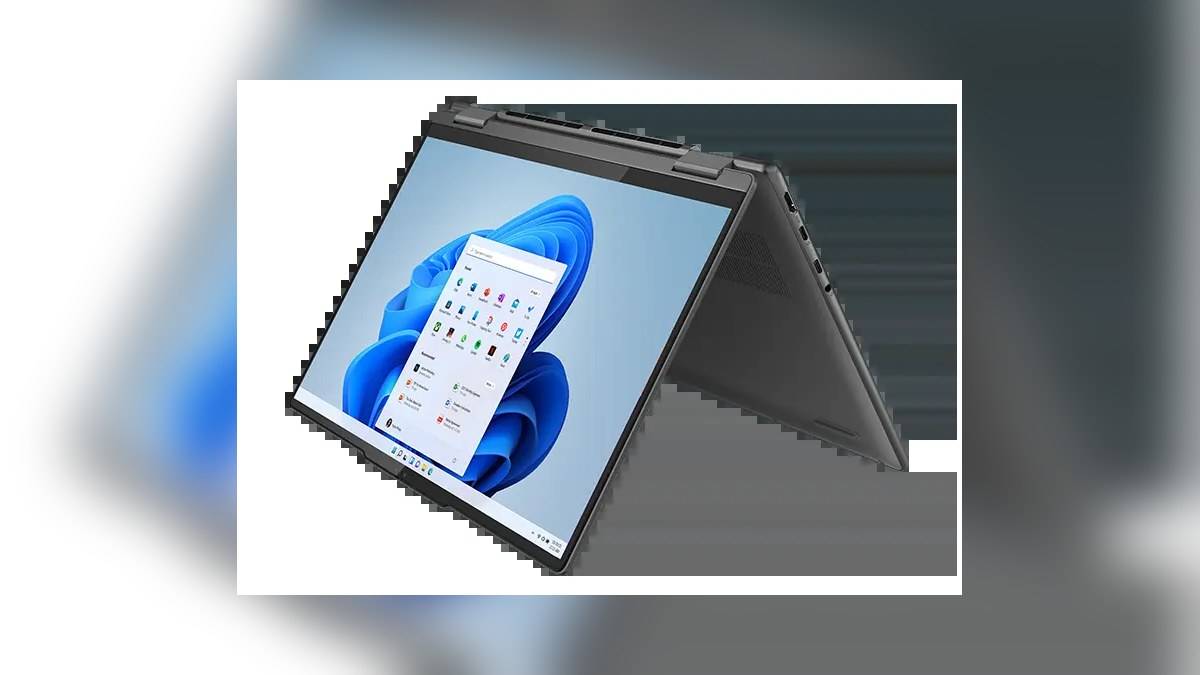
Lenovo's official platform reference confirms a 360-degree hinge supporting laptop, tent, stand and tablet modes. For someone reviewing a presentation with a colleague, tent mode can place the display more directly in view. Folding the keyboard away also changes how a person interacts with a document or drawing, so the convertible design has a purpose beyond appearance.
That flexibility is most useful when touch and handwriting are part of the routine. A teacher marking a document, a student annotating notes or a professional sketching an idea can work directly on the screen. Someone who spends the entire day typing may get less benefit from the extra modes. The important question is how often the computer will actually be used away from its conventional laptop position.
What this OLED version supplies
The India listing identifies the higher-resolution OLED touch panel shown in the table. Lenovo's family reference also documents other panel choices, which is why a generic Yoga 7 photograph is not enough to establish the screen supplied. The SKU is the more precise record when a quotation simply says OLED or touchscreen.
The specification describes a glossy screen. Buyers who work beside a bright window should consider reflections alongside colour and resolution, rather than ranking a display on its pixel count alone. Touch use also brings fingerprints and screen cleaning into the daily routine. These are practical consequences of the format, not findings from a measured display review.
Wide colour coverage is relevant to visual work, but it is not a complete production workflow. A person preparing material for printing or a client should still consider application colour settings and output requirements. The laptop's published display specification does not by itself guarantee that every program or exported file will use the intended colour space.
Performance and capacity choices
According to Lenovo's official specification reference, memory is soldered to the system board with no slots. The listed capacity therefore needs to be treated as the configuration for the life of this machine. An expectation of later fitting a larger RAM module would be misplaced, even though a service technician may be able to access other internal parts.
The storage design uses a single M.2 slot. A person who plans to keep large creative projects locally should distinguish replacing the supplied drive from adding another one. The former involves moving the working environment and data. For pen-based notes and ordinary documents, the more immediate question may instead be how files are organised and backed up across work and study accounts.
The processor is paired with integrated graphics. This can still be relevant to creative applications, but it should not be confused with a dedicated gaming GPU. Anyone whose software specifically requires discrete graphics should compare those requirements with the published hardware. This guide offers no invented rendering results, game frame rates or performance ranking.
Ports, meetings and battery expectations
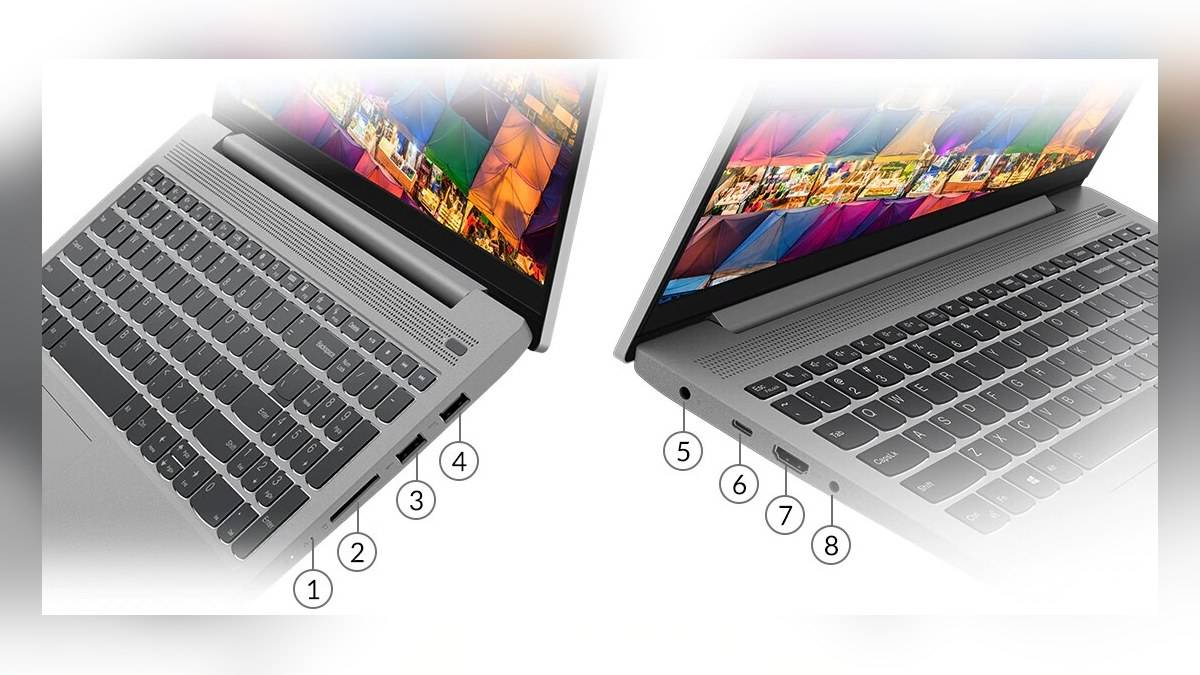
The platform reference lists USB4, another USB-C connection, USB-A, HDMI and a microSD reader. Both USB-C connections support power delivery and display output, but their data capabilities differ. For a dock, choose according to the monitor and peripherals that must work together. The presence of USB-C does not make all docks equivalent.
The reference specifies a 71Wh battery, while the India listing gives a 65W adapter. Capacity and charger output are not a guarantee of working time. Lenovo publishes different laboratory runtime figures for different screen versions, so a single family-wide all-day claim would hide an important variable. Actual use will also depend on the workload and settings.
The SKU lists an infrared FHD camera, privacy shutter and backlit keyboard. For frequent calls, those details deserve attention alongside the convertible modes. The camera and pen serve different needs: neither should become a reason to overlook whether the keyboard, screen surface and installed memory fit the work expected of the machine.
Who it is for and what to compare
This Yoga is most relevant to someone who wants a Windows laptop that can also support direct annotation and sharing. For alternatives, see our IdeaPad Flex 5 guide, ThinkBook 14s Yoga guide and Yoga 9i Gen 8 guide. Compare the pen package, panel and memory on each exact configuration.
Official sources: Lenovo India Yoga 7 listing and Yoga 7 14ARP8 specification reference.