
To file a cVIGIL complaint, use the Election Commission of India's election complaint service to capture a live incident, submit its location and evidence, and retain the complaint reference for follow-up. The service handles Model Code of Conduct and election expenditure violations. The Commission's March 2026 guidance identifies it as the C-Vigil module on ECINET, so readers following older cVIGIL instructions should start with the current official election service.
The purpose is to get a field team to an incident while evidence can still be checked. Cash or liquor distribution and campaigning outside permitted hours are different problems from a spelling mistake in the electoral roll. Choosing the appropriate complaint route helps election officials investigate the actual incident.
| Question | Official position |
|---|---|
| Who can report? | Citizens within the relevant election area; political parties can also report violations. |
| What evidence matters? | Live photographs, audio or video, with location information. |
| Response timeline | The stated service target is action and a status response within 100 minutes. |
| Alternative help | Election complaint call centre 1950 and the concerned district or returning officer. |
What can you report through cVIGIL?
The Dhar district administration's official cVIGIL guide lists bribery, distribution of gifts or liquor, and loudspeakers used beyond permitted hours. It also describes complaints about election expenditure violations. These are examples of conduct to report for investigation, rather than a finding that every incident described by a complainant is unlawful.
In its 29 March 2024 release, ECI also documented complaints about illegal hoardings, property defacement, intimidation and campaigning during prohibited periods. Describe what you actually witnessed. A useful report gives officials a concrete event and identifiable place, rather than a general allegation about a candidate or party.
How to file a cVIGIL complaint
- Start from official ECI guidance and look for the C-Vigil complaint facility in ECINET. Use the citizen service rather than an investigator or official dashboard.
- Check that the service applies to the election area concerned. ECI designed cVIGIL for places where elections have been announced.
- Follow the sign-in instructions displayed by the current service. Official guidance also provides for anonymous reporting.
- Capture the incident live through the complaint facility. Allow the location information needed to identify the place of the alleged violation.
- Provide a concise description, select the relevant complaint type where requested, and submit the evidence promptly.
- For a submission that provides a unique complaint ID, retain that reference and use the status facility to follow the response.
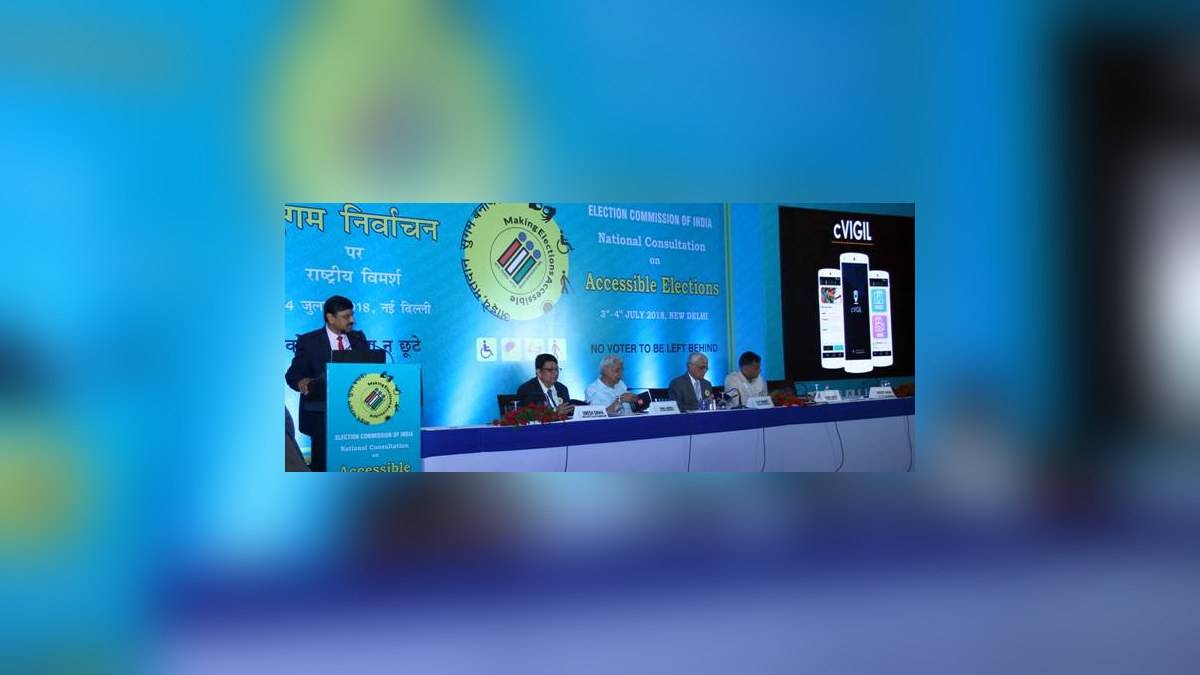
ECI's original launch instructions of 3 July 2018 explained why old gallery images were excluded: the system was intended to capture an incident with its location while officials could still verify it. Those instructions specified a five-minute reporting window after capture. Follow the current on-screen instructions rather than treating an old instruction sheet as a substitute for the active service.
This complaint route depends on incident evidence, not an application bundle for a welfare payment. The official descriptions focus on a live recording, its location and the report. They do not describe an income certificate or a housing-style eligibility application. The service offers complaint handling, with no benefit amount or grant attached to making a report.
What does the 100-minute response mean?
The complaint enters a district control room and is assigned to a field unit for verification. The unit reports its findings to election authorities, and the returning officer takes the decision. The Dhar guide explains that officers can decide, drop or escalate cases after examining the field report. A submitted allegation therefore still needs official assessment.
The 100-minute standard concerns the response and action on a complaint. It should not be read as a promise of a criminal conviction, a penalty or a decision in the complainant's favour within that period. ECI's May 2024 account of the service describes tracking through a unique ID, anonymous reports and safeguards against duplicate or frivolous complaints.
What changed, and where can you get help?
The important recent change for users following older guides is the service's placement within ECINET. In its 26 March 2026 release, ECI explicitly directed citizens and political parties to the C-Vigil module on ECINET. The same release identified 1950 as a complaint call centre and referred to the concerned District Election Officer or Returning Officer.
There is no single nationwide application closing date for this incident-reporting service. Its relevance follows the election concerned, and reporting promptly matters because a field team must verify the scene. For electoral-roll services, consult our guides to Form 6 registration, voluntary Form 6B Aadhaar linking and e-EPIC download. Keep those enrolment and document requests separate from evidence of an election conduct violation.