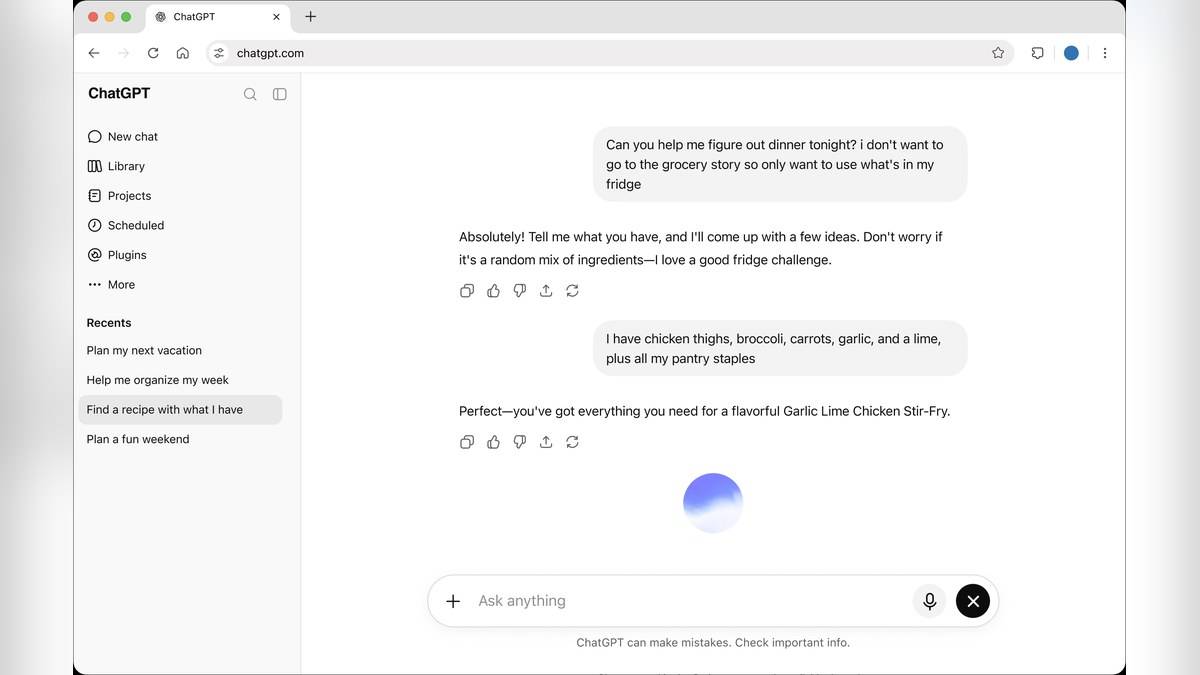
To use ChatGPT for essay revision, paste your own draft and ask for an editable writing block, then request one clearly defined change at a time. If you searched for “ChatGPT canvas for writing”, check the current instructions before following an older tutorial: OpenAI's live help page describes writing blocks directly in conversations, with controls that vary by account and workspace.
The workflow below is for improving a student's existing essay: checking structure, finding unsupported claims and tightening expression. The five prompts are original examples you can adapt to your assignment. They are requests to try, rather than promises about the response you will receive.
| Your task | Useful starting point |
|---|---|
| Revise your own essay | Draft, question and marking criteria |
| Keep a change focused | Select a passage and specify the edit |
| Check an AI revision | Compare claims and meaning with the original |
| Preserve your work | Keep a separate copy before major changes |
How to use ChatGPT canvas for writing now
OpenAI's Canvas announcement dated 3 October 2024 introduced a separate workspace for collaborative editing. The page now labels itself as covering the launch and points readers towards current capabilities. Its original beta model choices and rollout schedule should therefore be read as historical information.
The current writing blocks help page, checked on 17 November 2026, 23:09 IST, says you can request a draft that is directly editable in the conversation. Depending on the actions available, you can edit text, ask for selected or whole draft revisions, copy it, open a full-screen editing view, and undo or redo recent AI edits.
Start with the assignment question and your draft. Ask ChatGPT to place the draft in an editable writing block while preserving its wording. Work on one passage before requesting a whole essay revision. Where supported, headings, lists, bold, italics and links can help organise the draft. Read the revised passage before accepting further changes.
Available controls depend on the plan, model, device, workspace and rollout. A missing action does not prove you have followed the wrong steps. Supported edits save with the conversation after a short delay; in Temporary Chat they may not persist after the session. Keep your own copy of the essay and any changes you decide to retain.
Five ChatGPT prompts for revising a student essay
1. Check whether the structure answers the question. Paste the essay question, your draft and the rubric. This prompt is intended to expose a weak argument before you spend time polishing sentences.
Review my draft against the assignment question and rubric below. Give each paragraph a one sentence purpose. Identify any paragraph that repeats another or does not support my central argument. Suggest a revised paragraph order, but do not rewrite the essay or add evidence.
Compare the suggested order with your intended reasoning. A paragraph may look repetitive while serving a necessary distinction, so explain that distinction before asking for another assessment.
2. Find claims that need evidence. Use this after the structure review. Its purpose is to build a reading checklist from the draft, without asking the tool to invent a bibliography.
Read this draft and list factual claims that need supporting evidence. For each, quote a short phrase from my draft, explain what kind of source would support it and suggest a search question. Do not invent references, authors, publication dates or quotations.
Find and open the evidence yourself. A suggested search question is a lead to investigate. Only add a citation after checking that the source supports the sentence you actually wrote.
3. Tighten a paragraph without changing its meaning. Select the passage you want to revise. This keeps the comparison manageable and makes an unnecessary change easier to spot.
Shorten only the selected paragraph to about 100 words. Preserve its argument, qualifications and cited evidence. Remove repetition and vague openings. Show the revised paragraph, then list any nuance that may have been lost. Leave all other paragraphs unchanged.
4. Test the counterargument. Use this when your essay makes a judgement. The aim is to find an unanswered objection and decide whether your existing evidence can address it.
Act as a careful reader of my argument. Identify the strongest objection a reader could raise using only the material I supplied. Ask me two questions that would help address it. Do not add new facts or write the counterargument paragraph for me.
5. Explain the final language edits. Run this near the end, after the evidence and structure are settled. It is designed to make proofreading a learning exercise.
Review the selected passage for grammar and clarity. For each proposed change, show the original phrase, your replacement and a brief explanation. Preserve my level of formality, specialist terms and citations. Flag ambiguous meaning with a question instead of guessing what I intended.
What to check before submitting the essay
Read the finished version beside the assignment question. Check every quotation, number, citation and conclusion against your course materials. Follow your institution's rules on AI assistance and disclosure. A smoother sentence can still express the wrong idea, and you remain responsible for the submitted work.
For related tasks, see our ChatGPT prompt framework, Study mode reading guide and data controls explainer. Keep revision focused on your own reasoning, with source checks completed before the essay leaves your hands.