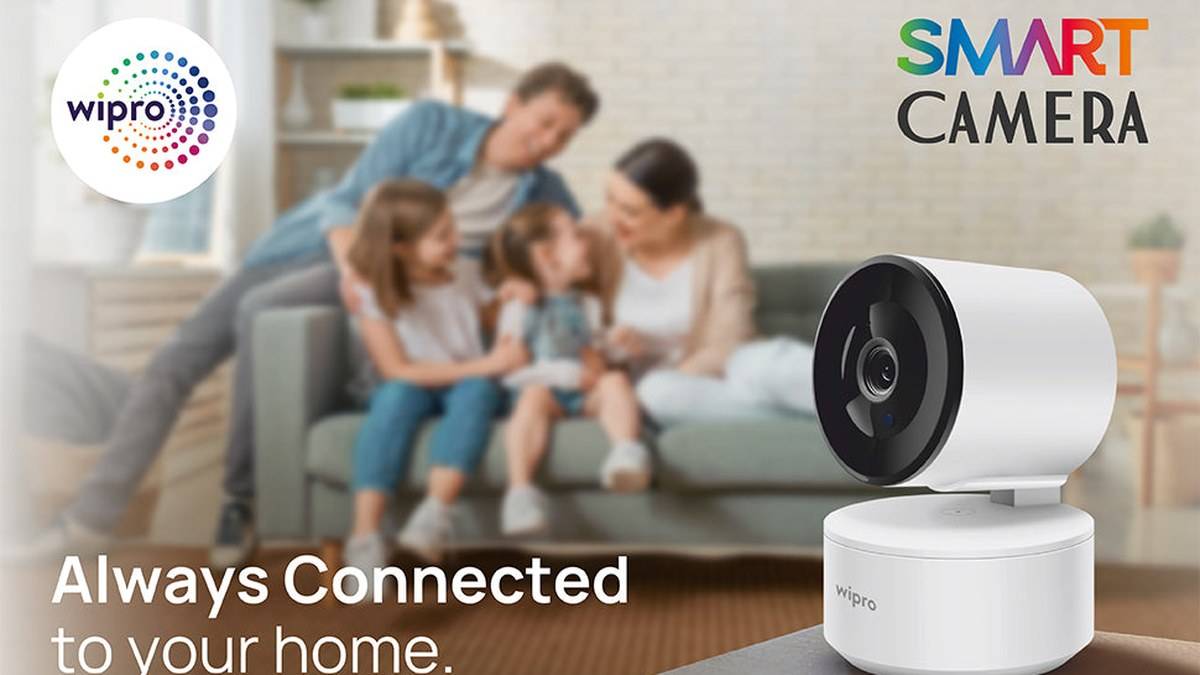
NEW DELHI: Wipro Smart Camera's official Indian product page lists 1296p video, app-based live viewing and a price of Rs 1,399. The setup instruction that matters first is to use the Wipro Next Smart Home app and pair the camera with Wi-Fi. The page also names night vision and compatibility with Alexa and Google Assistant.
| Item | What Wipro publishes |
|---|---|
| Product | Wipro Smart Camera |
| Video figure | 1296p |
| Displayed price | Rs 1,399 |
| Phone setup | Wipro Next Smart Home app and Wi-Fi |
| Other listed functions | Night vision, two-way communication, voice assistant compatibility |
Price as of 10 November 2026, 01:44 IST. This is the manufacturer's displayed amount, not a quote for a complete installed surveillance system. Wipro's category card marks the product unavailable, so neither the price nor an add-to-cart button establishes that it can currently be delivered.
Read 1296p before relying on the Full HD label
The product description combines the words Full HD with the more specific 1296p figure. We retain the numerical specification rather than silently changing it to a different resolution. The readable page does not supply enough detail to independently establish every recording setting, so this guide does not add an assumed frame rate or sensor size.
For a household, the useful question is whether the intended scene is clear at the distance where people will actually appear. A camera looking across a room and one aimed at a nearby doorway have different jobs. Test the view with someone standing where an event would matter, rather than judging usefulness from a close-up of an empty room.
Pair it before deciding the final position
Wipro's published phone connection sequence is simple: obtain the named app, connect the camera to Wi-Fi and pair it with the phone. That confirms the broad setup route, but does not establish an exact reset sequence or a particular app button layout. Follow the instructions supplied with the actual unit if the interface differs.
A practical first session should happen where the equipment is easy to reach. Confirm that the app can display the camera before committing to a hard-to-access mounting location. Once that works, try the intended position and check again. This separates an initial pairing problem from a problem that appears only after moving the camera.
Think about the scene before drilling or rearranging furniture. A useful home check is to look at the doorway, the normal walking route and anything likely to obstruct the view. If the purpose is to observe a pet near its bed, framing the entire room may be less helpful than checking that particular corner. These are placement considerations, not additional camera features.
Test darkness and conversation separately
Night vision appears in Wipro's camera description and FAQ, while the catalogue names two-way communication. Neither description gives this guide a verified night-vision distance or an audio quality measurement. Avoid treating the presence of either feature as proof that every corner or every quiet voice will be captured clearly.
Instead, repeat the scene check with the room lighting arranged as it normally is at night. Ask another household member to speak from the relevant spot, then test the return conversation if that function is enabled. A successful daytime live view alone does not answer either of those questions. Record what worked so another person can reproduce the check.
Keep a short setup note naming the observed area, the lighting used during the check and the phone used for viewing. If someone later moves the camera to clean a shelf, that record gives the household a way to restore the intended scene and repeat the same checks.
Who this setup is for
The published functions fit someone seeking an app-connected view of a specific area at home, with the option of speaking through the device. It is a narrower brief than designing coverage for a whole property. Decide which event the camera is meant to help with, such as checking a room remotely, and judge the setup against that task.
Keep live viewing and stored evidence separate in that decision. The readable listing does not establish a storage capacity, retention period or included recording subscription. This guide therefore quotes none. If reviewing an earlier incident is essential, establish the recording arrangement from the supplied documentation before treating the camera as ready for that purpose.
Related reading includes our Gadget and accessory price guide, Tapo C210 storage setup: check the 512 GB limit and recording mode and Tapo C225 privacy guide: 3 ways to stop video and audio. Their model-specific storage and privacy controls should not be transferred to the Wipro camera without confirmation.
Official sources: Wipro Smart Camera product page and Wipro smart home catalogue.