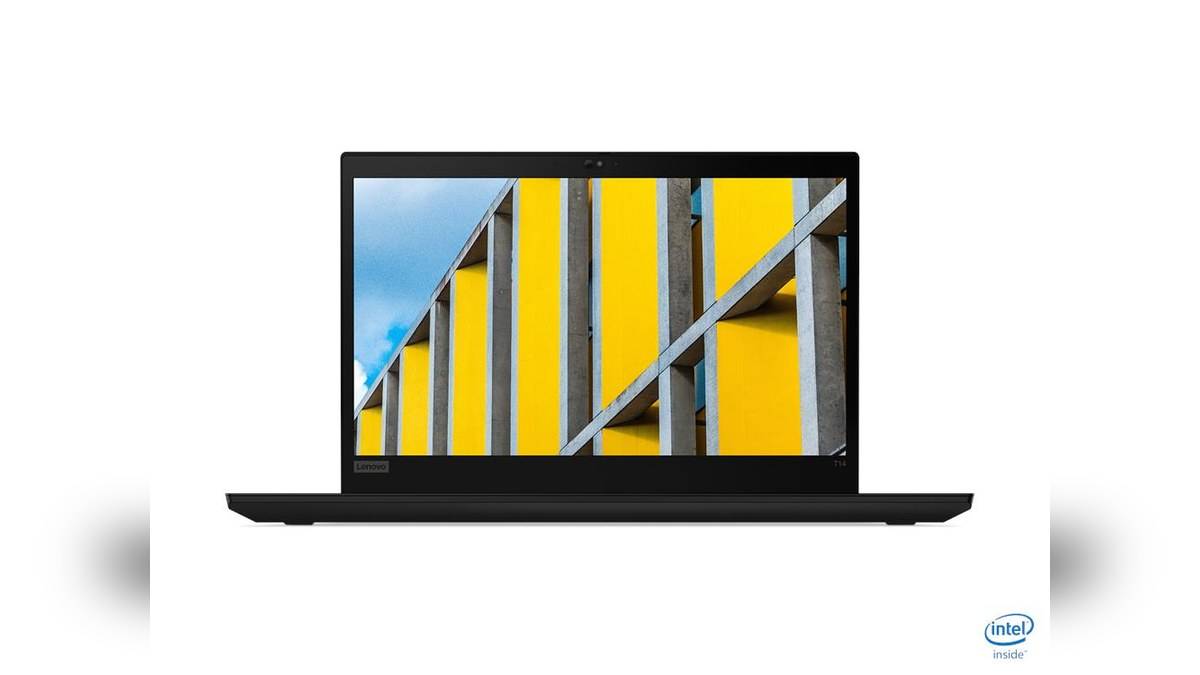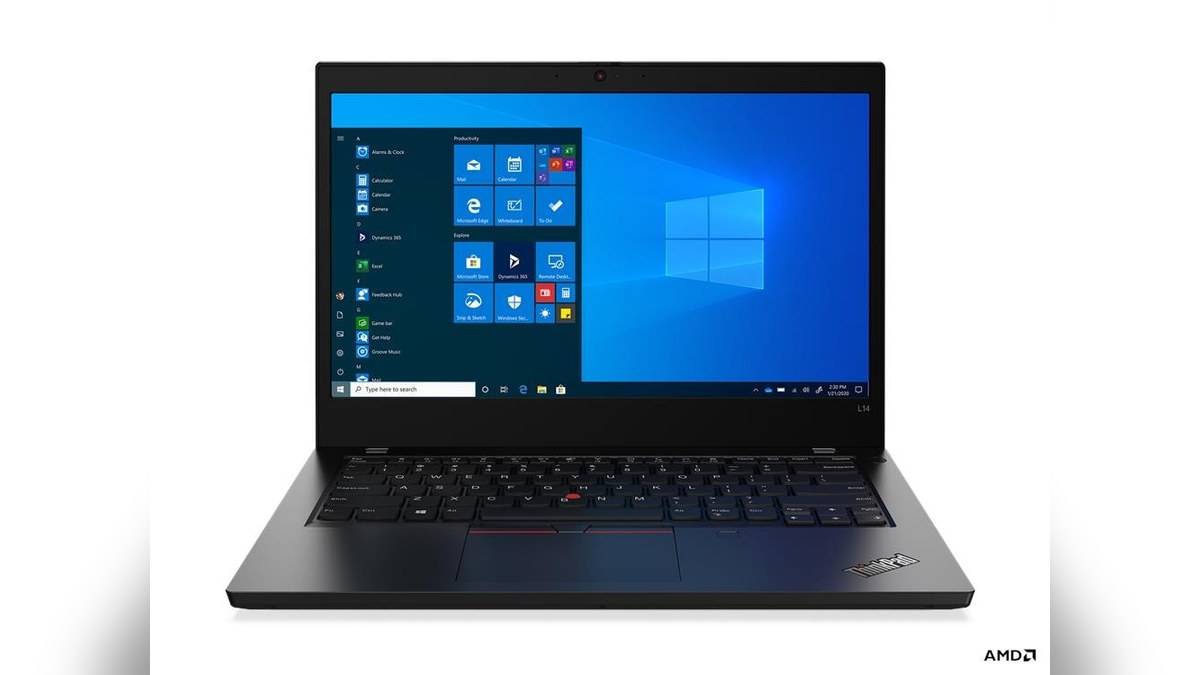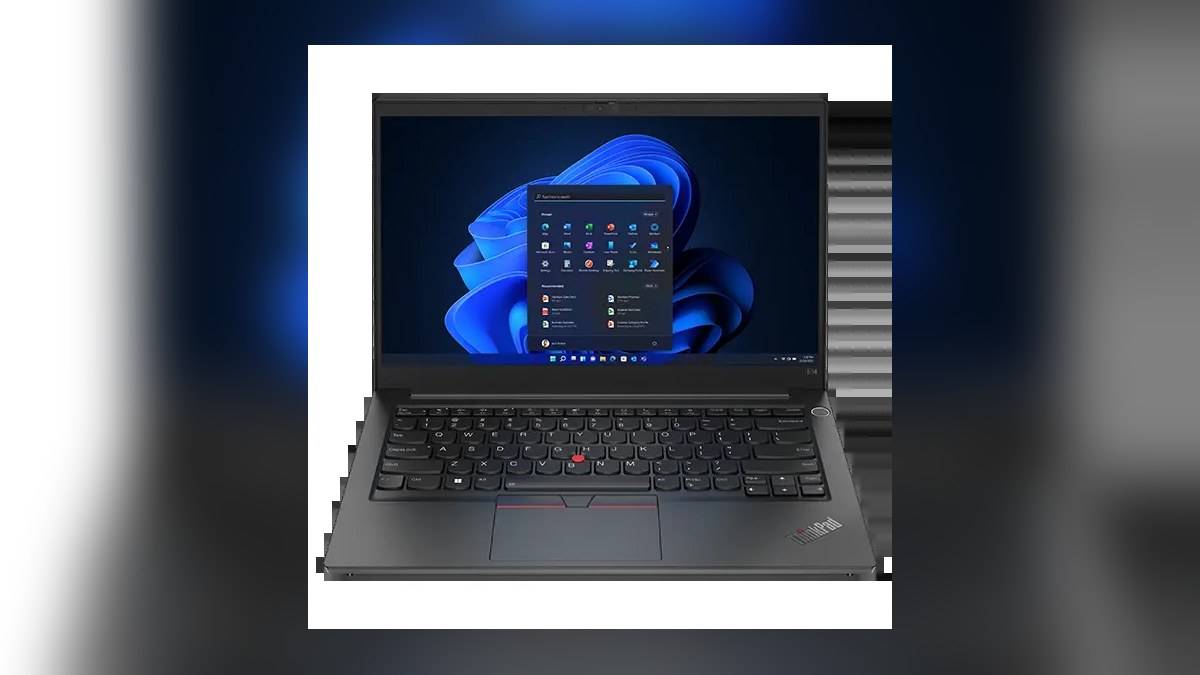

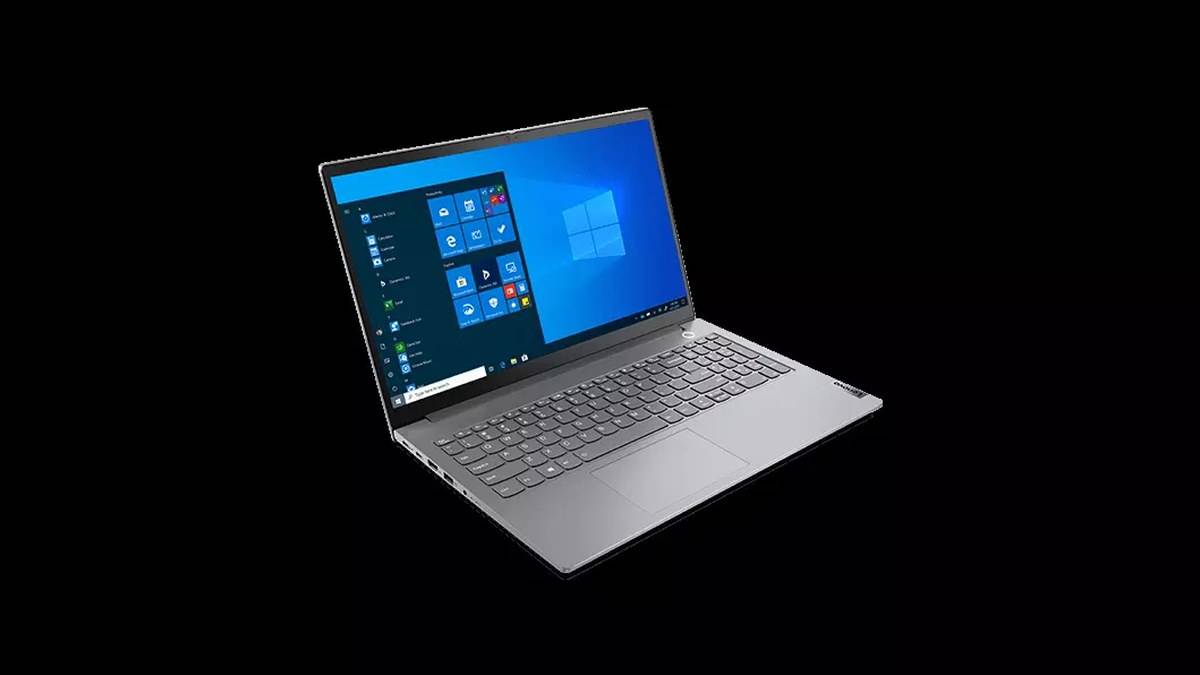
NEW DELHI: Lenovo's official India store lists ThinkBook 15 Gen 2 Intel model 20VEA0XBIH at Rs 63,990, including shipping and taxes. The configuration pairs a Core i5-1135G7 with 16GB memory, a 512GB SSD and Windows 11 Home. For someone building an office desk around it, the display type, storage layout and monitor connections deserve as much attention as the processor badge.
| Specification | 20VEA0XBIH listing |
|---|---|
| Price | Rs 63,990 |
| Processor | Core i5-1135G7 |
| RAM arrangement | 8GB soldered plus 8GB SO-DIMM DDR4-3200 |
| SSD | 512GB M.2 2242 |
| Screen | 15.6-inch FHD TN, anti-glare, non-touch |
| Graphics | Integrated Intel Iris Xe |
| Preload | Windows 11 Home 64 |
| Office listed | Office Home and Student 2021 |
| Warranty | One year onsite |
Price as of 26 November 2026, 10:10 IST. Lenovo's India store configuration page supplies these figures. Its seller selection and delivery qualification should be checked for the buyer's address. The price is for the named machine, rather than every product carrying the ThinkBook 15 label.
Start with the screen used for the working day
This SKU has a TN panel. The family introduction also discusses optional colour-rich and touch displays, but neither description should replace the individual specification table. Before ordering for document work, inspect text size, viewing position and reflections using representative files. A screen photograph does not establish the panel that will arrive.
For a shared counter or office where colleagues frequently view the same laptop, panel choice is a practical requirement rather than a decorative specification. Put it on the quotation. If the intention is to use an external monitor most of the time, assess that monitor and connection alongside the built-in screen instead of treating them as unrelated purchases.
Choose the external-monitor path deliberately
Lenovo's PSREF specifies HDMI output up to 3840 x 2160 at 30Hz. It separately lists USB-C and Thunderbolt display paths with higher refresh capability at their documented resolutions. Those are different output arrangements, so a high-resolution monitor purchase should include a check of the cable, input and connection being used.
The useful question is not simply whether the laptop has HDMI. Ask what resolution and refresh rate the intended desk arrangement can deliver, and check the display's supported inputs. A dock adds another device to that chain. It should be evaluated for video and charging compatibility before the final accessory list is approved.
Understand what is installed and what can expand
The store clearly separates soldered memory from the removable module. Lenovo's platform document describes a memory socket alongside onboard memory and explains that Iris Xe capability depends on dual-channel configuration. That makes the supplied layout more informative than a quotation containing only a total RAM figure.
Storage requires a separate check. The platform supports different arrangements involving an SSD and drive bay or dual SSDs, with restrictions determined by the chassis configuration. The listing establishes the installed drive, but it does not settle the complete expansion kit available in the delivered unit. Confirm the free connection, mounting hardware and supported replacement before buying another drive.
Account for software and daily peripherals
The store identifies Windows Home and an Office Home and Student preload. If the laptop is intended for an employer, ask the organisation's IT and licensing team whether that edition and software licence meet the proposed use. A bundled product name should not be treated as approval for every business workflow or licence arrangement.
The individual configuration also lists a backlit English India keyboard, fingerprint reader and a camera with ThinkShutter. During setup, test the keyboard layout and camera controls, then establish the account and recovery arrangements. These are useful checks for a machine that will move between personal use, video meetings and a shared workplace.
Service and portability need their own records
The store lists a 45Wh battery and a 65W adapter. Runtime depends on the workload, and an advertised maximum should not be converted into a guaranteed period of video calls or spreadsheet work. Ask about the condition of the actual unit and its battery, particularly when considering an older-generation machine.
Record the serial number and check the warranty entitlement against the invoice after delivery. Keep any promised changes to memory, software or storage in the same purchase record. That prevents a later service query from becoming a dispute about which configuration was ordered and which parts were subsequently installed.
Use rivals to test the requirement
Our Lenovo ThinkBook 14x India price starts at Rs 1,09,990: configurations, OLED option, specs provides another portable-work reference. Our Lenovo Idea Tab Plus vs Idea Tab price: Idea Tab starts lower at Rs 20,998 addresses a convertible design, while the Lenovo Legion Tab at Rs 36,000: identify Gen 2 before comparing gaming tablets covers a gaming-oriented alternative. The ThinkBook's own comparison should centre on the documented TN screen, memory layout and desk connections, rather than borrowing optional features from the broader range.
Official sources: Lenovo India configuration and Lenovo ThinkBook platform reference.