Reading the small print on a medicine strip or a food packet is an everyday hurdle for millions of people with poor eyesight. Google says a new mode in its Gemini app is built for exactly that. Guided Vision, launched on 1 October 2026, turns Gemini Live into a talking guide for the phone camera, aimed first at people who are blind or have low vision.
It is now available on Android phones running Android 9 or later, in the regions and languages where Gemini Live already works. Google says the feature was tested with blind and low-vision communities in India, Brazil, Singapore, Indonesia, Japan and other countries. It previewed the mode earlier in the month alongside other Android accessibility tools before this wider launch.
How it works
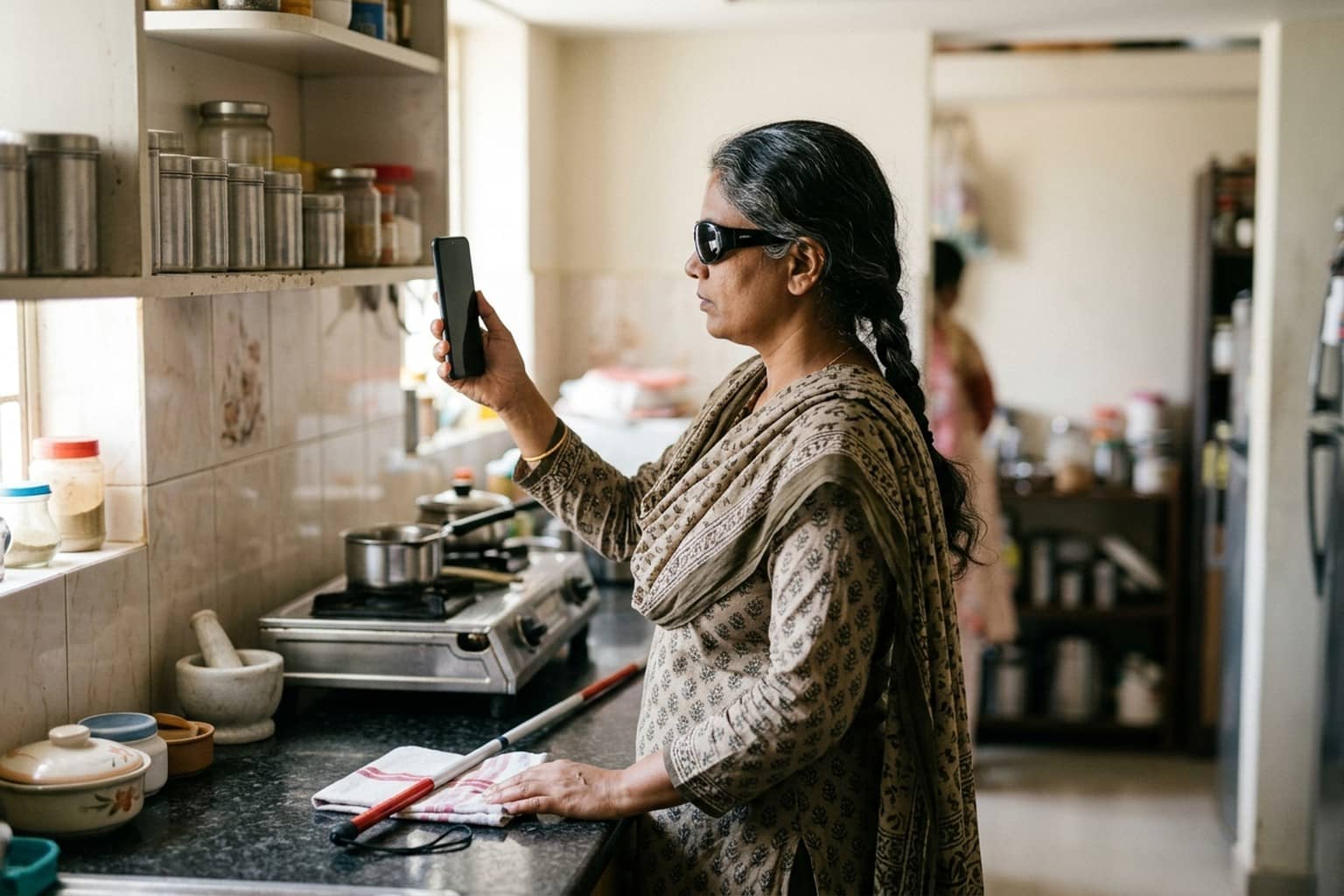
Once the camera is shared in a Gemini Live session with Guided Vision switched on, Gemini describes what it sees and answers follow-up questions in conversation. The difference from a plain description tool is the coaching. If the camera is pointed too high, too close or slightly to one side, Gemini speaks up and asks the user to pan slowly to the right, tilt down or step back until it has a clear view.
Google lists the kind of jobs it has in mind: reading nutrition labels, appliance dials and washing machine settings, or a printed menu in a dim restaurant; finding a dropped earbud on the floor or the black pepper in a crowded spice cabinet; checking whether a striped shirt goes with a pair of trousers; and getting an overview of an unfamiliar room or a cluttered table.
The company built it with Aira, a visual interpreting service for blind and low-vision people. Google says Aira's specialists interpreted visual data for tens of thousands of hours to train Gemini Live for real-world use, more than 1,000 people in Aira's tester network stress-tested the model, and Aira staff helped set and check its safety guardrails.
Three ways to open it
In the Gemini app, the switch sits in profile settings under Use Guided Vision in Live; after that, the user opens Gemini Live and taps to share the camera. It can also be set up as an Android accessibility shortcut under Settings, Accessibility, Vision assistance, Guided Vision, so it starts with the floating accessibility button, a two-finger swipe or by pressing both volume keys together.
People who use Google's TalkBack screen reader can open the TalkBack menu with a three-finger tap and pick Guided Vision from there. Google advises keeping both the Gemini app and the Android system software updated before trying it.
What it is not
Google is unusually direct about the limits. It says Guided Vision is an assistive tool that can make mistakes. It is not a medical device, not a mobility aid and not a replacement for a white cane, and it is not meant for navigation, safe-travel guidance or spotting obstacles. Users are told to keep relying on their usual mobility aids and safe-travel habits when moving around.
The company also says the feature can help older people, people with limited literacy, or anyone trying to read fine print in poor light. That wider use matters in India, where a family member often ends up reading out bills, labels and forms for an elderly parent.
Where it fits in Google's AI push
Gemini has been picking up features at a quick pace. Last month Google began testing a Flipkart Buy button inside Gemini for some users in India, and it gave businesses talking video avatars through Gemini 3.8 Live. Guided Vision is a quieter addition, but it is one of the few that is designed around a specific group of users from the start.
Google has not said which Indian languages the feature handles well, beyond saying that it supports conversation in several languages wherever Gemini Live is offered. That is the detail most Indian users will want to test first. The post also does not list any separate charge for Guided Vision; it is described as a mode inside Gemini Live.