NEW DELHI: ETV Family Pack 1 starts lower at Rs 44.84 per month on Tata Play, while ETV HD Family Pack 1 is listed at Rs 57.82. Both contain eight channels. The difference is picture-format composition: the cheaper pack is entirely SD, while the HD version combines four HD channels with four SD channels.
| Pack | Monthly price | HD channels | SD channels |
|---|---|---|---|
| ETV Family Pack 1 | Rs 44.84 | None | 8 |
| ETV HD Family Pack 1 | Rs 57.82 | 4 | 4 |
Price as of 18 November 2026, 00:05 IST. Network Capacity Fee is extra as applicable on both individual pack pages. These figures cover the named subscriptions and should not be mistaken for the price of a new Tata Play connection or a complete household TV bill.
The HD option replaces formats rather than expanding the count
The HD bouquet lists ETV HD, ETV Plus HD, ETV Cinema HD and ETV Bal Bharat HD. Its remaining services are ETV Andhra Pradesh, ETV Telangana, ETV Life and ETV Music in standard definition. The published split makes the choice unusually clear: higher payment buys HD versions of the entertainment, cinema and children's channels, rather than more channels overall. Its news, lifestyle and music services remain part of the same mixed-format selection.
The SD version lists ETV Telugu, ETV Plus, ETV Cinema and ETV Bal Bharat alongside the same news, lifestyle and music names. A household moving between the bouquets should therefore check the exact channel versions it wants. The HD label on the more expensive pack does not mean every programme service in that subscription arrives through an HD channel.
News remains a common part of both selections
ETV Andhra Pradesh and ETV Telangana appear in both pack lists. Viewers whose main interest is those news channels should distinguish that common coverage from the entertainment-format upgrade. The table alone might suggest a generally superior bundle; the actual channel composition shows where the extra payment changes the subscription and where it does not.
That distinction could be especially useful in a Telugu-speaking household where different people use television differently. Someone following regional news may see little reason to change their selection, while another viewer may care strongly about ETV Cinema HD. The household decision should follow the programmes and channel versions people use, rather than an assumption that a higher-priced bouquet has a broader editorial offering.
Children, films and general entertainment drive the upgrade
ETV Bal Bharat occupies the children's category in the SD bundle, with ETV Bal Bharat HD taking that role in the HD one. Likewise, cinema viewers can identify the corresponding film service directly. This allows a more focused comparison than treating the package as a single block of television with an undifferentiated HD badge.
ETV Life and ETV Music remain listed as SD in the HD bouquet. Readers should keep those names on their checklist if lifestyle or music is the reason for subscribing. Paying for the HD family selection should not be read as a promise that those particular channels change format, because the official listing explicitly places them among the standard-definition services.
Check the television and connection together
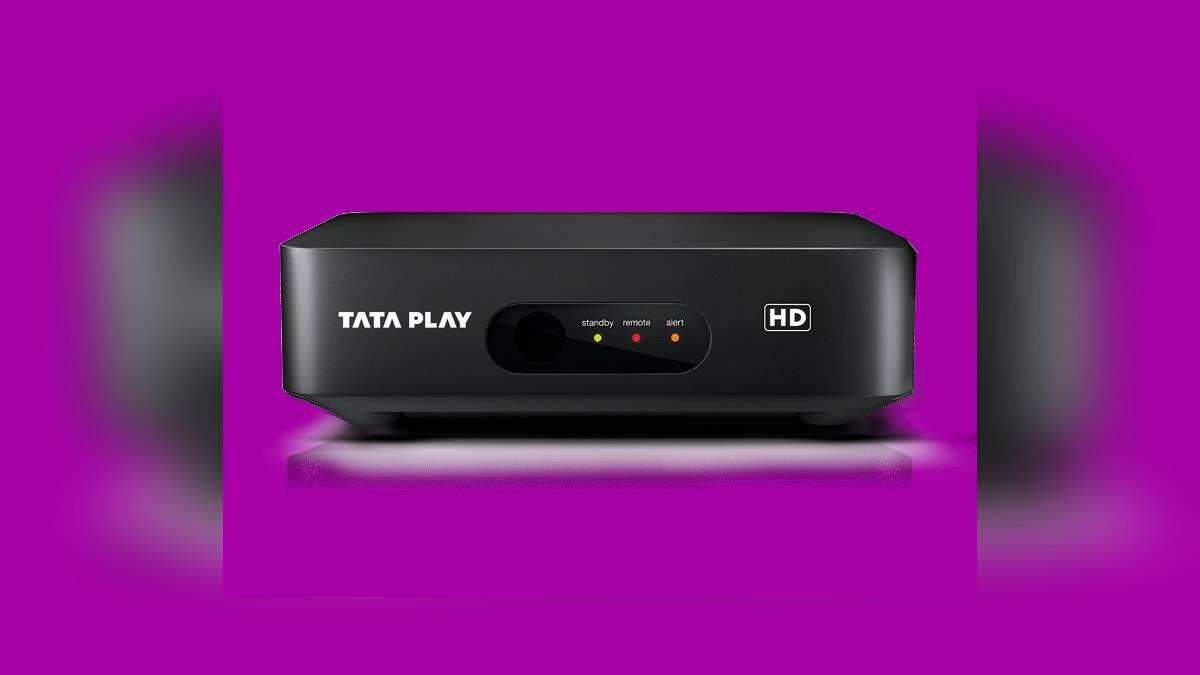
Tata Play's HD hardware page says HD viewing needs a high-definition television, HD channels and a Tata Play HD set-top box. It separately states that HD channels are available on HD connections. The subscription choice and the receiving equipment therefore need to match; a pack change is not a substitute for checking the equipment already installed at home.
For an existing HD household, the practical comparison is between the wanted ETV versions and the account quote. For someone with older receiving equipment, inspect the connection requirements before treating the HD bouquet as an immediately usable upgrade. This guide does not add a hardware charge to either subscription or assume that changing a pack includes a new box.
How to inspect the final selection
Use the full pack names when checking the account, because both contain the words Family Pack 1. Tata Play's help page points to View Channels & Pricing under Manage Pack in the Smart App. Confirm the displayed bouquet and the wanted channel versions before accepting a change. Keep the subscription information handy if the expected service is missing afterwards.
Related reading includes our Marathi Super Value guide for another regional pack family, the Binge+ and HD upgrade comparison for hardware context, and the Tata Play Smart guide for a separate way to approach television subscriptions. Check each article's date and service requirements before comparing its figures.
Official sources: ETV Family Pack 1; ETV HD Family Pack 1; HD connection requirements; account support.