
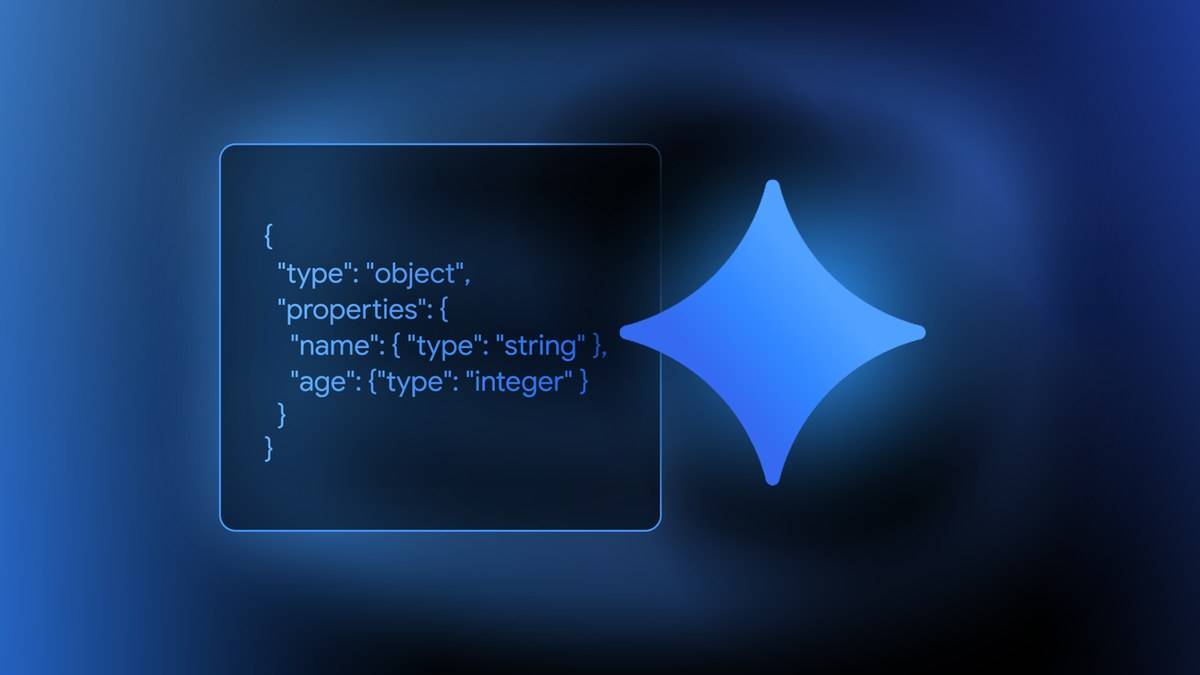
Structured output prompting means asking an AI for a defined arrangement of fields, such as a JSON object containing a task, owner and deadline. Start by naming the fields, their data types and the rule for missing information. For software that depends on a fixed format, Google's Gemini API offers a separate structured output feature that uses JSON Schema to constrain the response.
The distinction is useful for students organising project notes and teams moving information into a spreadsheet or application. A readable answer can still contain an unusable date or an invented owner. Formatting the response solves one part of the job; checking its contents remains necessary.
| Approach | What you specify | What still needs checking |
|---|---|---|
| Plain language JSON prompt | Fields, types and missing information rules in the message | JSON syntax, field structure and factual values |
| Gemini API structured output | A supported JSON Schema in the API configuration | Factual values, application rules and unsupported constraints |
How do you write a structured output prompt?
Google's prompt design guide recommends clear instructions, constraints and an explicit response format. It says simple JSON responses can be requested through prompts, while recommending the API's structured output feature for a more complex schema. Those are different levels of control, so choose according to how the answer will be used.
A practical prompt needs four decisions: the source text to read, the fields to extract, the permitted value types and the treatment of gaps. Decide these before asking for an answer. Otherwise, the model has to choose whether a missing deadline should disappear, become an empty string or be filled with a guess.
Here is an original before and after example for fictional project notes. The weaker request is: Organise this meeting into JSON: Meera will prepare the poster. It is due on 5 December 2026. That leaves field names and date formatting open. A more precise version is:
Extract one task from the notes below. Return only a JSON object with exactly these fields: task as a string, owner as a string or null, and deadline as a date string in YYYY-MM-DD format or null. Use only information stated in the notes. Use null when a value is missing. Do not add a Markdown code fence or explanatory text. Notes: Meera will prepare the poster. It is due on 5 December 2026.
The purpose is task extraction, not creative writing. An illustrative target object is {"task":"prepare the poster","owner":"Meera","deadline":"2026-12-05"}. This is an authored example of the intended structure, rather than a reported model response. The date is part of the fictional notes and does not announce a real deadline.
What should a JSON prompt do with missing information?
Test the rule by removing a detail from the same notes. If the text becomes only Prepare the poster, neither an owner nor a deadline is available. Keeping the required fields with null values makes that absence explicit. It also avoids silently changing the structure between complete and incomplete records.
A second original prompt is useful for reading a fictional event notice:
Read the notice below and return one JSON object. Include event_name as a string, venue as a string or null, and registration_required as true, false or null. Return null unless the notice explicitly says whether registration is required. Do not infer a venue from the organiser's name. Notice: The campus reading circle will hold a poetry session. Registration is required.
This prompt separates a yes or no decision from missing information. The target registration value is the boolean true; the venue should remain null. The difference between false and null matters: false says registration is explicitly unnecessary, while null says the supplied notice does not settle the question.
How is Gemini API structured output different?
According to Google's structured output documentation, developers can configure responses to follow a provided JSON Schema. In the Interactions API examples opened on 28 November 2026, the configuration uses response_format with type set to text, mime_type set to application/json, and the schema supplied in schema.
For the task example, a schema can define an object with task, owner and deadline under properties, and list all three under required. Owner and deadline can allow both string and null. Setting additionalProperties to false excludes unexpected keys. The written prompt still needs to explain that values must come from the supplied notes.
Google documents types including string, number, integer, boolean, object, array and null. An enum can restrict a classification to a fixed set of labels. These controls help a receiving application know what structure to expect. They do not establish whether the source text supports the chosen label or whether an extracted date is correct.
What should you check before using the JSON?
First, parse the response as JSON. Then check the required fields and their types. Finally, compare every extracted value with the source. A response can pass the first two checks while assigning the wrong person to a task, so a successful parser is only the beginning of validation.
The current Google documentation also identifies constraints that its decoding system does not enforce, including minLength, maxLength and uniqueItems. Applications should validate those rules themselves. Google's guidance explicitly calls for checking values and handling outputs that match a schema but are semantically incorrect.
Try a complete note, a note missing its owner and a notice that never mentions registration. Compare the results with the rules you wrote, then revise one unclear instruction at a time. For related approaches, see our guides to few-shot prompting examples, prompt chaining and writing a clear prompt.