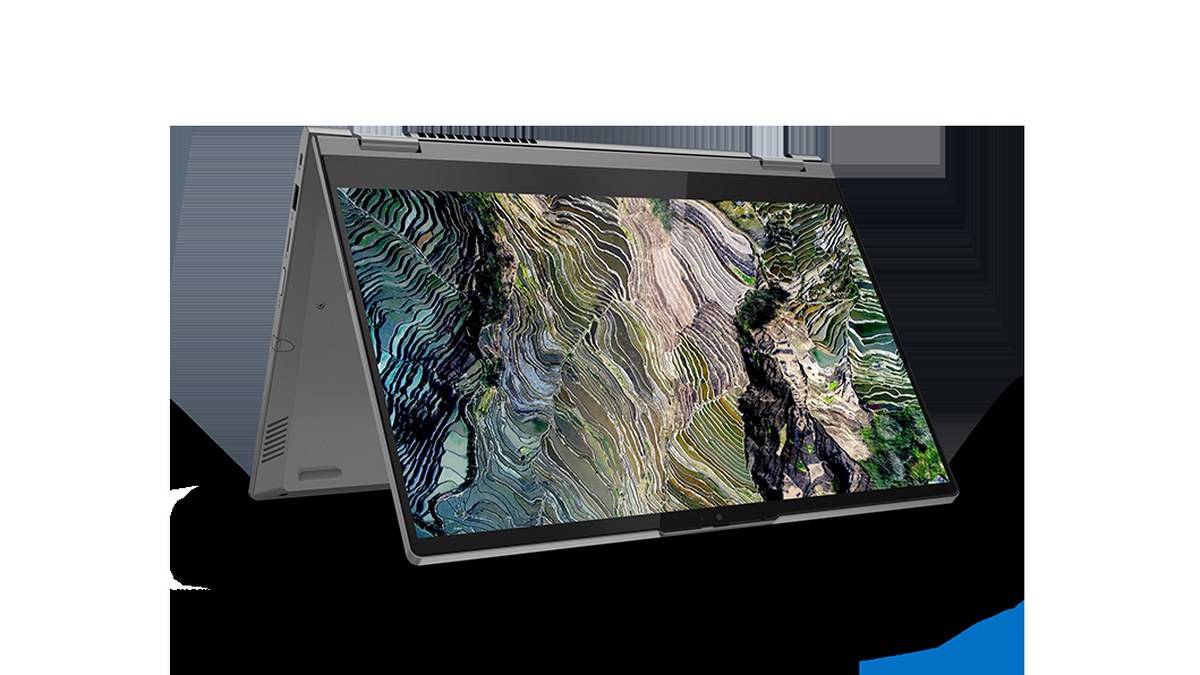

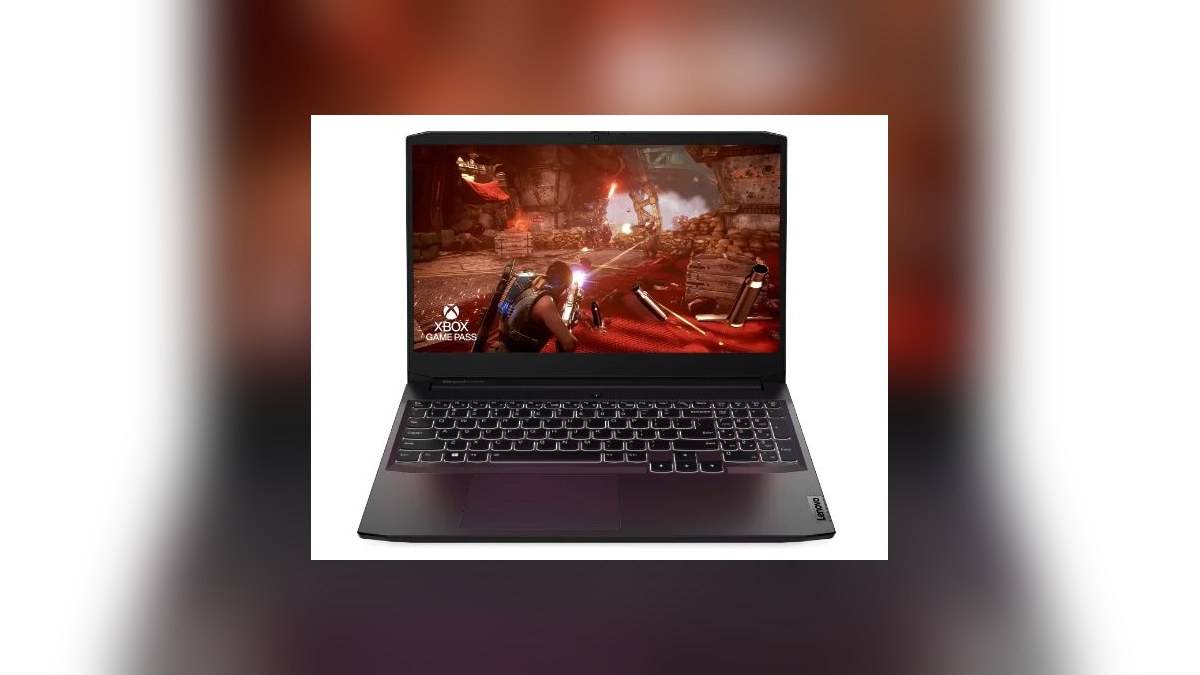
NEW DELHI: Three Lenovo IdeaPad Gaming 3 AMD listings show prices from Rs 60,690 to Rs 72,990 on Lenovo's India store portal. The middle quotation, Rs 65,800, pairs a Ryzen 5 processor with RTX 3050 graphics, while the highest-priced configuration in this checked set has a Ryzen 7 and GTX 1650. The price order therefore does not follow the graphics name.
| 82K200X6IN, Rs 60,690 | Ryzen 5 5600H; 8GB RAM; GTX 1650 4GB; 512GB SSD |
|---|---|
| 82K201ULIN, Rs 65,800 | Ryzen 5 5600H; 16GB RAM; RTX 3050 4GB; 512GB SSD |
| 82K200X2IN, Rs 72,990 | Ryzen 7 5800H; 16GB RAM; GTX 1650 4GB; 512GB SSD |
| Screens in these listings | 15.6-inch, 1920 x 1080 IPS, 120Hz, 250 nits, 45% NTSC |
| Operating systems | Windows 11 Home; RTX listing specifies Single Language |
| Listed service | GTX configurations: one year onsite; RTX configuration: one year courier or carry-in |
Price as of 27 November 2026, 18:35 IST, including shipping and taxes as displayed. Sources: Lenovo India's individual product listings. The table covers these three verified SKUs, not the full history of the Gaming 3 range. Local seller selection and delivery availability remain subject to the store portal's location process.
A more expensive configuration changes a different component
The useful comparison is between complete machines. Moving to the highest quotation in this set changes the processor, but returns to the GTX graphics configuration. Someone comparing the listings for games or graphics-heavy coursework should preserve both the CPU and GPU names in their notes. A larger total price is not a substitute for checking which part changed.
Nor do the names establish a measured performance ranking. There is no frame-rate test, export-time result or sustained-temperature measurement in these store tables. Before making a decision around a particular game, engineering tool or editor, establish its requirements and look for results from the same hardware arrangement. Treat an unrelated Gaming 3 review as a lead rather than proof about these SKUs.
The common screen needs its own assessment
The checked variants share the same advertised screen figures. That helps isolate some configuration differences, but it also means the higher quotation does not buy a better panel in these specific listings. A fast-refresh description is only one part of a display specification. Brightness, colour coverage, finish and resolution should remain on the comparison sheet.
For a student dividing time between games and design assignments, this is a consequential distinction. The supplied panel may be acceptable for one task without satisfying the colour expectations of another. Open familiar coursework and examine it in person if possible. A screen described as IPS should not be assumed to carry the widest colour gamut offered elsewhere in the family.
Lenovo's platform reference lists several screen options, including a higher-refresh, wider-gamut option. Those are family choices, not upgrades included automatically in these quotations. The appropriate evidence for the delivered screen remains the complete machine code and its individual specification. This is particularly important when a product banner describes features available only on selected variants.
RAM and storage can be planned separately
The platform reference describes two DDR4 SO-DIMM slots. That is a different ownership proposition from a thin notebook whose RAM is entirely soldered. It still does not mean an upgrade is free or that an arbitrary memory kit is supported. Establish the fitted module arrangement, compatible replacement parts and service procedure before placing an order for additional memory.
Storage planning also needs the physical layout. Lenovo describes different storage arrangements across graphics configurations and notes that some drive positions cannot be used together. A spare-looking space in a photograph is not evidence that an SSD or hard drive can simply be added. Check the platform instructions against the actual unit, including any required mounting hardware.
The USB-C socket is a specific limitation
The official platform reference identifies the USB-C port as supporting data transfer only. Do not plan this machine around a single USB-C cable carrying charging and a display. The same connection map lists HDMI and Ethernet, which may be more relevant to a desk-based gaming setup. Match the monitor and network plan to those documented connections.
The RTX listing specifies a 170W adapter, whereas the checked GTX listings specify a 135W slim-tip adapter. These are supplied-adapter ratings, not measured power consumption or battery-runtime results. They are useful for checking the box contents and replacement charger specification, without turning them into a performance claim.
Who this family is for
These older configurations are relevant to someone who needs a conventional Windows gaming format and is prepared to compare the exact screen, graphics and service combination. They require more scrutiny from a buyer prioritising a light commute, a colour-critical display or a simple USB-C desk setup. The specification differences should determine the questions asked before payment.
For other gaming designs already covered, see the Lenovo Idea Tab Plus vs Idea Tab price: Idea Tab starts lower at Rs 20,998, the Lenovo Legion Tab at Rs 36,000: identify Gen 2 before comparing gaming tablets and the How to read Lenovo Tab M9 listings at Rs 9,499 and Rs 11,999. Check their current configurations and quotations separately.
Official sources: 82K200X6IN, 82K201ULIN, 82K200X2IN and IdeaPad Gaming 3 platform specifications.