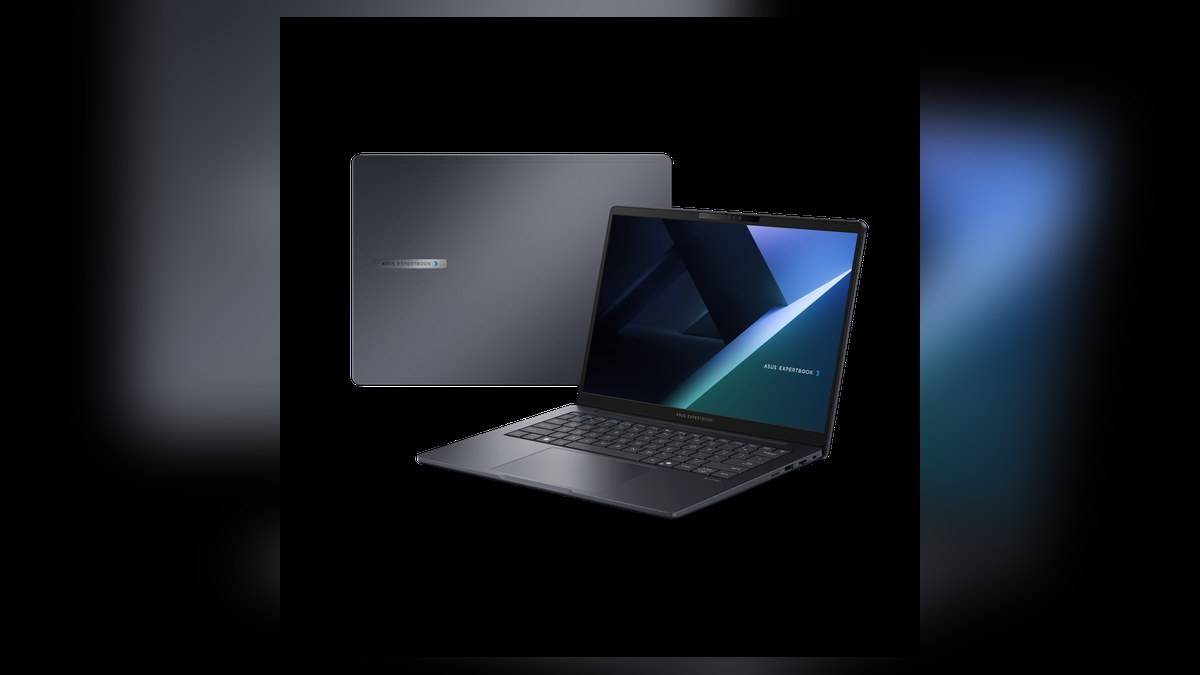
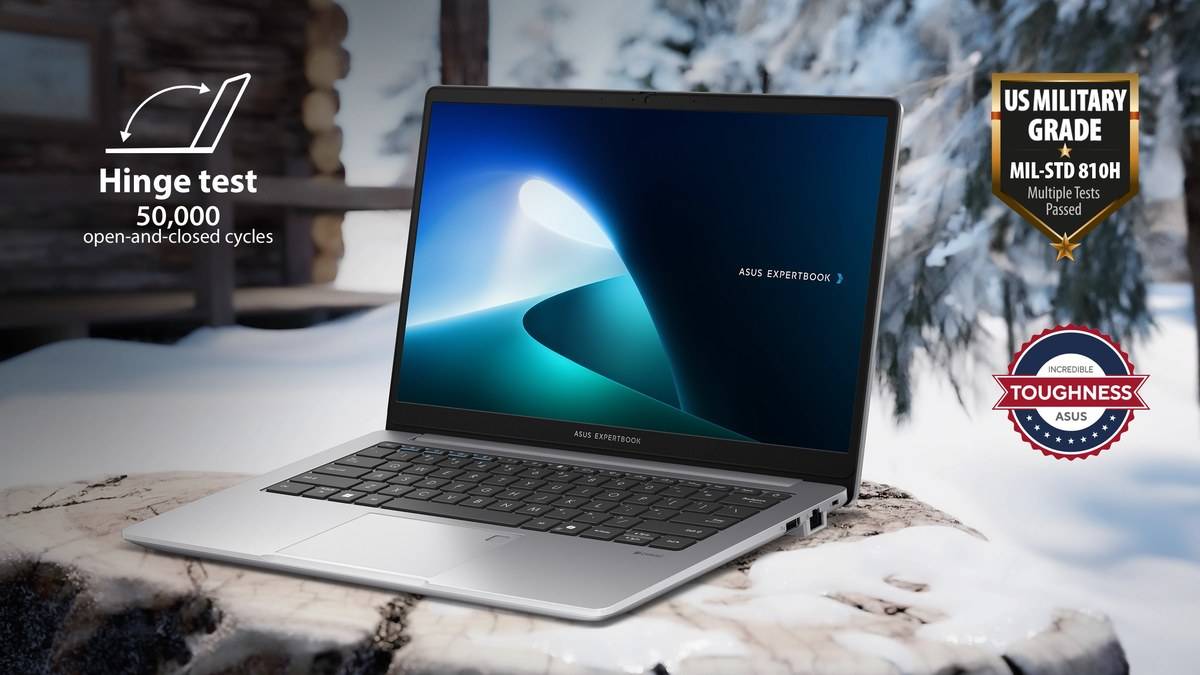
NEW DELHI: The refurbished ASUS ExpertBook P1 P1403CVA-S61638WS-RF is listed at Rs 51,990, including taxes, with 32GB RAM and a 512GB SSD. The memory allocation is the headline feature of this exact India configuration. The official store currently marks it out of stock, and its refurbished conditions differ from those of a new laptop.
| Verified configuration | Details |
|---|---|
| P1403CVA-S61638WS-RF | Rs 51,990, including taxes |
| Processor | Intel Core 5 210H |
| Installed RAM | 32GB DDR5, two 16GB SO-DIMMs |
| Storage | 512GB PCIe 4.0 NVMe SSD |
| Screen | 14-inch FHD, 1920 x 1080, 60Hz |
| System | Windows 11 Home; Intel Graphics |
| Listed weight | 1.45kg |
Price as of 18 November 2026, 16:05 IST. This guide prices the single verified refurbished SKU above. Other P1 configurations should not be assumed to cost the same. Other processor, memory and screen-size combinations under the P1 name need their own model-code checks.
Why the installed RAM deserves attention
For an office user comparing machines for spreadsheets, browser-based administration and several applications running together, installed memory is worth examining independently of the processor's name. This P1 already has the capacity shown in the table. That removes the need to assume an immediate memory purchase simply to reach that configuration.
It does not prove a particular application will run quickly. A large spreadsheet, a local development environment and a routine web form stress a computer differently. The right check is to identify the workload and its software requirements before treating any capacity as a guarantee of speed. This is a configuration guide, not a benchmark test.
ASUS's broader P1 materials discuss expansion across the family. For this unit, the store specifically identifies both fitted modules. That is more useful than a vague statement that the computer is upgradeable: it tells a future owner to check the existing arrangement before making a parts plan. Keep the refurbishment service conditions in that discussion too.
The display sets a different priority
The FHD panel is a conventional wide-format office screen, with 300 nits brightness specified by the store. It suits a purchase decision centred on documents and everyday work rather than paying primarily for a premium display. Someone who spends the day comparing long documents should consider whether this screen shape fits that routine.
The listing's colour-gamut specification is 45% NTSC. Buyers doing paid visual work should therefore verify their colour requirements instead of assuming that the ExpertBook branding denotes a creator-grade panel. A memory-rich office configuration and a colour-focused creative machine are different kinds of purchase, even when both are described as professional laptops.
Connections for an existing office
ASUS lists Ethernet, HDMI, USB-A and USB-C connections with display and power-delivery support. It also lists a supplied Type-C adapter. That combination makes the P1 worth evaluating against the equipment already on a desk: a wired network, conventional monitor, keyboard, mouse and external storage.
A useful procurement exercise is to write those connections down before choosing accessories. Establish whether the display uses HDMI or Type-C and whether any peripheral must remain connected when charging. This avoids buying a hub by habit, while also exposing any connector that the planned setup still lacks.
The unit's camera specification is 720p with a privacy shutter, and the fingerprint sensor is integrated with the touchpad. These details are particularly relevant for remote staff. Check the actual camera output, microphone behaviour and biometric setup during commissioning rather than inferring their quality from the product's business positioning.
Refurbishment and software costs
The SKU FAQ allows for visible scratches and describes restored demonstration or repaired units. It specifies limited India repair service cover, excludes extension packages and says Microsoft Office setup is not included. A buyer should therefore separate the laptop invoice from the cost of obtaining any required productivity software.
The same FAQ says the unit is sold as it is and does not receive the normal new-unit replacement treatment described there. That makes the expected condition and repair route material parts of the decision. The prominent generic promotional banners elsewhere on the page should not be read as cancelling the more specific refurbished exclusions.
Who this P1 configuration suits
The clearest audience is someone seeking a compact Windows office machine with substantial installed memory, who accepts a refurbished purchase and can wait for availability. A buyer needing Windows Pro should note that this exact listing specifies Home. Someone requiring a pristine exterior should evaluate a new unit instead of relying on product photography.
For related comparisons, see the IdeaPad Slim 1 configuration guide, the ProArt PZ13 refurbished report and the ASUS ownership-process explainer. They provide separate model and policy context, not replacement terms for this P1.
Official sources: Exact India listing and refurbished FAQ; P1403 family overview.