

NEW DELHI: Airtel customers can use inflight roaming on supported international aircraft through the AeroMobile network. The service needs an eligible pack, a compatible flight and the crew's permission to use mobile phones. Airtel's published terms give prepaid and postpaid inflight benefits a continuous 24-hour usage window, starting when the phone connects to AeroMobile.
| Check | Official position |
|---|---|
| Users | Airtel prepaid and postpaid |
| Network onboard | AeroMobile |
| Usage window | 24 continuous hours after connection |
| Prepaid purchase window | Use within 30 days of purchase |
| Postpaid purchase window | Use within 365 days of purchase |
| Domestic travel | Not covered by these inflight benefits |
Check the aircraft before choosing a pack
Airtel's international-roaming terms distinguish an aircraft connection from roaming after arrival. AeroMobile supplies the onboard network; the mobile network at the destination supplies the ground connection. Treat these as separate parts of a journey when checking what your purchase includes.
For an Indian traveller, that distinction matters most on a connecting itinerary. A pack suitable for the destination does not by itself establish that the aircraft operating the connecting sector has mobile service. Ask whether the specific flight and aircraft support AeroMobile before relying on it for an urgent message or work task.
AeroMobile's official network explanation says its service is unavailable on some flights. Its inflight-roaming page also says passengers do not register or pay onboard for this cellular service: billing runs through their home mobile operator. Airline Wi-Fi and an Airtel mobile roaming pack should therefore be checked separately when comparing connectivity options.
What happens between the handset and the ground
According to AeroMobile's How It Works page, a connected aircraft relays the handset signal through its antenna and a satellite link to the ground network. The network checks the SIM's unique number to establish whether the home operator has a roaming agreement. This explains why a mobile signal onboard depends on both the aircraft equipment and the operator relationship.
The same official explanation says cabin crew can manage the service from the onboard control panel. A purchased pack is consequently an entitlement to use an available network, rather than a promise that a connection will remain available throughout every flight. Plan essential tasks before departure and regard onboard access as conditional.
For a connection that matters to your itinerary, keep an offline copy of essential travel documents as well as the pack confirmation. That preparation remains useful even when the onboard service is available.
Set up the service before boarding
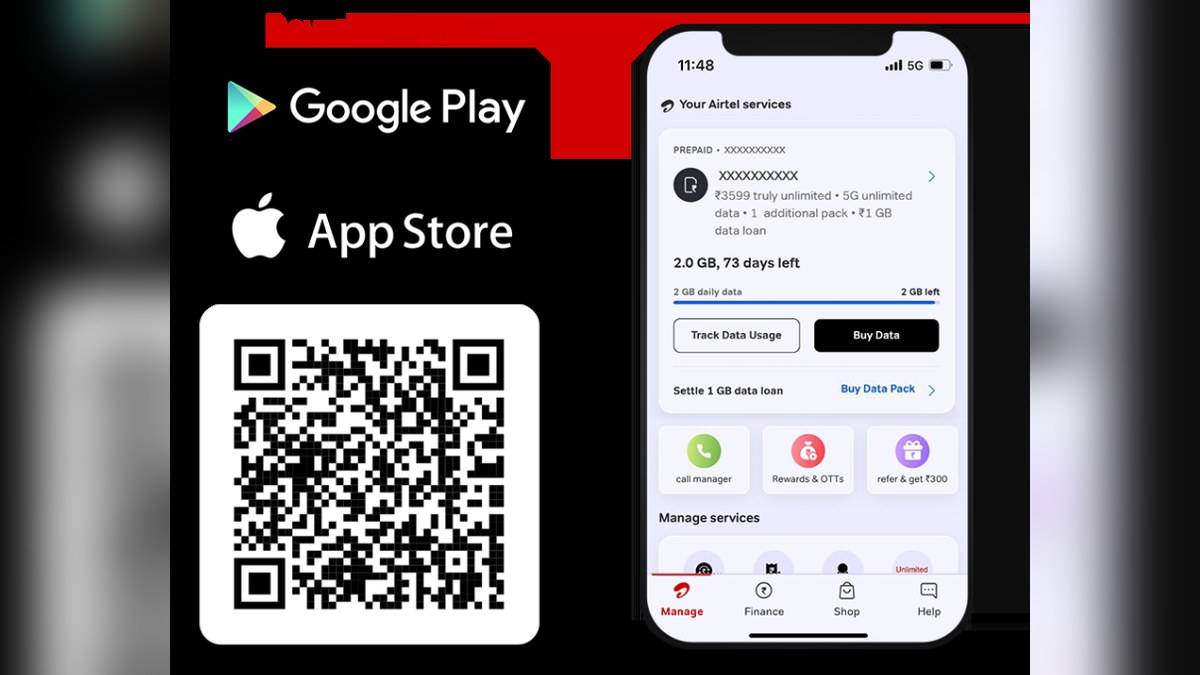
Airtel's service guide directs customers to its app's international-roaming section, where they enter journey details, select the inflight option, review airline and fleet applicability and complete payment. Read the allowance displayed for your own number. This guide does not substitute an older launch tariff for a current purchase-screen price.
Keep a record of the selected pack and its confirmation before boarding. Include the intended travel date and the flight details in that check. If your itinerary changes, revisit the eligibility information rather than assuming that another aircraft on the same airline offers identical connectivity.
Connect only when the crew allows it
Airtel's setup instructions say to wait for crew confirmation before switching off airplane mode. The handset should then select AeroMobile automatically; if it does not, the customer can select that network manually. Data roaming must be enabled for mobile data. Follow the instructions given onboard even if the phone's settings permit a connection.
AeroMobile's connection guide says the displayed network name can vary with the handset. It also describes a welcome text after connection, with pricing information potentially arriving from the home operator. Read those messages before starting discretionary downloads, particularly if the purchased allowance is unclear.
Manage usage and the return journey
The onboard network's guidance warns that applications may use data without being actively opened. Review background app settings before departure, and postpone updates or file synchronisation that are unnecessary during the flight. Its guidance also says Wi-Fi must be disabled to use its mobile data connection and asks passengers to keep phones on vibrate.
Before buying, compare the job you need the connection to do: sending a travel update, accessing a document or maintaining contact during a journey. Check calls, messages and data individually on the selected pack. A larger data allowance is not evidence of broader aircraft coverage, and a long travel itinerary is not evidence of a longer continuous onboard entitlement.
For related reading, see our guides to Airtel Rs 199 vs Rs 349 price: Rs 199 starts lower, Airtel Rs 598 vs Rs 1,729: how bundled OTT claims work and Airtel Rs 749 vs Rs 499 postpaid price: Rs 499 starts lower for one SIM. Each covers a different purchase or service condition.
Sources: Airtel international-roaming terms, Airtel service guide, AeroMobile inflight roaming, network explanation and connection instructions.