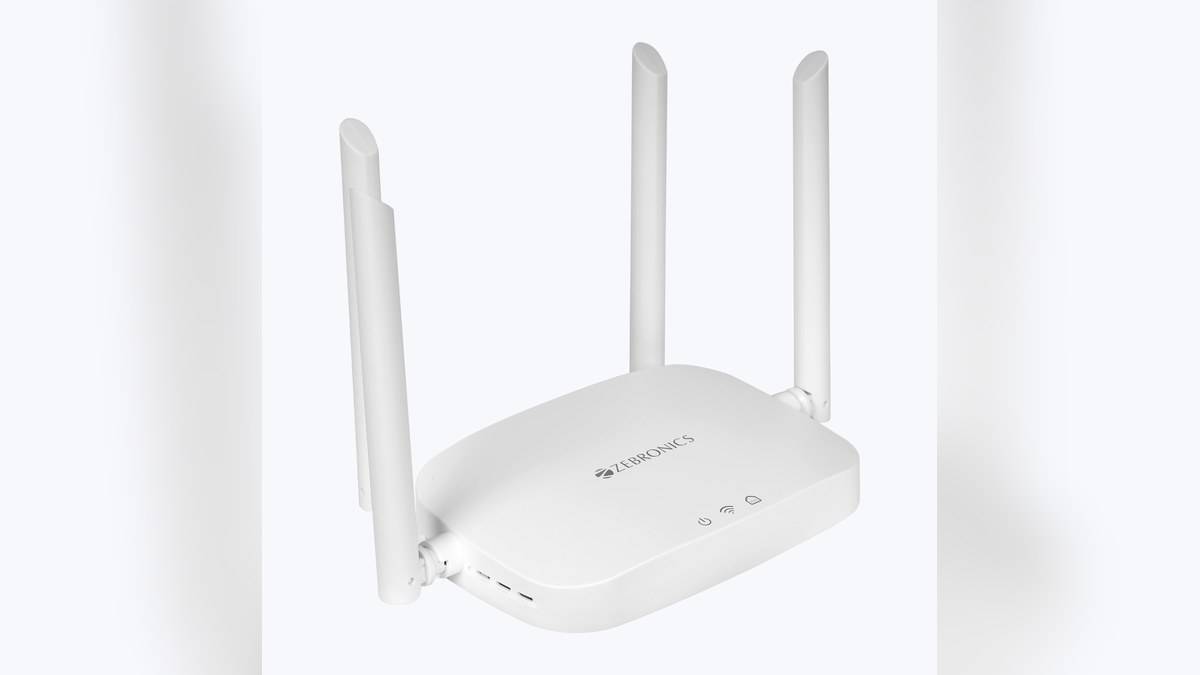
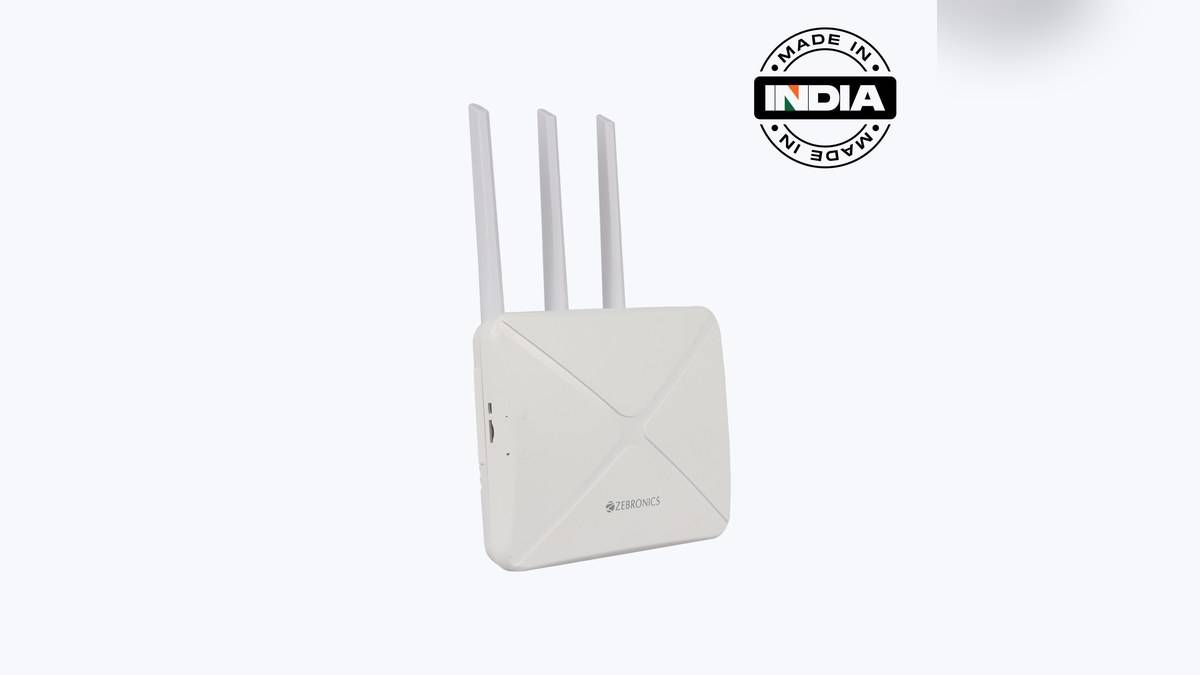
NEW DELHI: Zebronics lists the WR3004G at Rs 5,999, including tax, as a SIM-based home router with Wi-Fi 6 and a shared LAN/WAN port. Its detailed specifications describe LTE connectivity and 2.4GHz Wi-Fi. The headline statement about accepting a 4G/5G SIM should not be treated as verification that the router has a 5G mobile modem.
| Item | Official listing |
|---|---|
| Model | Zeb WR3004G |
| Listed price | Rs 5,999, tax included |
| Mobile connection | LTE; SIM slot identified as 4G |
| Wireless standard | IEEE 802.11ax |
| Local wireless band | 2.4GHz |
| Published signal rates | TX 286Mbps; RX 229Mbps |
| Ethernet interface | 1 RJ45 10/100M, LAN/WAN auto switching |
| Antennas | 1 Wi-Fi and 2 LTE |
Price as of 16 November 2026, 00:43 IST. The opened official page shows a single router configuration, without a priced SIM, tariff or data bundle. Its package list names the router, power adaptor, QR code guide and LAN cable. Keep the hardware quotation separate from whatever service is needed to provide the property's internet connection.
Two radio links with different roles
WR3004G connects the mobile service to household devices through a local wireless network. The mobile side and the Wi-Fi side are different links. A Wi-Fi generation does not identify the cellular generation, and a newer SIM label does not prove the radio capabilities of the router. This distinction matters when comparing the box with a dedicated 5G home-broadband installation.
The detailed table specifies LTE network information and the legal product description calls it a 4G Wi-Fi router. This guide therefore treats it as an LTE product. Buyers who specifically require a 5G mobile connection should obtain model-specific confirmation of that capability before relying on the SIM-compatibility wording. No 5G download speed is established by the opened page.
That leaves a clear potential role: providing a household connection where a SIM-based service is practical. Test reception at the proposed location using the intended operator's service, and establish whether the service permits the intended use. A centrally placed Wi-Fi box and the best spot for receiving a mobile signal may not be the same place in the home.
What Wi-Fi 6 means on this model
The manufacturer lists the wireless standard as 802.11ax, but identifies only the local band shown in the facts table. Do not assume a separate higher-frequency Wi-Fi network merely because the router carries a newer generation label. Match phones, cameras and smart-home accessories to the bands and security options actually documented for their regional versions.
The published transmit and receive signal figures should also remain separate. Adding them together would create a number the official table does not describe as a broadband speed. Neither is a guarantee for a particular room or mobile plan. Test the connection using the activities that matter to the household, including simultaneous use if that is part of the routine.
A single Ethernet port changes the plan
The RJ45 interface is shared between LAN and WAN roles, with auto switching named in the feature list. This is a different physical arrangement from a router with separate upstream and multiple local sockets. Sketch the intended connection before placing the unit beside a television cabinet, particularly if more than one nearby device is expected to use a cable.
Do not read a shared port as separate spare connections. Decide which role it will serve in the actual installation and check the supplied configuration instructions. Our Zeb NETWIZ300A guide: Rs 3,199, 300Mbps and three network modes provides related context for a different port layout. Its socket count and speed are not WR3004G specifications.
Cameras, plugs and everyday use
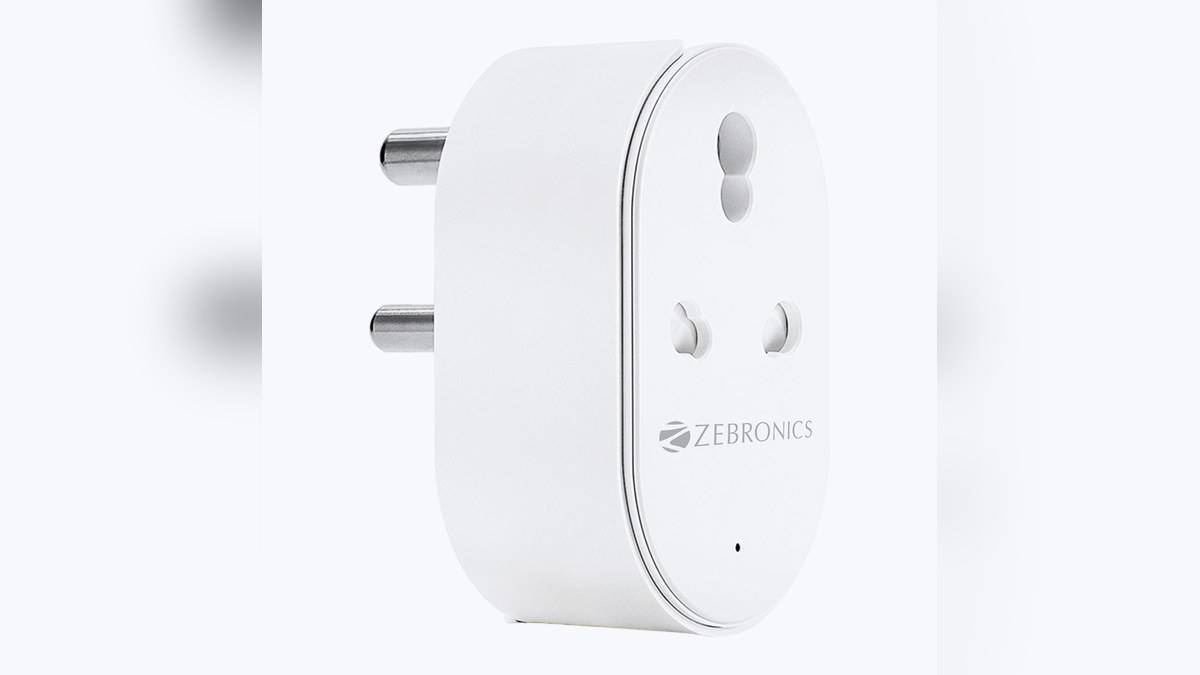
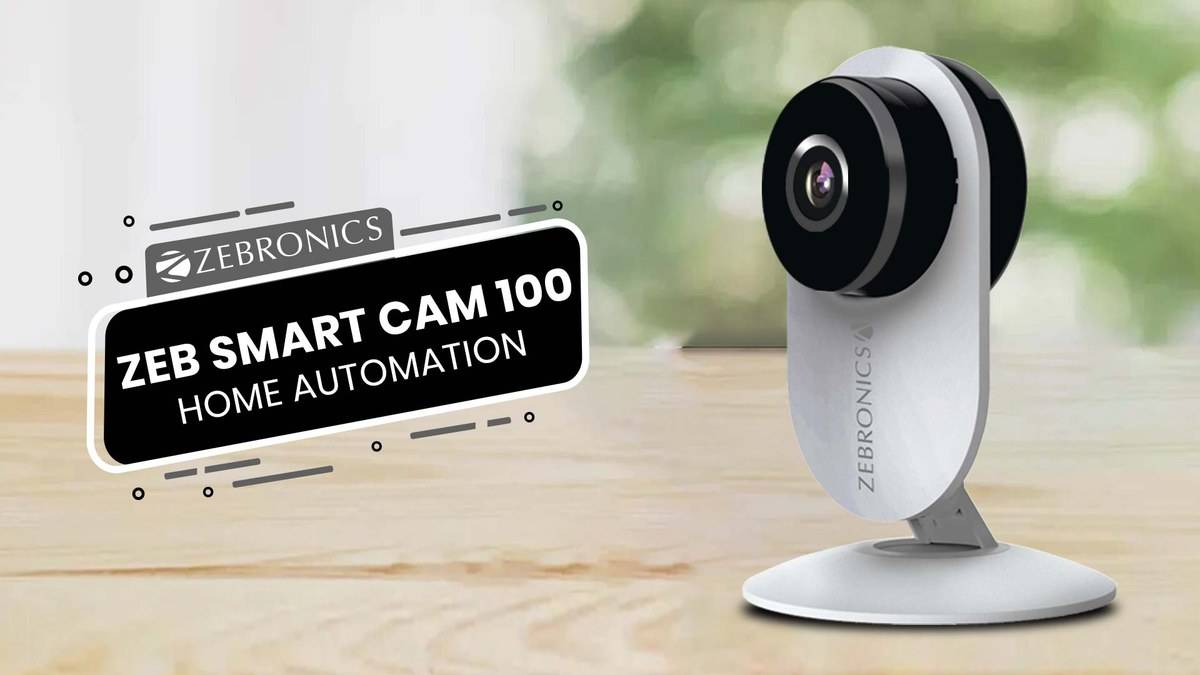
For a smart home, connectivity should be tested beyond the phone used during setup. Check that a camera remains accessible and a plug responds where each device will stay. A successful connection beside the router is not a room-by-room acceptance test. Our Zeb Smart Cam 100 price: Rs 2,499 for the indoor Wi-Fi camera illustrates a separate accessory whose requirements should be assessed independently.
The official router page includes security controls such as WPA2-PSK, port filtering and URL filtering. These are configuration options, not a published promise that every attached device is secure by default. Keep the network protected, review which devices are connected and avoid changing advanced access settings merely to copy instructions written for a different router.
Compare the upstream connection before the price
Zebronics' NETWIZ300A is a relevant alternative for a property using an existing wired internet connection. Its official page instead describes separate WAN and LAN connections and router, access-point and extender modes. The comparison starts with how internet reaches the property, rather than an assumption that either model is a universal upgrade over the other.
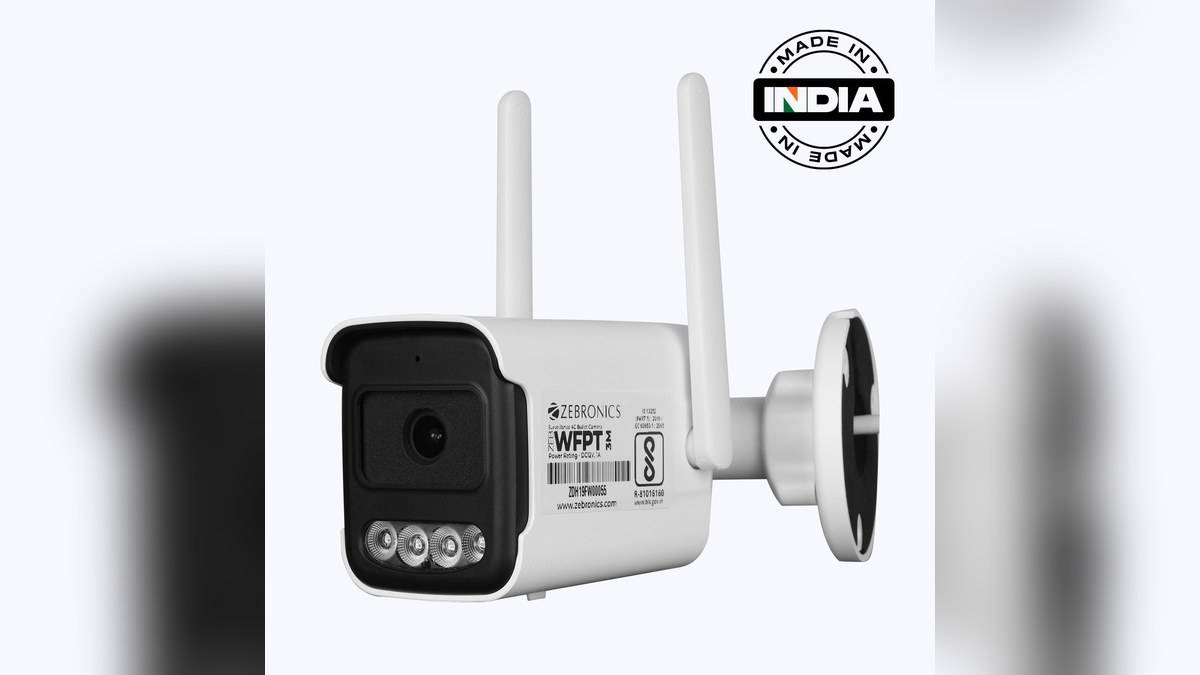
Our Zeb WFPT3M vs WFPD3M price: WFPD3M starts lower at Rs 5,599 offers another example of reading local-network labels carefully. For WR3004G, the useful checklist is mobile reception, service suitability, the shared Ethernet role and accessory compatibility. The verified Rs 5,999 listing covers the router hardware; the household connection still needs its own practical assessment.
Official sources: WR3004G price and specifications and NETWIZ300A specifications.