NEW DELHI: Typing "turn on Bluetooth" into the Windows search box will soon do exactly that. Microsoft has started testing a rebuilt Windows Search that can carry out simple tasks directly from the results, and it says Copilot on Copilot+ PCs will be able to use files and activity on your computer, with your permission, in the coming months.
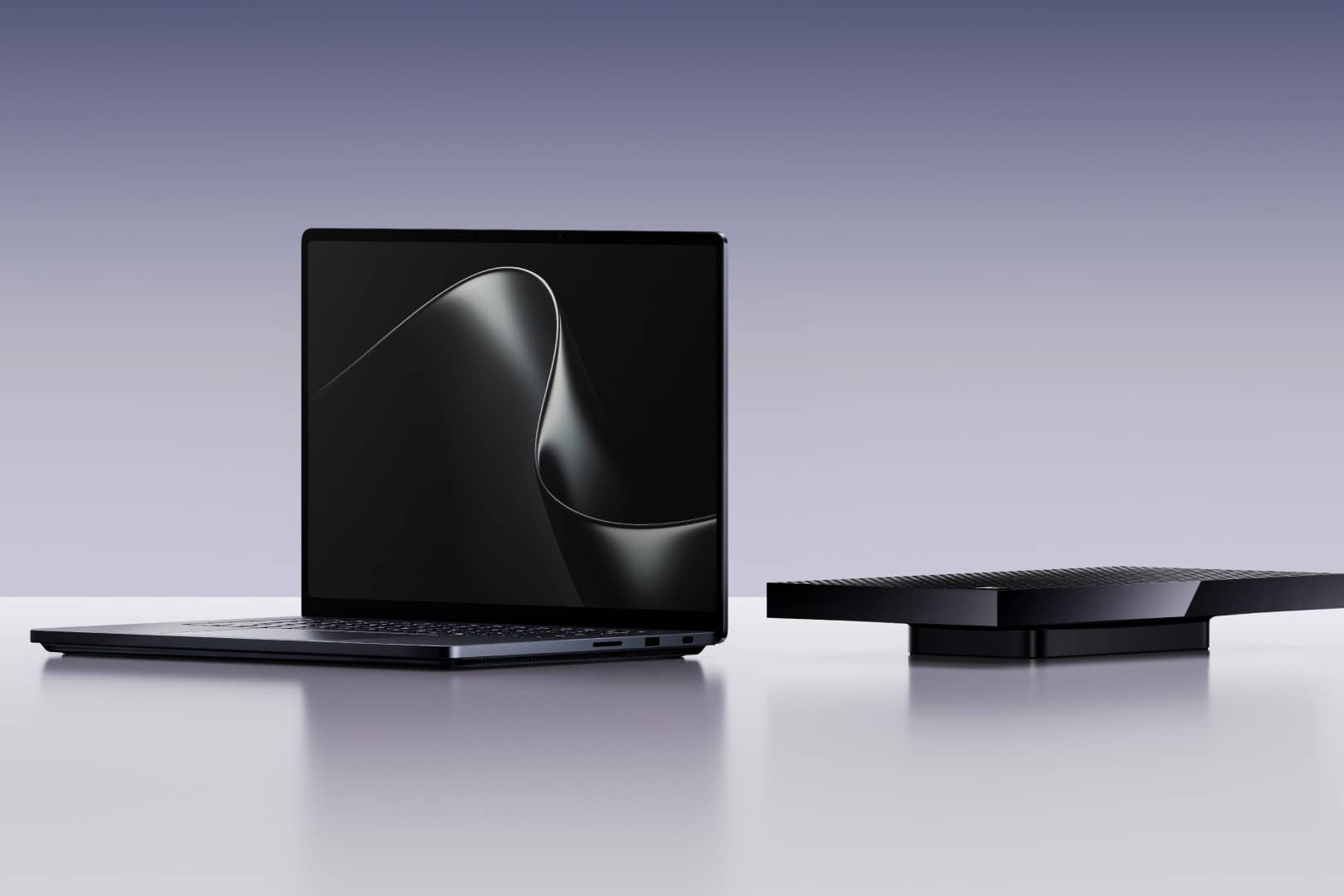
Both changes were announced on 7 October alongside Microsoft's new RTX Spark laptops. The search update is the one you can try first, though only if you are a Windows Insider.
What the new Windows Search does
Microsoft says the new search is built on WinUI 3 and is designed for speed, with results shown in a single list. It is also meant to be better at matching typos and synonyms, so a slightly wrong file name or a different word for a setting should still find what you want.
The bigger change is inline actions. Instead of opening Settings, you type the task. Microsoft's examples include switching to dark mode, turning on night light, turning on Bluetooth, dimming the screen, muting audio, minimising all windows and arranging windows on screen. Microsoft says actions for a phone connected through Phone Link, such as sending a text, are coming soon.
According to Microsoft's Windows Insider post, the feature is rolling out gradually to Insiders in the Experimental channel, in English only for now. Testers can switch it on early under Settings, Windows Update, Windows Insider Program, Feature flags, after moving to build 26340.9616 in the Experimental channel or build 28120.3181 in the Experimental (26H1) channel, checking for updates and restarting.
Later this year, Microsoft plans inline previews and richer file details so similar results are easier to tell apart. Next year it wants to bring the new search to the Start menu. For now, searching from Start still uses the old experience.
A word of caution for anyone tempted to try it today. The Experimental channel carries the newest test builds, which can be unstable, and moving a PC back to a regular release is not always simple. If you rely on your laptop for work or college, it is better to wait for the feature to reach the regular update channel than to enrol your main machine in a test programme for a faster search box.
Copilot gets local context
In a separate post on building Windows for hybrid intelligence, Windows chief Pavan Davuluri said Copilot on Copilot+ PCs will gain three local abilities. With your permission it can use local context, meaning relevant files and recent activity on your PC. It can take local actions such as organising files, checking device diagnostics and troubleshooting. And it can tap local models, running some tasks on the PC instead of the cloud.
Microsoft says these Copilot features are expected to begin rolling out on Copilot+ PCs in the coming months. It also plans to bring Copilot Search into the taskbar search box so you can get quick answers inline and jump to the full Copilot app. That experience will be opt in and will first reach select markets later this year. Microsoft has not said whether India is among them.
What it means for Indian users
The search changes are a free Windows update, but Microsoft has not given a date for when they leave testing and reach regular Windows 11 users. The local Copilot features are tied to Copilot+ PCs, so older laptops will miss out. If you are planning a laptop purchase this festive season, that is worth weighing. Our coverage of the Surface Pro 12 and Surface Laptop 13 covers Microsoft's current Copilot+ hardware, and the new Surface Laptop Ultra starts at USD 2,599 with no India price listed (price as of 8 October 2026, 1:25 AM IST).
The permission point matters. Letting an assistant read your files is a trade-off, and Microsoft says you stay in control at every step. Check what Copilot is allowed to see once these features arrive, the same way you would check app permissions on a phone. For more on how AI assistants are spreading across devices, see our report on Google's latest Gemini update.